= For more details about “Set Home”,
refer to Setting your home position on
page 134.
Dialing GOOG-411
You can dial GOOG-411, the free phone service
with one touch.
1 Touch [GOOG-411] on the “Phone
Menu”.
= For details, refer to Displaying the Phone
Menu on page 52.
Dialing GOOG-411 starts.
2 You can now use the GOOG-411 phone
service.
For details about the GOOG-411 phone service,
contact the service provider.
Announcing incoming
short mails
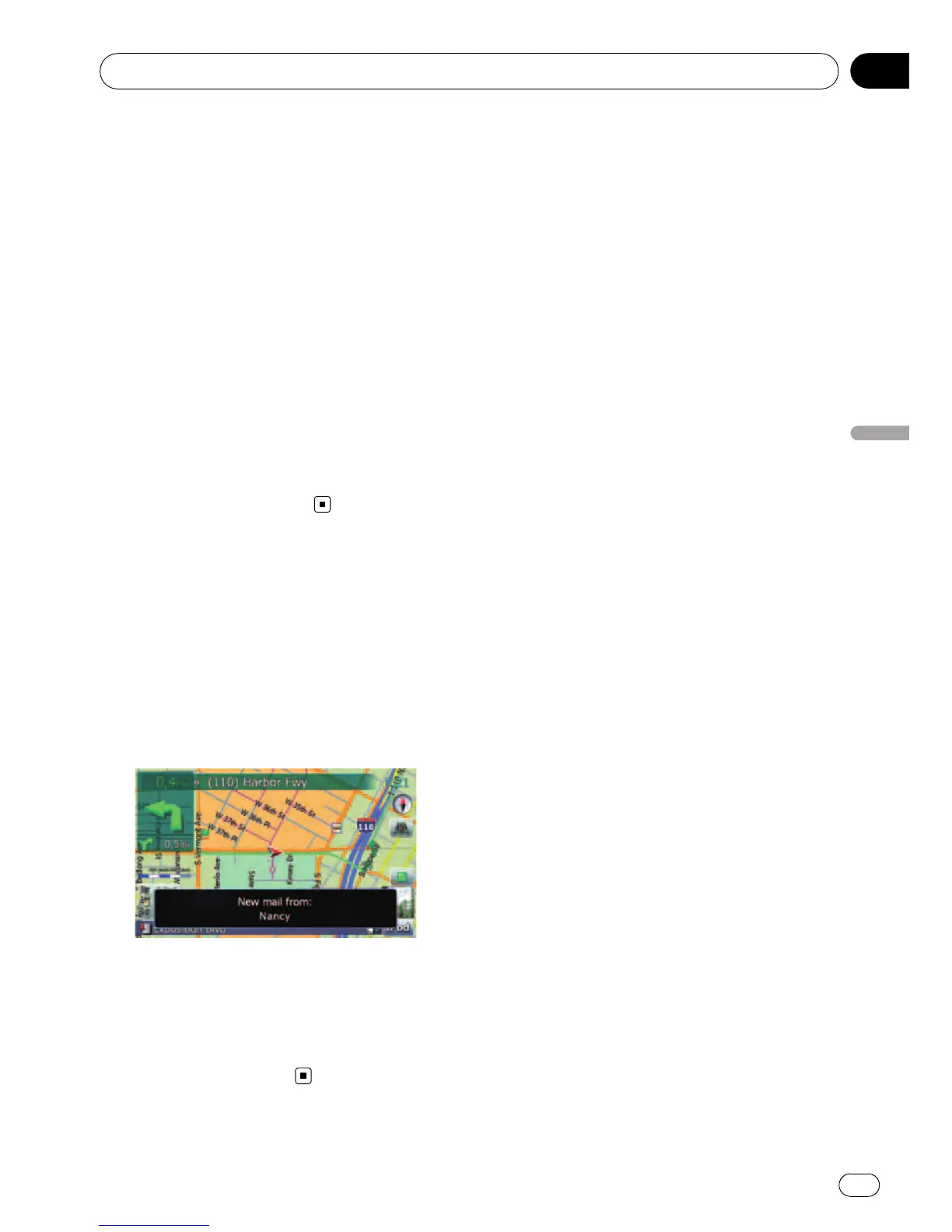
While the cellular phone and the navigation
system are connected, the following notice is
displayed when you get a new SMS message.
“New mail from: (sender’s name)” is dis-
played and the notice disappears after eight
seconds.
p If you want to delete the message, touch
anywhere on the screen.
p If the voice language with TTS is currently
used, the audible message can be output.
= For details, refer to Selecting the lan-
guage on page 135.
Transferring the phone book
You can transfer the numbers in a registered
user phone’s address book into the phone
book.
p With some cellular phones, it may not be
possible to transfer the entire phone book
at once. In this case, transfer addresses
one at a time from your phone book using
your cellular phone.
p The maximum 400 entries can be trans-
ferred per cellular phone. If the entries ex-
ceed 400, the extra entries will not be
transferred. If more than one number is re-
gistered for one person, such as work place
and home, each number is counted sepa-
rately.
p Each entry can hold up to 3 phone num-
bers.
p Depending on the cellular phone that is
connected to this navigation system via
Bluetooth technology, this navigation sys-
tem may not be able to display the phone
book correctly. (Some characters may be
garbled.)
p If the phone book in the cellular phone con-
tains image data, the phone book may not
be correctly transferred.
1 Connect the cellular phone that has the
phone book to transfer.
= For details, refer to Connecting a registered
cellular phone on page 55.
2 Touch [Phone Book Transfer] on the
“Phone Menu”.
The confirmation messages appear.
3 Check the messages and touch [OK].
p If there is a phone book already transferred,
a message asking whether you can accept
the data replacement appears.
Using hands-free phoning
En
59
Chapter
08
Using hands-free phoning



 To Next Page
 Loading...




