Receiving a phone call
You can perform hands-free answering by
using the navigation system.
Answering an incoming call
The system informs you that it is receiving a
call by displaying a message and producing a
ring sound once.
If [Auto Answer Preference] is set to [Off],
answer the call manually. Answering is avail-
able if any screen is displayed, such as the
map screen or the setting screen.
p You can set this navigation system to auto-
matically answer incoming calls.
= For details, refer to Answering a call
automatically on page 61.
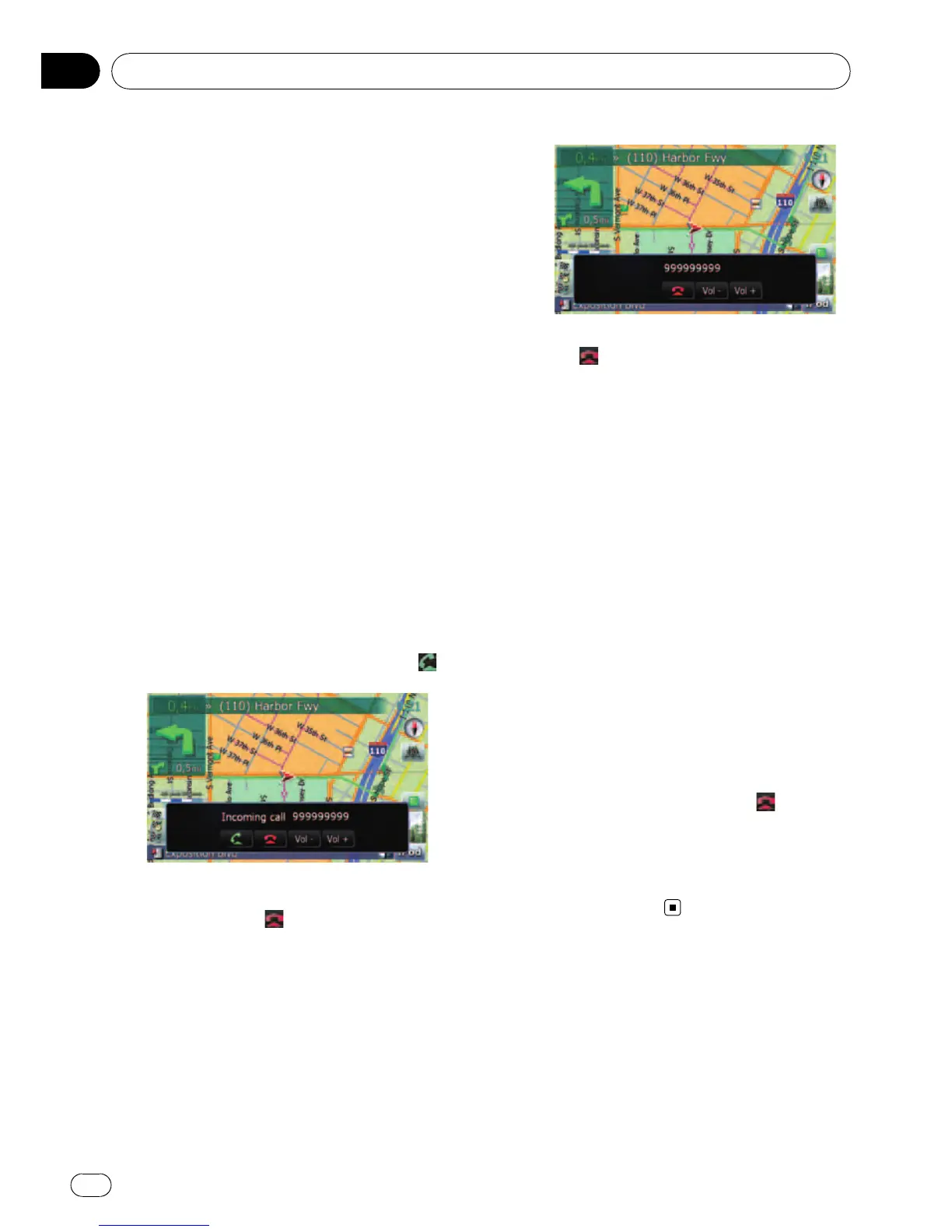
1 When a call comes in, the answering
operation menu appears on the bottom of
the screen.
p You cannot carry out operations other than
answering calls.
2 To answer an incoming call, touch .
When there is an incoming call, you can reject
the call by touching
.
p You can adjust volume when you are talk-
ing. To adjust volume, touch [Vol -] and
[Vol +] displayed on the screen (like below)
when you are talking.
3 Touch to end the call.
The call ends.
p When there is an incoming call, pressing
MULTI-CONTROL answers the call. During
the call, pressing MULTI-CONTROL gets
you off the phone.
p If the voice on the other end of the call is
too quiet to hear, you can adjust the volume
of the received voice.
= For more details about “Phone Vo-
lume”, refer to Setting the phone volume
on page 60.
p You may hear a noise when you hang up
the phone.
Rejecting an incoming call
You can reject an incoming call.
= For details, refer to Answering a call auto-
matically on page 61.
% When a call comes in, touch
.
The call is rejected.
p The rejected call is recorded in the missed
call history list.
= For details, refer to Dialing from the history
on the next page.
Making a phone call
You can make a phone call in many different
ways.
Using hands-free phoning
En
56
Chapter
08



 To Next Page
 Loading...




