Item Description
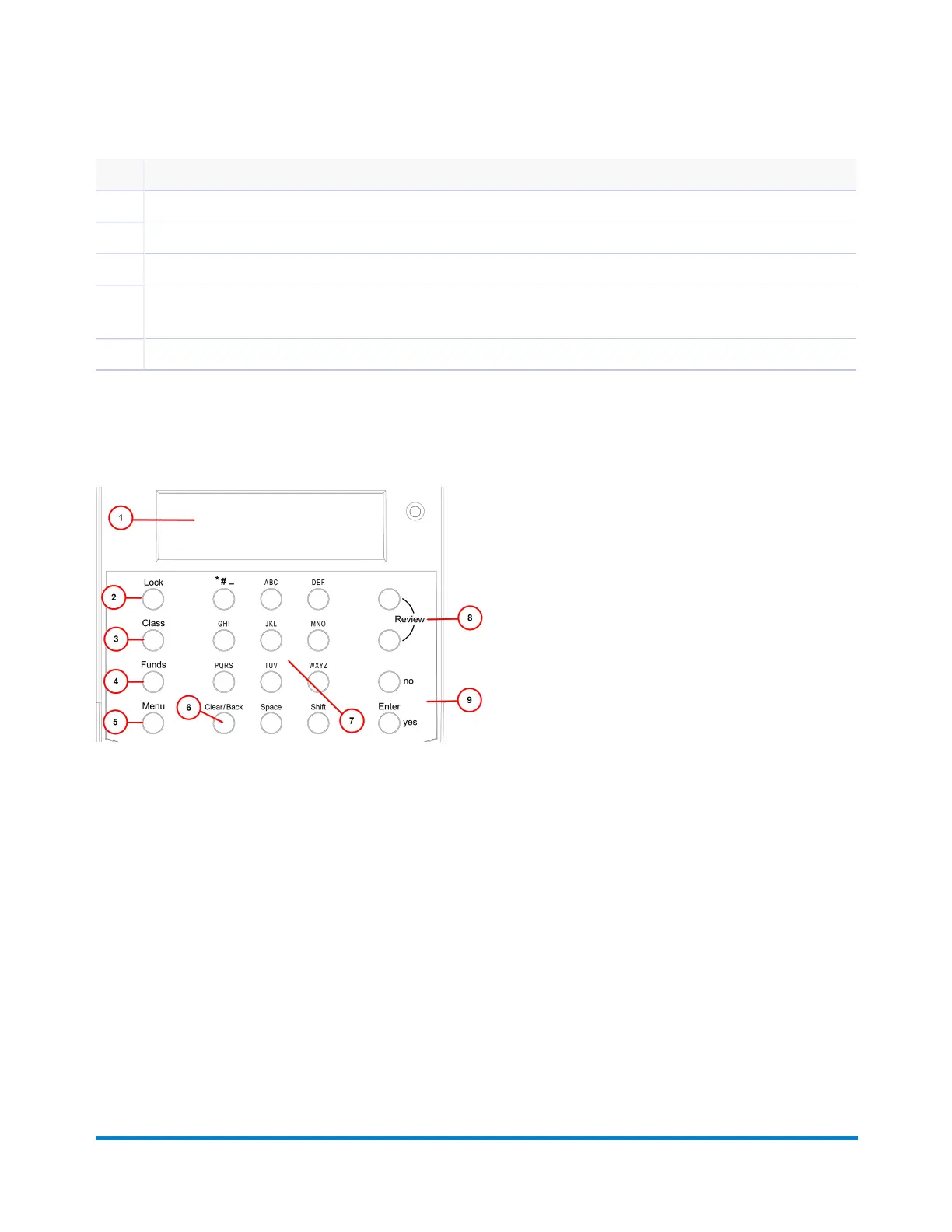
1 Control Panel:Allowsyoutoenterandsetupinformationonyourmailingsystem.
2 LCD Display:Showsthecurrentstatusofyourmachineandpromptsyouthroughallsetupoperations.
3 LED:Lightsamberwhenyourmachineislowonink(oneblinkindicatesthemachineisoutofink).
4 Scale (optional):Allowsyoutoweighamailpiecesoyoucancalculatethecorrectpostage,orthemachinecan
calculatethecorrectpostageifyoupurchasedtheoptionalinternalratingfeature.
5 Mail Deck:Feedtheenvelope,postcardortapesheetatthemaildeckforprinting.
The Control Panel
Getting Started
Pitney Bowes Operator Guide January 2024 8



 To Next Page