Replacing the Ink Tray
Theinkwastetankisnearlyfullmessageappearswhenthewastetray(alsocalledawastetank)has
nearedcapacity.Once your waste tray is actually full, your meter will have to be replaced.This
canbeavoidedbyreplacingyourwastetrayassoonasthewarningmessageappears.
IMPORTANT:ThisprocedureshouldonlybedoneunderthedirectionorwiththepermissionofaPitney
Bowesrepresentative.
Before you start:
Toorderanewwastetray,callthesupplylineat1.800.243.7824andrequest:
Procedure:
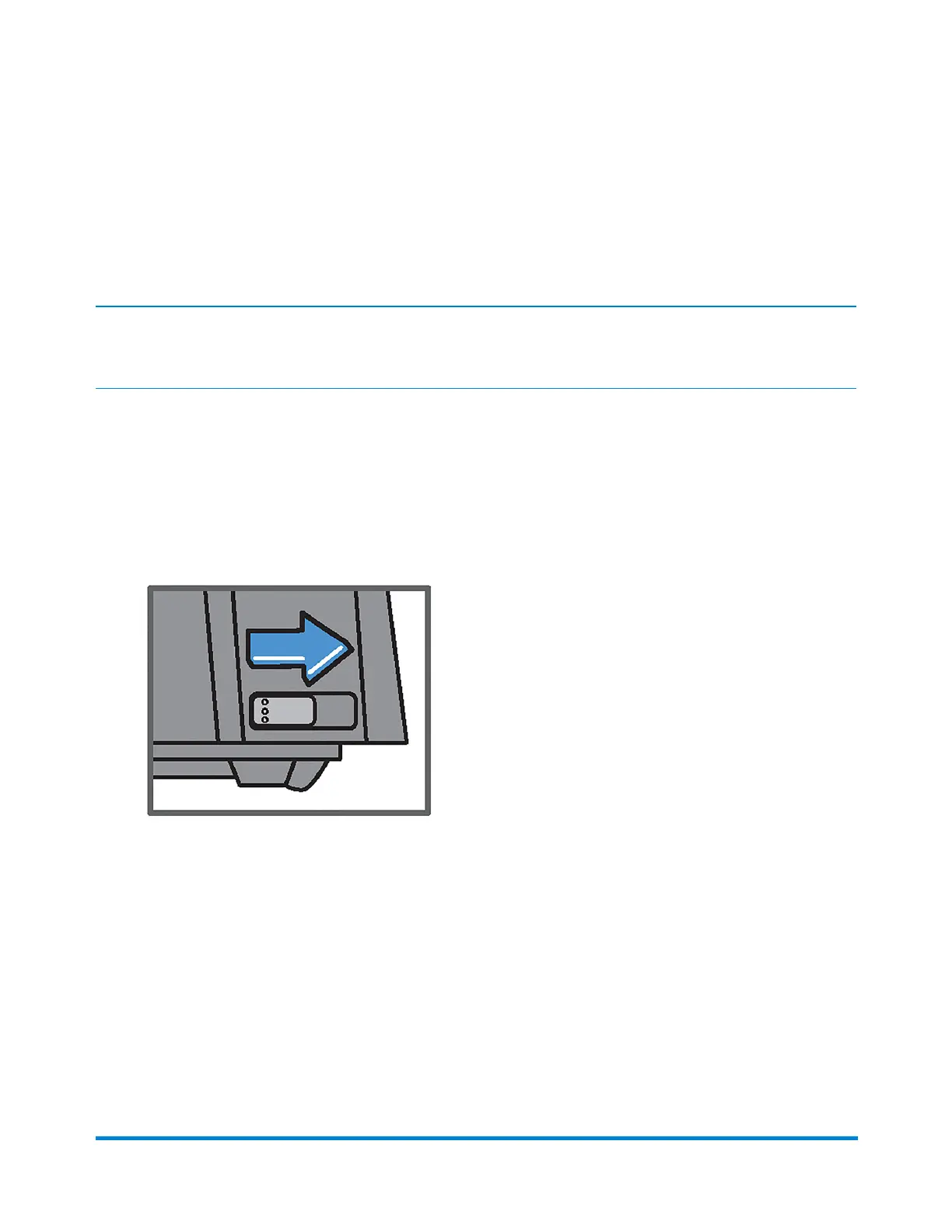
1. Locatethebuttononthebottomrightcorneronthebackofyourmachine.
2. Slidethebuttontotherightandhold.
Maintenance
Pitney Bowes Operator Guide January 2024 86



 To Next Page