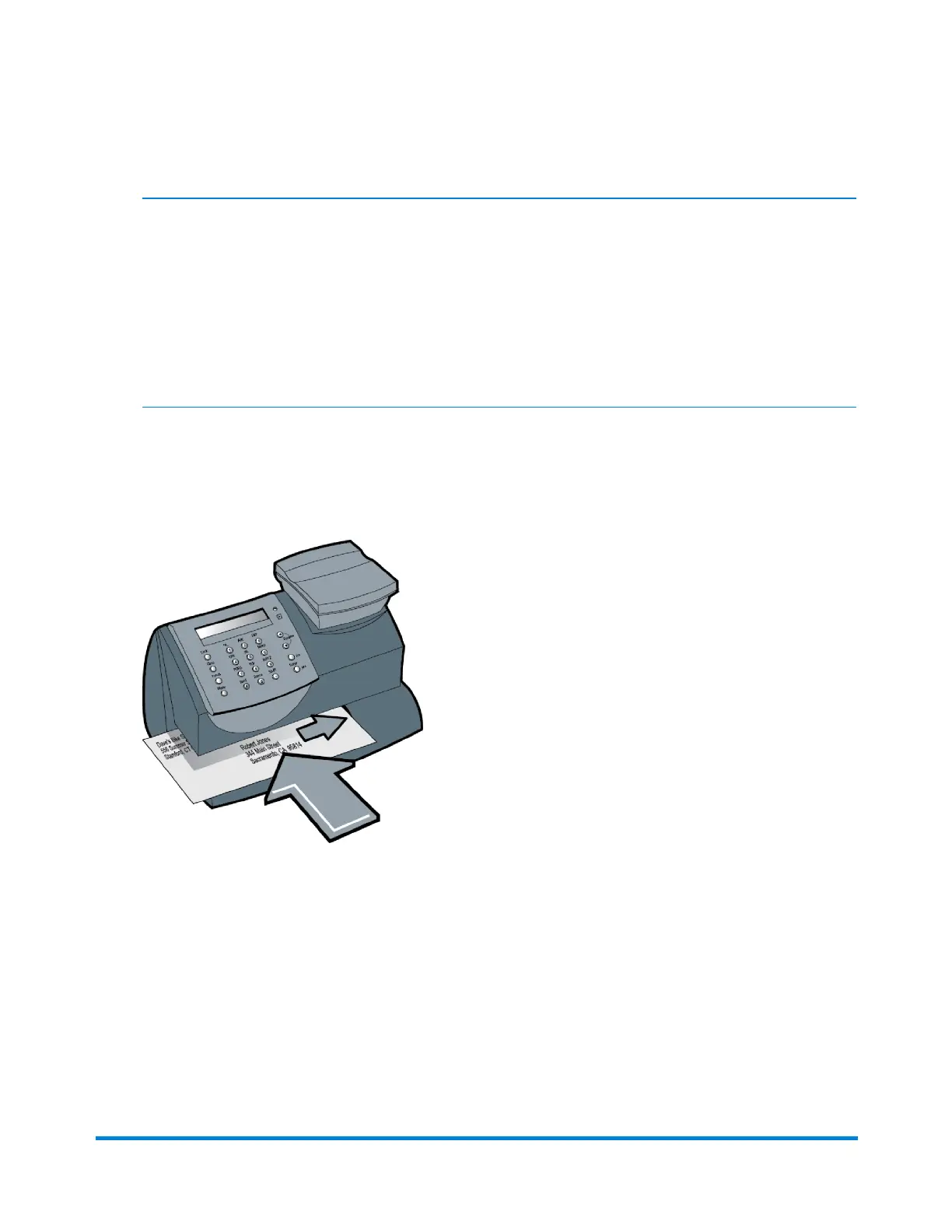
1. Placethemailpieceonthescale.Theweighofthemailpieceappearsonthedisplay.
NOTE:Ifnoclassisdisplayedwhenyouplacedthemailpieceonthemaildeck,youmayneedtoselect
theclass.Ifyoudon'tknowtheclass,contactyourlocalpostoffice.Ifyoudonotspecifyaclass,the
machinewillselectaclassbasedontheweightofthemailpiece.
NOTE:ThemachineallowsyoutoentereitheraZIPCodeoraZonenumberforthoseUSPSclasses
thatrequireadestinationentry(e.g.,Priorityclassover1lb.).Whenprompted,youmaykeyinthe5-
digitZIPCodeorone-digitZonenumber(0-8).TheZIP/ZoneyouentermustrepresenttheZIP/Zoneof
themailpiecedestination,notthemachine.
2. Thedisplayshowsthefinalpostageamountandtheclass.
3. Slidetheenvelope(ortapesheetifthemailpieceistoolargeforthemachine)intothemail
deck.Themachineprintsthedigitalindiciaandsignalswhentoremovethemailpiece.
Applying Postage Using Weight Hold Mode
UsetheWeightHoldModeifthesizeofthemailpiececoversthedisplayscreenonthemachine.
Whenyouusethismode,themachineholdstheweightinmemoryuntilyouselectaclassandfinish
theratingprocess.
Running Mail
Pitney Bowes Operator Guide January 2024 23



 To Next Page