4. KeyinouncesandpressEnter/yes.
NOTE 1:Ifnoclassisdisplayedwhenyouplacedthemailpieceonthemaildeck,youmayneedto
scrollandselecttheclass.Ifyouarenotsureoftheclass,callyourlocalpostofficeorvisit
www.usps.com.Ifyoudonotspecifyaclass,themachinewillselectaclassbasedontheweightofthe
mailpiece.
NOTE:ThemachineallowsyoutoentereitheraZIPCodeoraZonenumberforthoseUSPSclasses
thatrequireadestinationentry(e.g.,Priorityclassover1lb.).WhenpromptedtoenteraZIPorZonein
thesecases,youmayeitherkeyinthe5-digitZIPCodeorone-digitZonenumber(0-8).TheZIP/Zone
youentermustrepresenttheZIP/Zoneofthemailpiecedestination,notthemachine.
5. Thedisplayshowsthefinalpostageamountandtheclass.
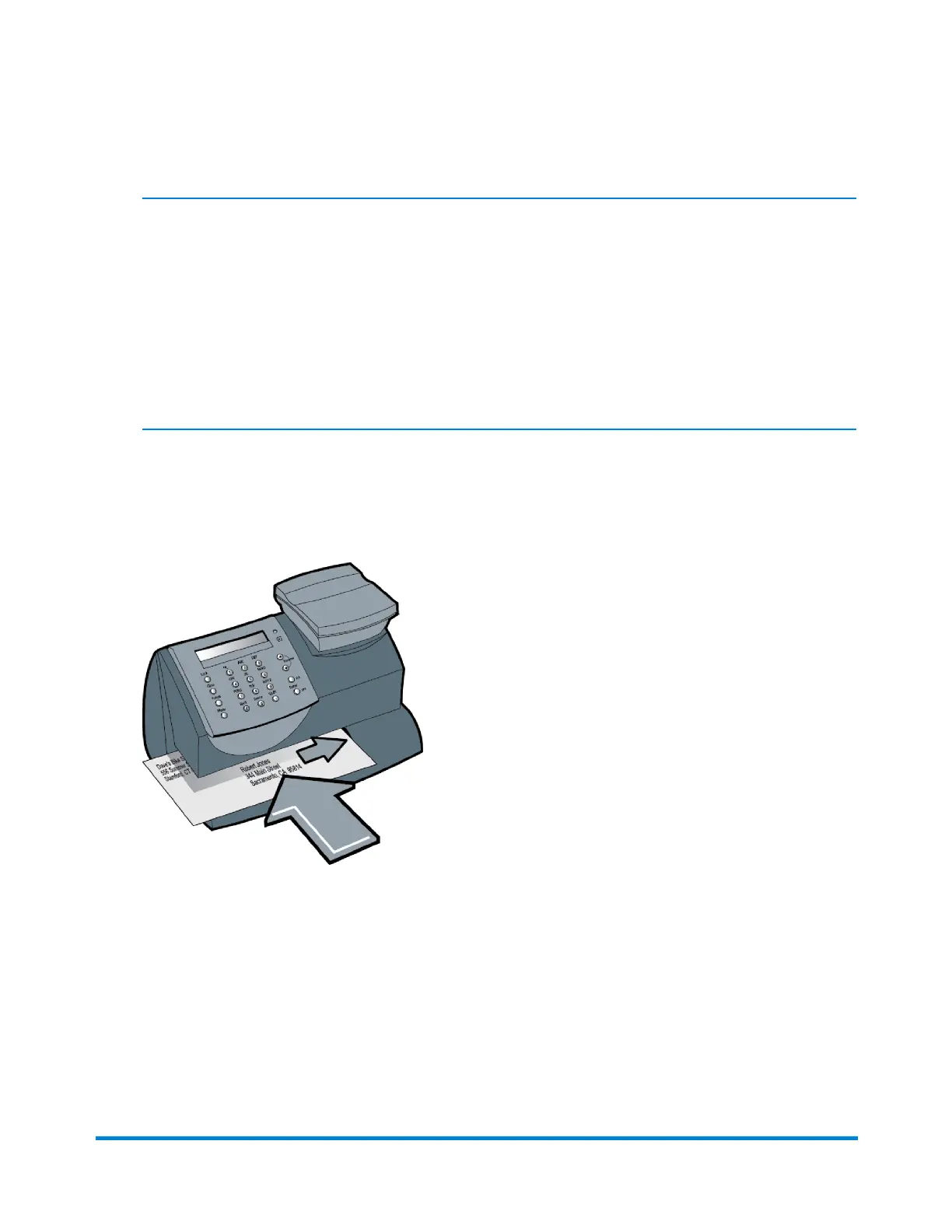
6. Slidetheenvelope(ortapesheetifthemailpieceistoolargeforthemachine)intothemail
deck.Themachineprintsthedigitalindiciaandsignalswhentoremovethemailpiece.
Applying Postage Using Optional Scale and Internal
Rating
Usethismethodwhenyouareusingtheoptionalscaleandoptionalinternalrating.
Running Mail
Pitney Bowes Operator Guide January 2024 22



 To Next Page