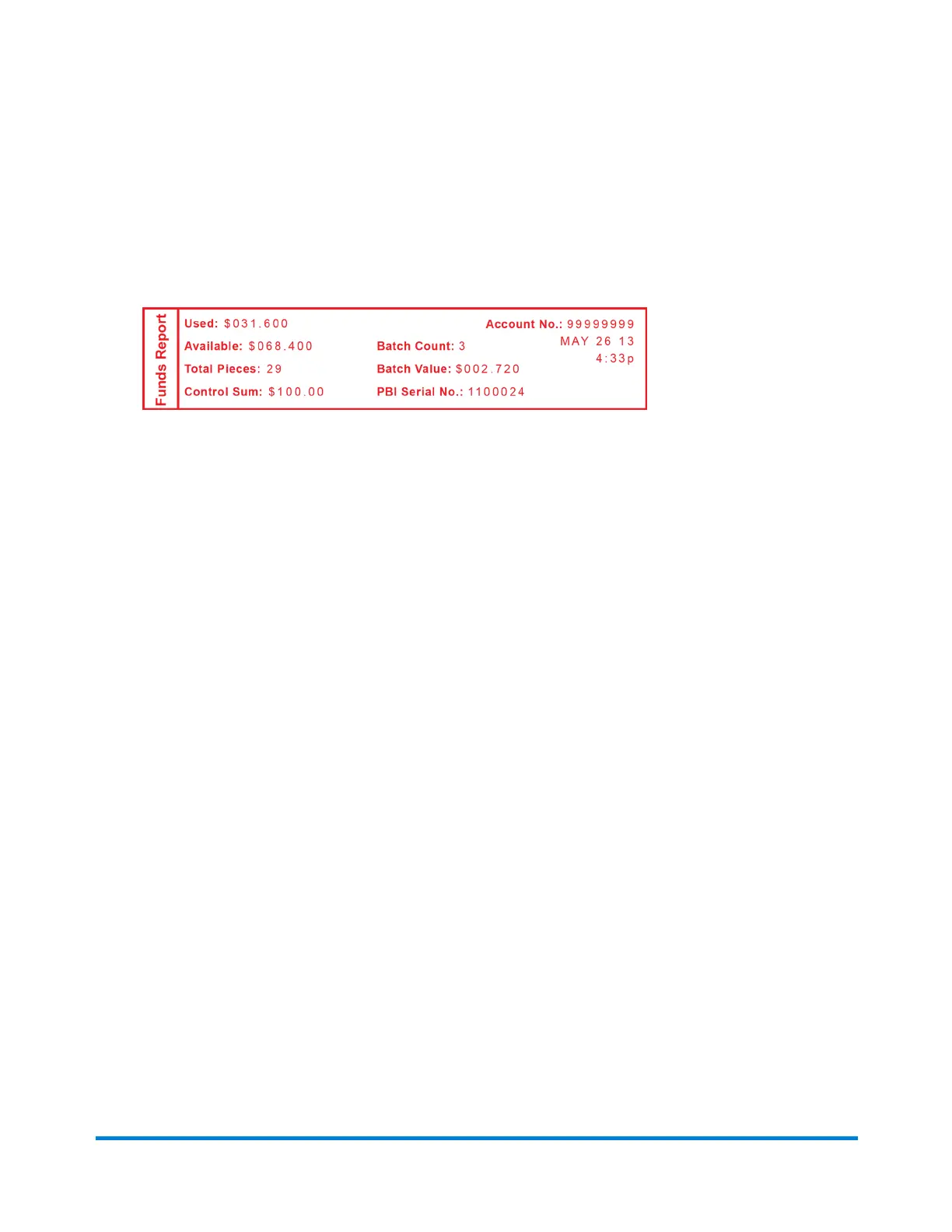
5. Yourmachineprintsyourfundsreport,andyoursystemreturnstotheReportsmenu.
PressNotoreturntoyourhomescreen.
Thereportisprinted(seesamplebelow)andyoureturnbacktothereportsmenu.Follow
promptstoreturntothethemainscreen.
YourFundsReportcontainsthefollowingpiecesofinformation:
l
Used:Thetotalamountusedoverthelifetimeofthemeter.
l
Available:Theamountcurrentlyavailabletoprint.
l
Total Pieces:Thetotalnumberofpiecesrunoverthelifetimeofyourmeter.
l
Control Sum:Thetotaloftheamountusedandavailable.
l
Batch Count:ThecurrentBatchCount.
l
Batch Value:ThecurrentBatchTotal.
l
PBI Serial No.:Theserialnumberofyourmeter.
l
Thedateandtimeyouprintedyourreport.
Printing your Last 5 Refills summary report
FollowthesestepstoprintyourLast5Refillssummaryreport(AddPostagereport):
1. PressMenu
2. UsetheReviewbuttontoscrolltoSelect a report?.
3. PressEnter/yes.
4. UsetheReviewbuttontoscrolltoPrint refill summary?.
5. PressEnter/yes.
6. Whenprompted,insertanenvelopeortapesheetintoyourmeter.Yourmachineprintsyour
refillsummaryreport.
7. YoursystemreturnstotheReportsmenu.PressNotoreturntoyourmainscreen.
Reports
Pitney Bowes Operator Guide January 2024 38



 To Next Page