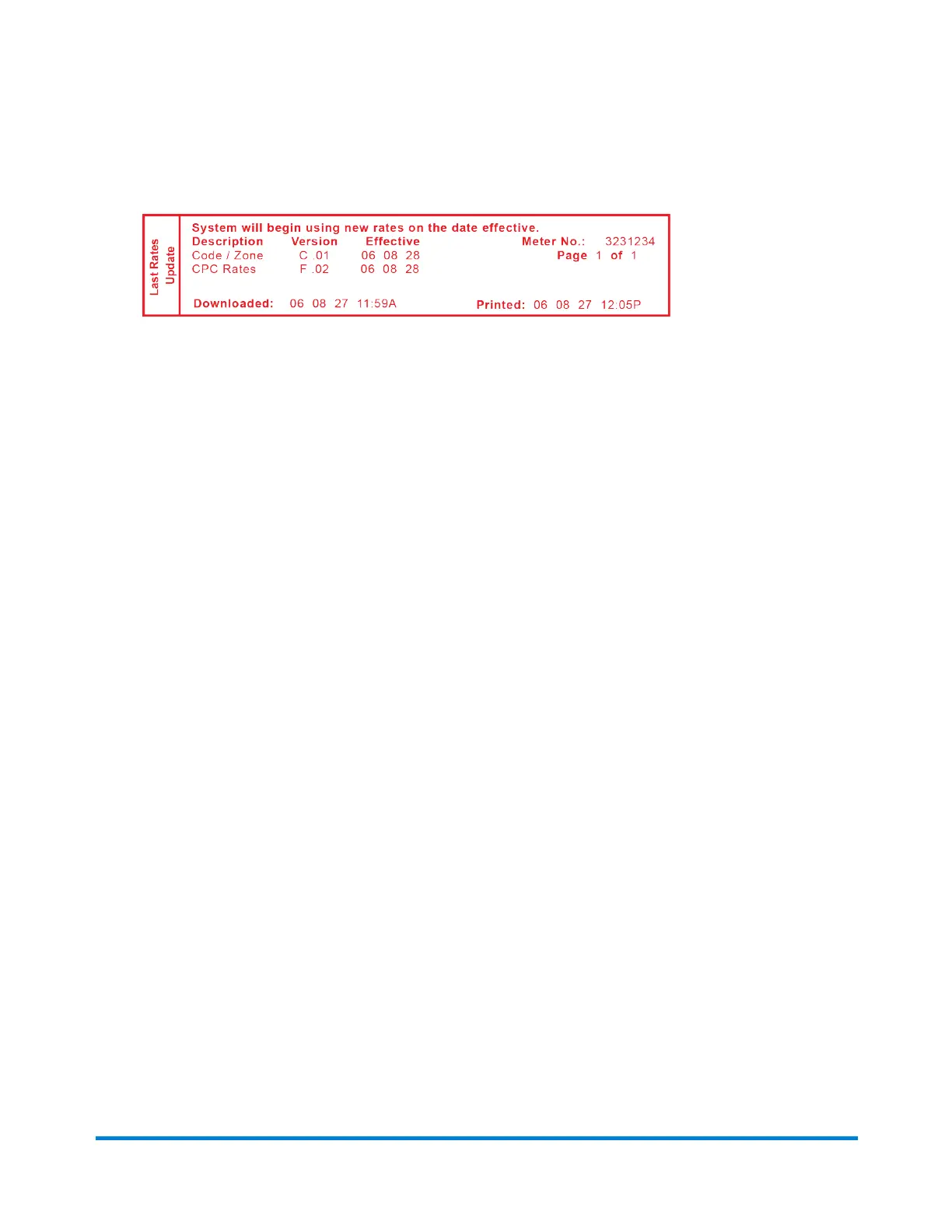
7. Printalastratesupdatereportwhenprompted.Seethefigurebelow.
Description
Description:Thespecifictypeofratethatisaffected.
Version:Thealpha-numericidentifierusedforthisrate.
Effective Date:Thedatethenewratestakeeffect.
Meter No. :Yourmeterserialnumberwhichisprintedonthemeterstampand
onrecordwiththeUSPS.
Downloaded :Thedateandtimethenewratesweredownloadedintothe
machine.
Printed:Thedateandtimethisreportwasprinted.
Performing Meter Inspections
TheUSPSrequiresapostalinspectionofyourmachineevery120days.
ThispostalinspectionrequirementcanbeautomaticallymetbyconnectingtothePitneyBowesData
CentertocheckyourPostageByPhone®meterpaymentaccountbalanceortoaddpostagetoyour
meter.
Please be Advised:
Whenyourmachine'sdisplayprompts:
Inspection Due:Youwillhave30daystoprintpostagebutitisrecommendedthatyouconnecttothe
PBDateCenteratthistimetoallowtheinspection.
Inspection Required:youwillnotbeabletouseyourmailingmachineuntilyoursystemisinspected.
ConnecttothePitneyBowesDataCentertosatisfythepostalinspectionrequirement.
l
ConnecttothePBDataCenter.RefertoHow You Connect to the PB Data Centerformore
informationonpossiblewaysofconnectingtotheDataCenter.
l
Followthepromptsonthe"InspectionDue"screen,or,
Meter Updates and Inspections
Pitney Bowes Operator Guide January 2024 72



 To Next Page