6. Select"PrintSingleReport"or"PrintMultipleReport"andpressEnter/yes.
Dependingonhowtheaccountwassetup,youcandooneofthefollowing:
PrintSingleReport-usetheReviewkeystoscrolltheaccountyouwantandpressEnter/yes.
Whenpromptedinsertanenvelopeortapestrip.
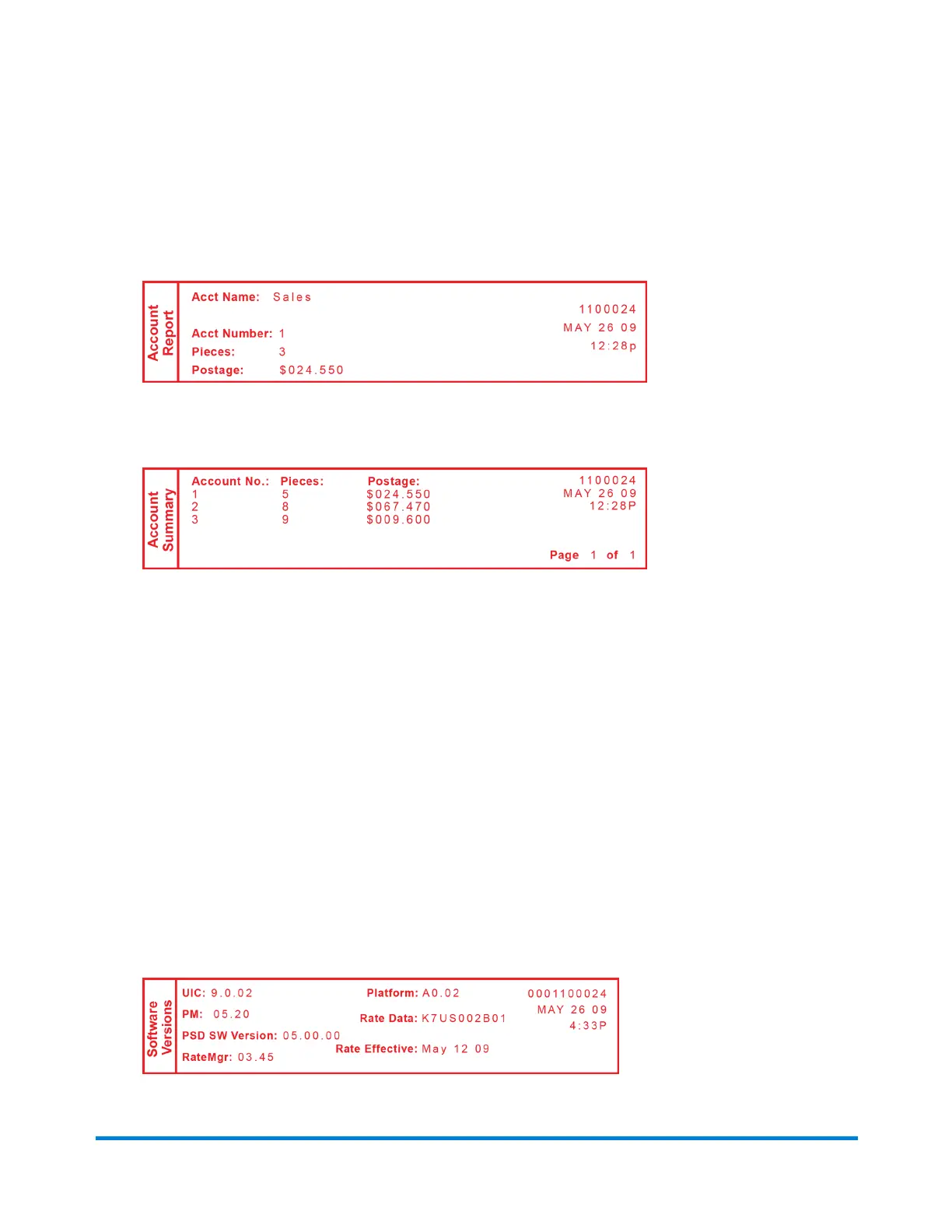
Single Account Report
Print Multiple Report-Allaccountswillbeprinted.Insertenvelopeortapestrip.
Multiple Account Report
System Software Version Report
Thisreportlistssysteminformationaboutyourmailingmachine.
1. PressMenu.
2. UsetheReviewkeystoscrollto"Selectareport?"andpressEnter/yes.
3. UsetheReviewkeystoscrollto"Printsoftwareversionreport?"andpressEnter/yes.
4. Whenprompted,inserttapesheetorenvelopeintothemachine.
5. Thereportisprintedandyoureturnbacktothereportsmenu.Followpromptstoreturntothe
mainscreen.
Reports
Pitney Bowes Operator Guide January 2024 40



 To Next Page