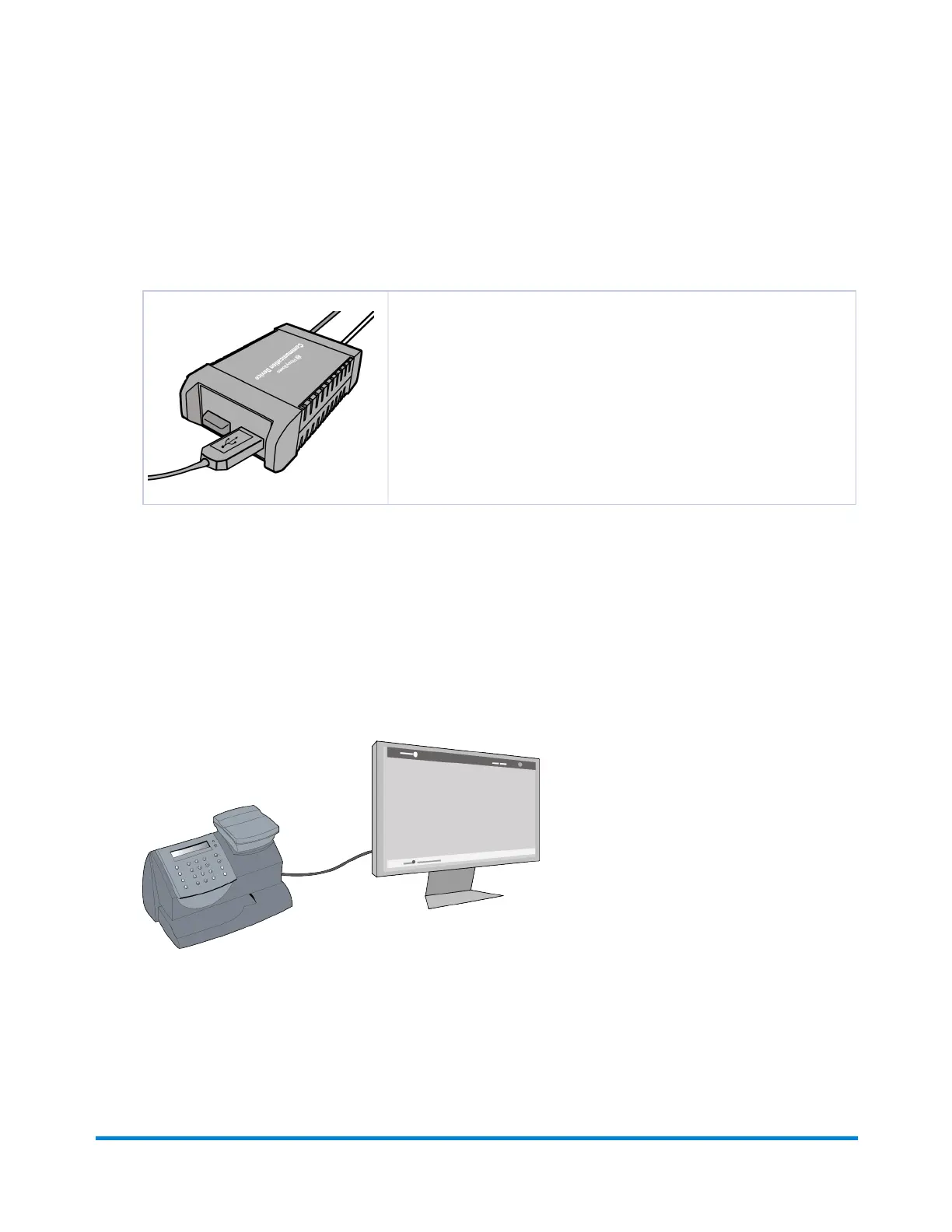
Two Ways to Connect Using the Communication Device
1. Connect Using the Communication Device with an Ethernet Cable to a LAN Port.
2. Connect Using the Communication Device with a Wireless Connection.
Thesemethodsrequirethatthemachinebeconnectedtothe
CommunicationDevice.Thecommunicationsbetweenthemachineand
thePBDataCentergothroughtheCommunicationDeviceinbothofthese
methods.
Connect Directly Through Your Computer Using PC Meter Connect
1. Connect Using PC Meter Connect with a USB cable to your PC computer
ThismethodconnectsthemachinedirectlytoaPCthathasPCMeterConnectsoftware
installed.Noadditionalhardware,suchasSmartLinkortheCommunicationDeviceisused.
Connecting to the Data Center
Pitney Bowes Operator Guide January 2024 55



 To Next Page