Internet Telephony PBX System
IPX-2500
100
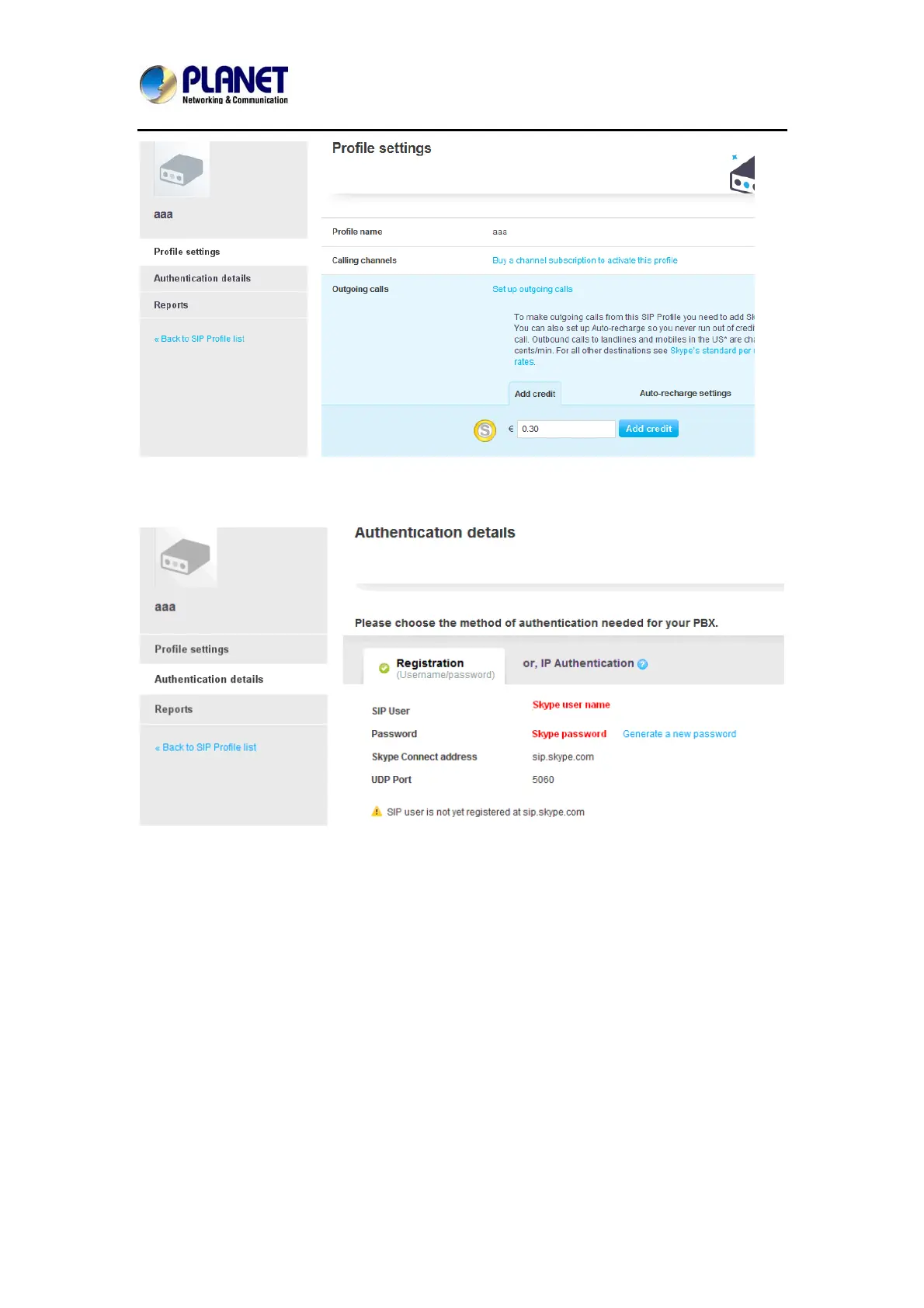
Then you can see the sip account information, and please click the Authentications details.
5.Settings on IPPBX
3. build one sip trunk with Skype for sip account
Provider Type: Custom Trunk
Host: sip.skybe.com
User name: the user name you defined in Authentication detail
Password: the password you defined in Authentication detail



 To Next Page