Internet Telephony PBX System
IPX-2500
92
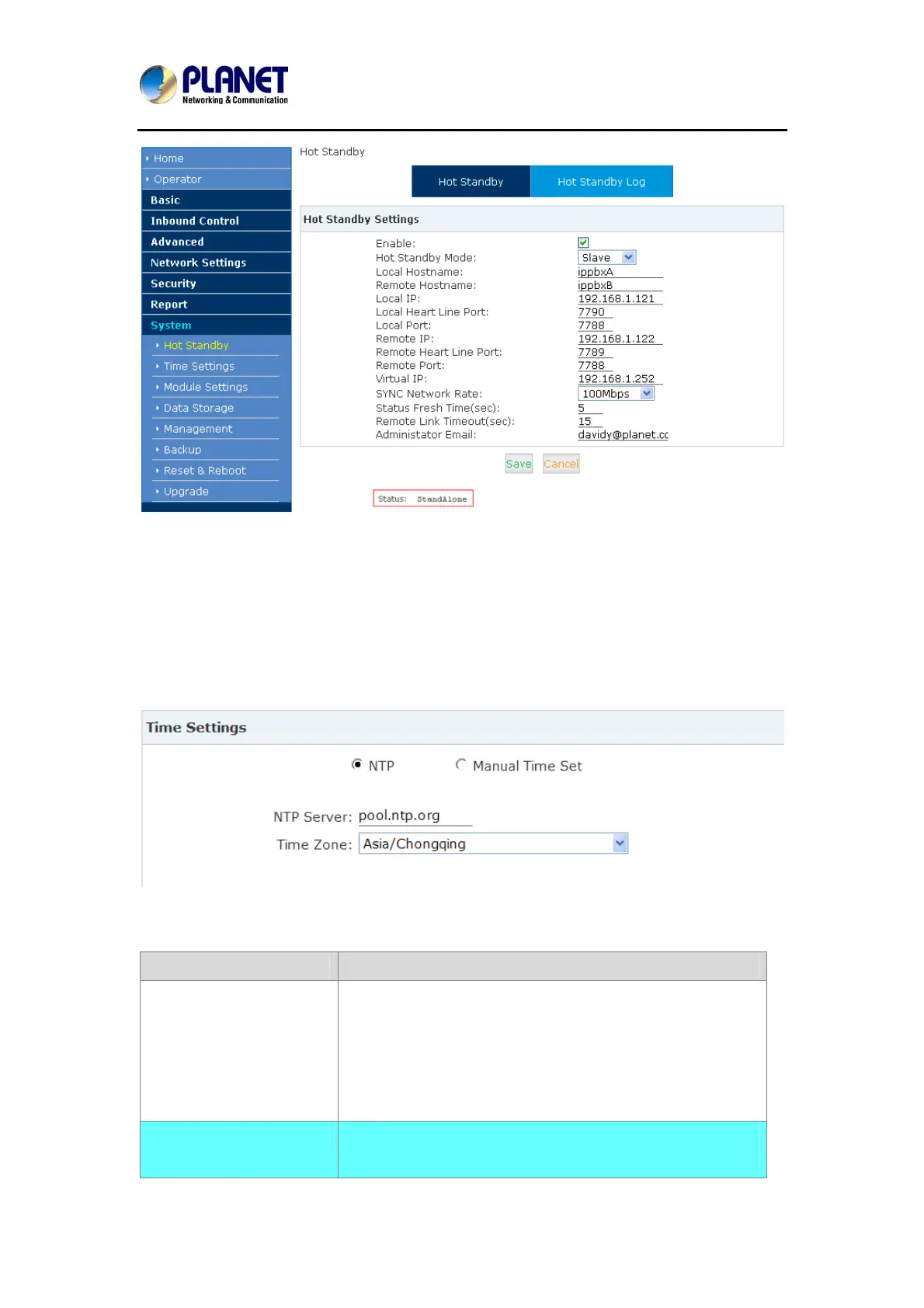
Status:StandAlone indicates offline (which means you need to configure properly and reboot
to reconnect
7.10 Time Settings
Time settings for Planet system, the system supports NTP and Manual Time Set.
【NTP】:
Reference:
Item Explanation
NTP Server
Define the NTP Server. You can input the IP address or
domain of this server, whatever it’s local or remote. Default
server is pool.ntp.org. Be aware that the Planet IP PBX
needs to be able to connect to a NTP server to perfect
functions.
Time Zone
Select your time zone so that the system will set time based
on the time zone.



 To Next Page