Internet Telephony PBX System
IPX-2500
Chapter 5 Network Settings
5.1 Network
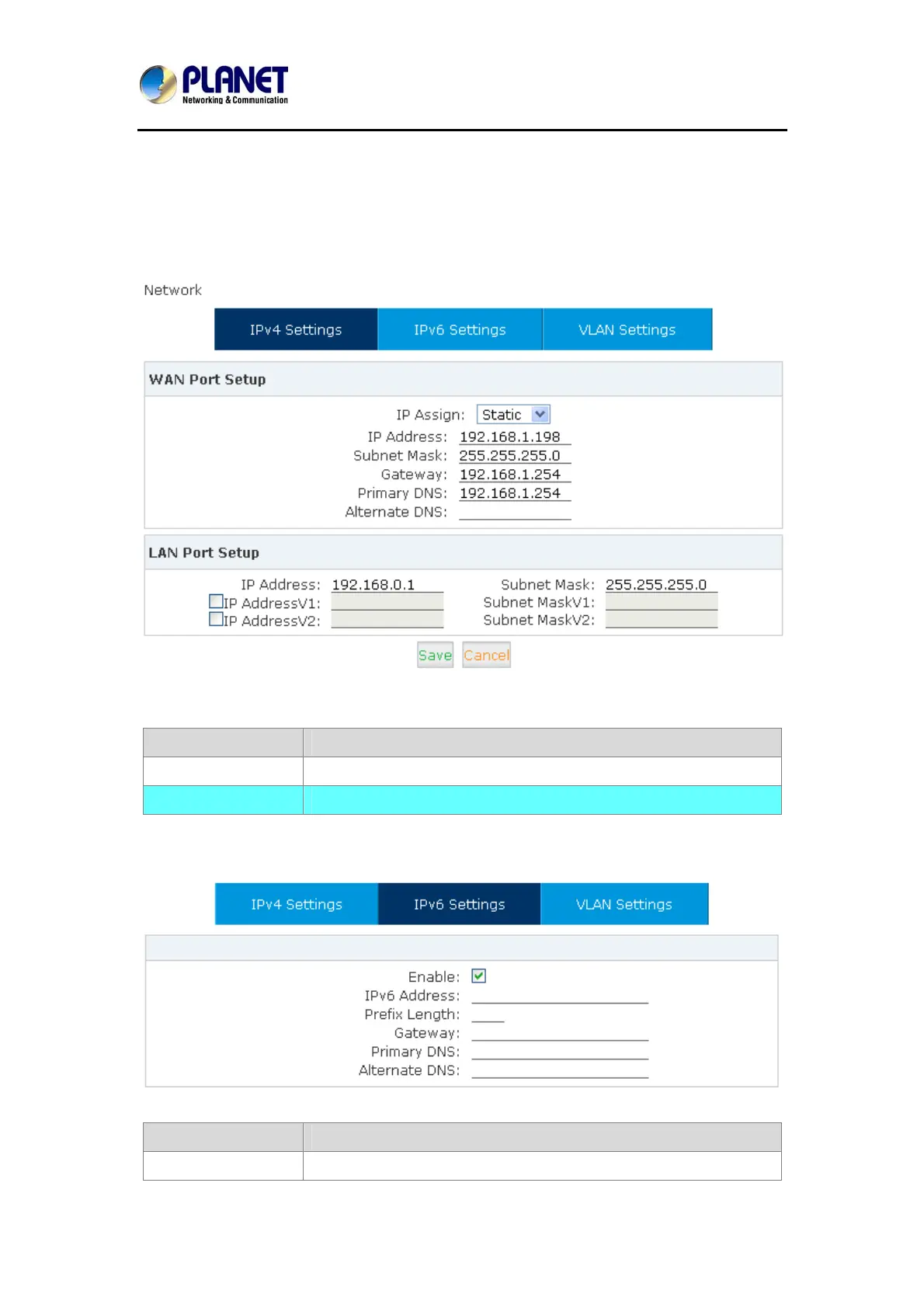
You can configure the WAN Port, and define the Virtual Interface.
Click【Network Settings】->【Network】->【IPv4 Settings】
Reference
Item Explanation
IP Assign Static / DHCP/PPOE supported.
LAN Port Setup Define the virtual interface for WAN Port.
Click【Network Settings】->【Network】->【IPv6 Settings】
IPv6 Reference:
Item Explanation
Enable Enable IPv6, define the IPv6 address, gateway, and DNS.
73



 To Next Page