Internet Telephony PBX System
IPX-2500
Chapter 6 Security
This chapter will introduce you how to configure the Security of PLANET IP PBX.
6.1 Network and Country
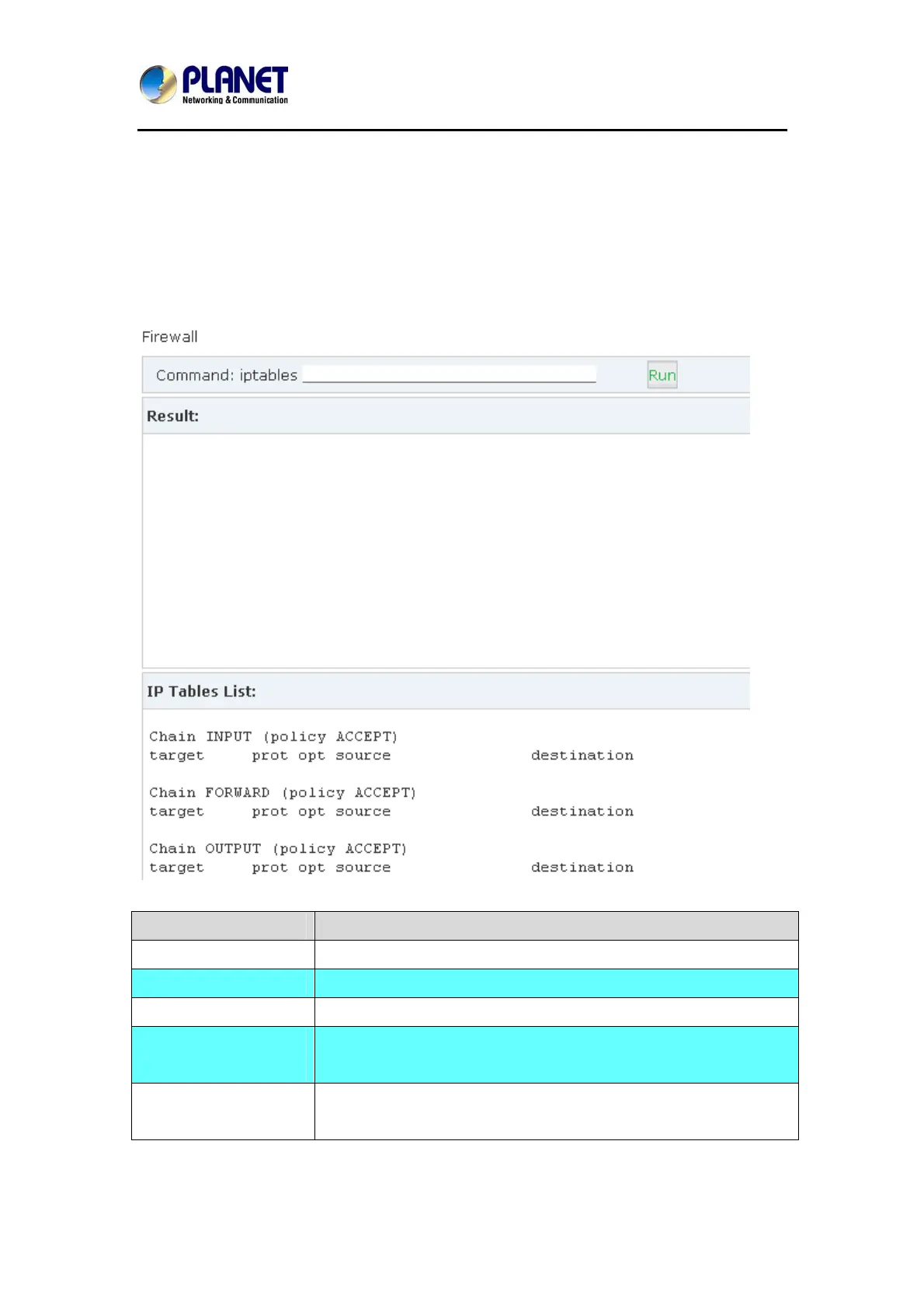
Click【Security】->【Firewall】
Iptables Command Explanation
Check iptables list iptables -L -n
Clear iptables list iptables -F
Deny an IP(192.168.0.3
iptables -A INPUT -s 192.168.0.3 -j DROP
Deny every IP to access
80 port
iptables -A INPUT -p tcp --dport 80 -j DROP
Deny IP(192.168.0.3)
to access port 80
iptables -A INPUT -s 192.168.0.3 -p tcp --dport 80-j DROP
81



 To Next Page