Internet Telephony PBX System
IPX-2500
79
5.6 DDNS Settings
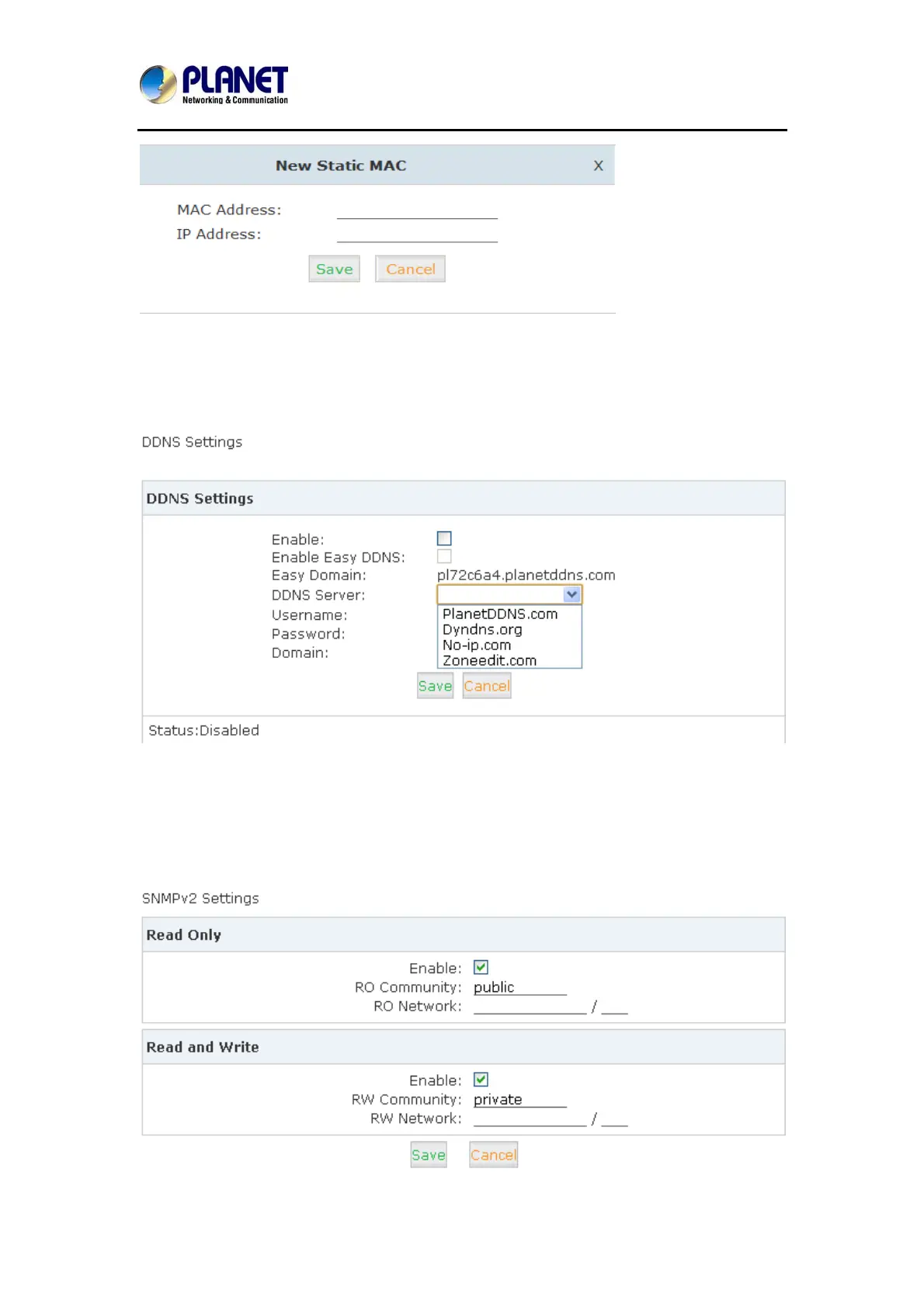
After setting DDNS (Dynamic Domain Network Server), Planet IP PBX settings will be visited
remotely. Click【Network Settings】->【DDNS Settings】:
Planet supports DDNS provided by Planet DDNS / Dyndns.org / No-ip.com / zoneedit.com.
5.7 SNMPv2 Settings
SNMP (Simple Network Management Protocol) is used for remote management.
Click【Network Settings】->【SNMPv2 Settings】:



 To Next Page