Internet Telephony PBX System
IPX-2500
3.7.2 Voice Mail
If you don't want to configure "Follow Me", you can record the message of incoming call, and
email the message to your defined mailbox.
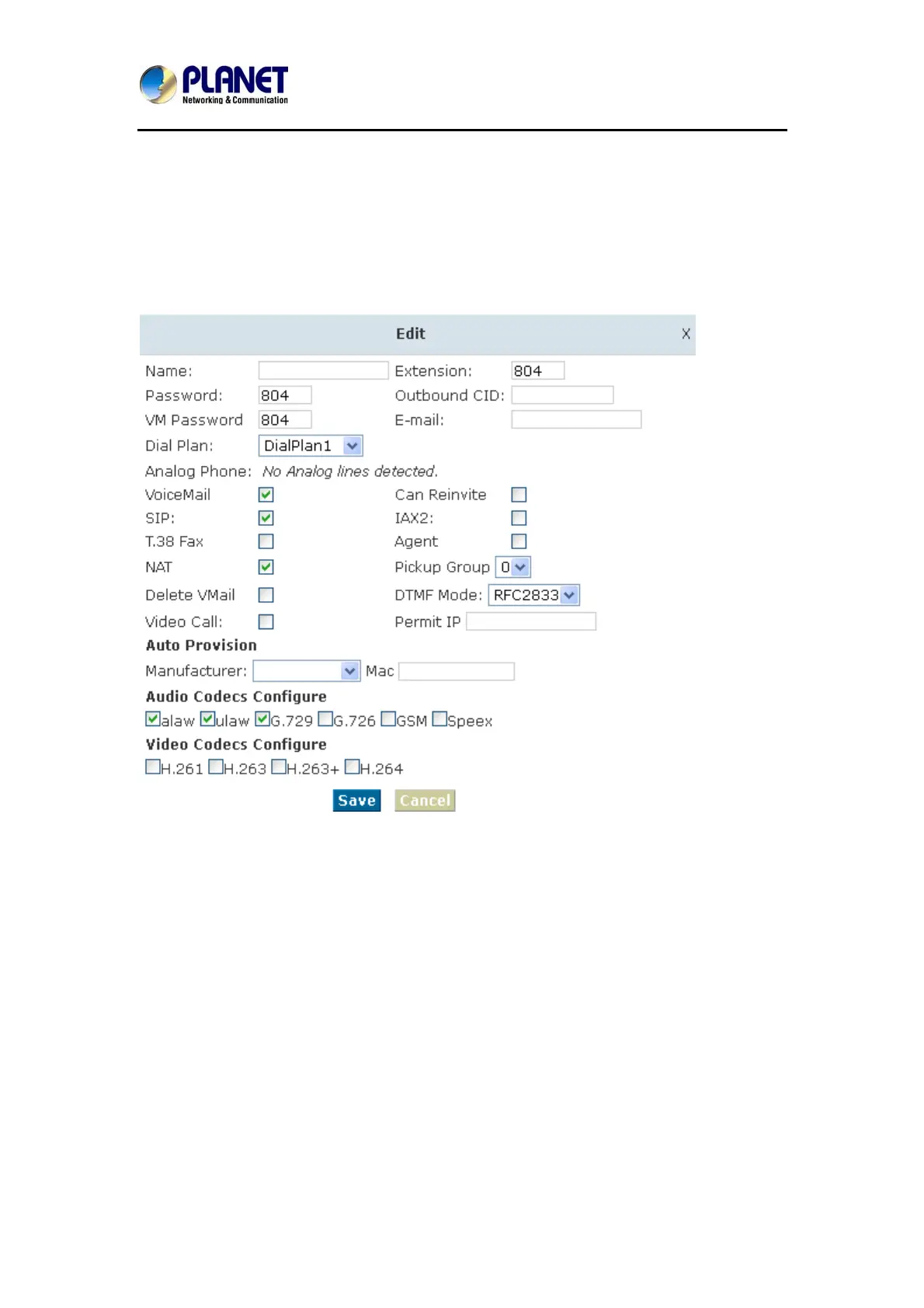
Click【Extension】---【Extension Settings】
Please enable【Voice mail】before configuration, and configure【VM Password】and【Email】.
If there is no answer for the incoming call and when the default ring time is over, the system
will play: “Please leave your message and press the “#” key. Then voicemail will be sent to the
specified mailbox by email.
47



 To Next Page