Internet Telephony PBX System
IPX-2500
Chapter 3 Basic Configuration
3.1 Preparation before Operation
What kind of IP phone can be used with the IPX-2500 IP PBX?
z Our IPX-2500 is based on SIP 2.0 (RFC 3261); any IP phone model based on the same
protocol can work with the IPX-2500.
3.2 Before Making a Call
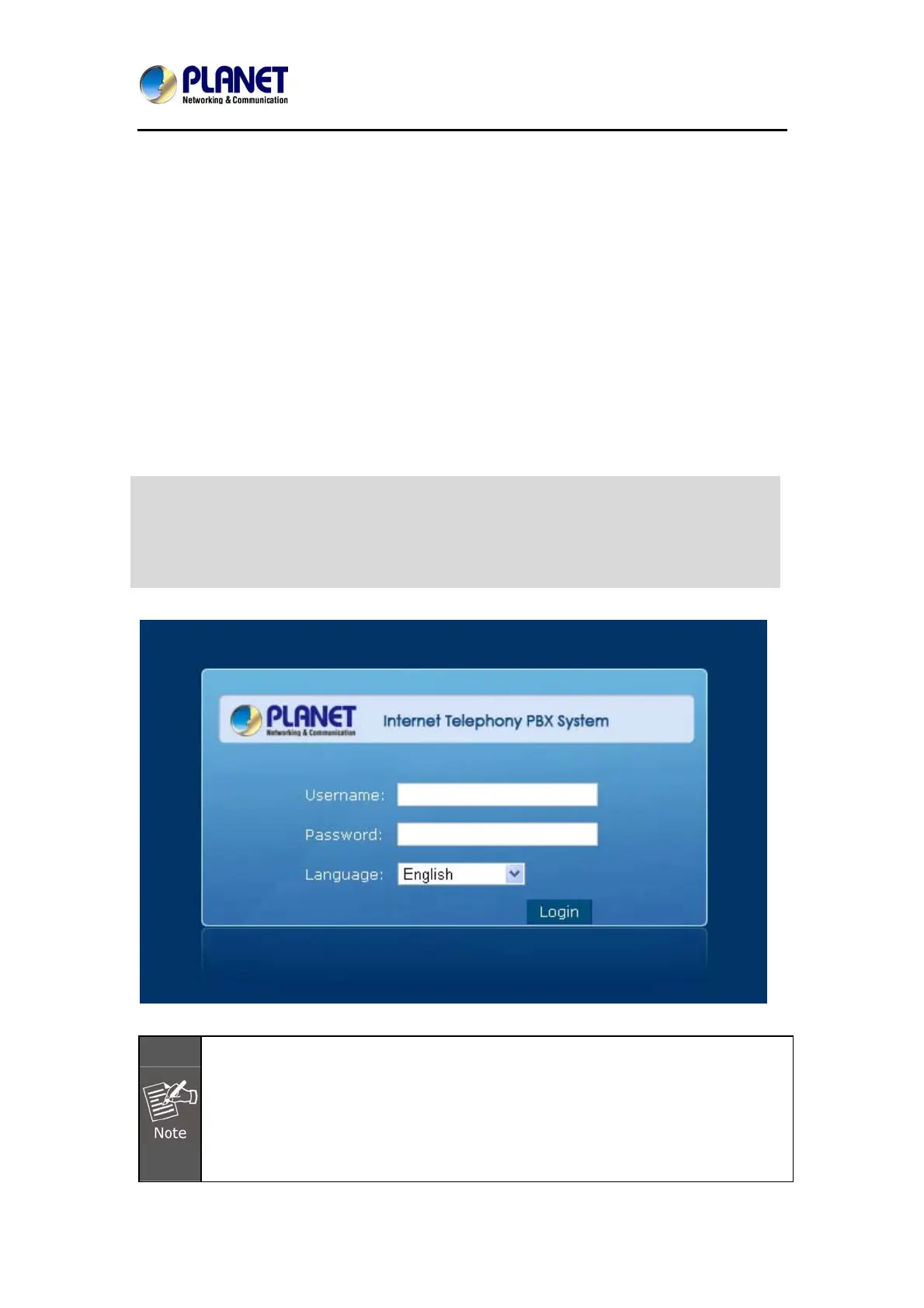
3.2.1 System Information
(Default IP)
20
1. To login to the IPX-2500, your PC must use the same domain as the eth0 IP
address of the IPX-2500.
2. For security reason, please modify the user name and password after you login.
You can modify it on this page: “System”---“Management”
3. Every Time after saving the change, please press the “Activate Changes” to
Default WAN IP: 172.16.0.1
Default LAN IP: 192.168.0.1
Default User Name: admin
Default Password: admin



 To Next Page