Internet Telephony PBX System
IPX-2500
67
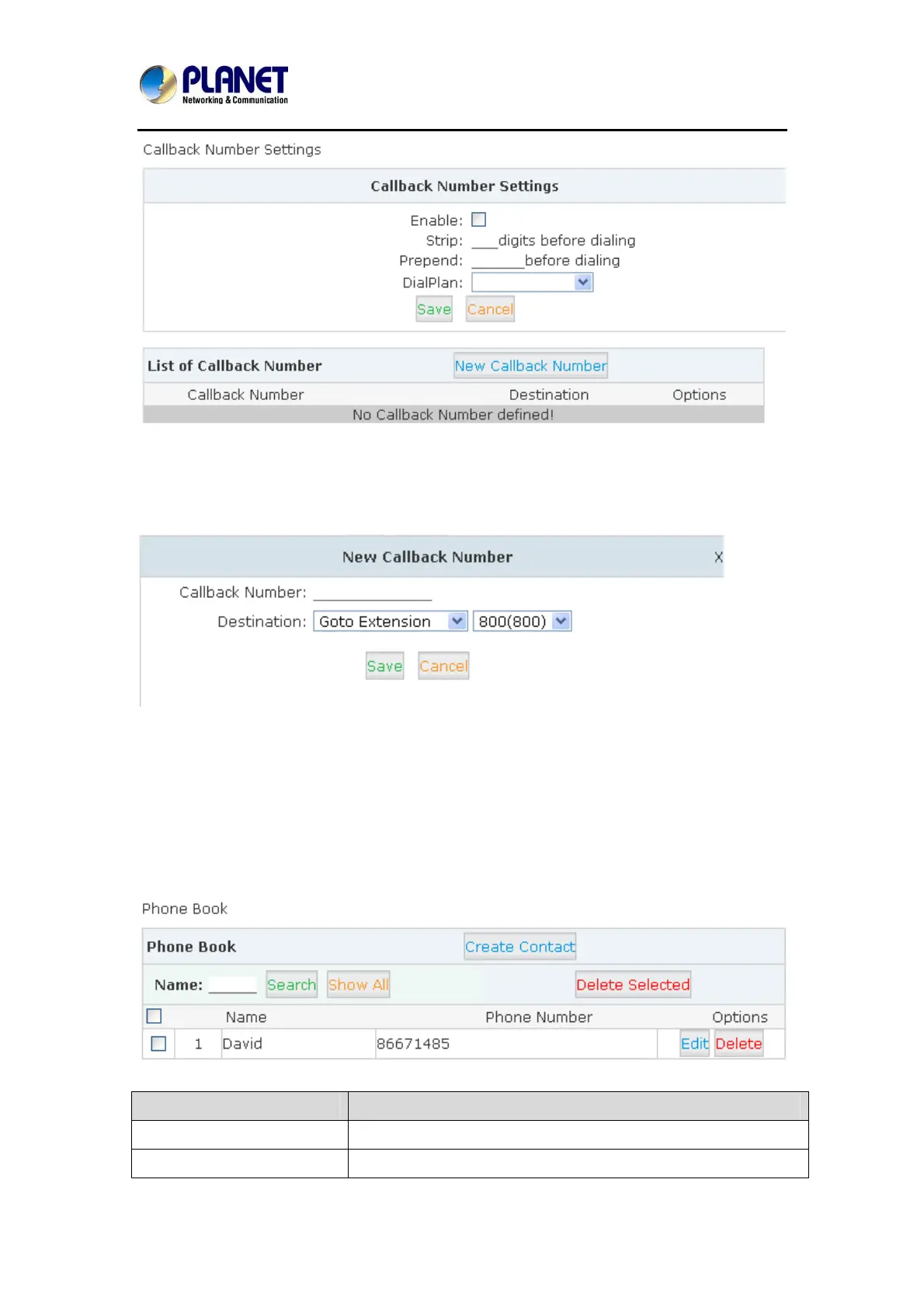
At first, enable this function. Select Dial Plan, and define the callback rule (strip digits or
prepend prefix). Click【New Callback Number】to add callback number.
Input callback number and define the destination.
4.13 Phone Book
When incoming call matches the number in the phone book, the name of the matched number
will be displayed. Please configure it as shown below:
Click【Advanced】->【Phone Book】:
Item Explanation
Search Search by name
Show All All contacts will be displayed in the following list.



 To Next Page