Internet Telephony PBX System
IPX-2500
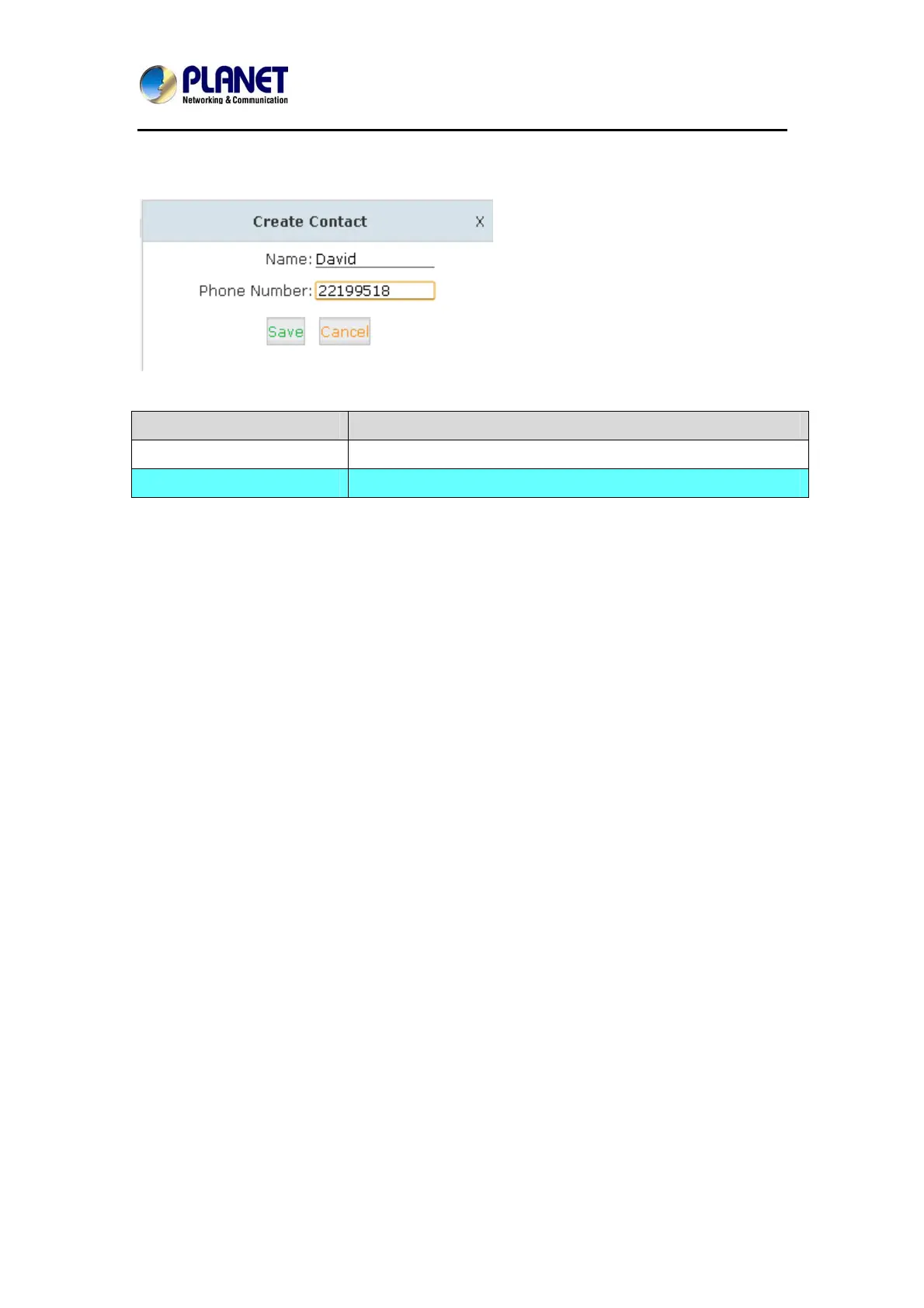
Click【Create Contact】to see the following diagram:
Item Explanation
Name Input contact’s name. (Letter or figure only).
Phone Number Input Phone Number of contact. (IDD Number is available).
Phone book is for the incoming call to use; if the incoming caller ID matches the number in
Phone book, it will display the name defined in Phone book.
For example, Name: David Numb
er: 22199518.
Whe
n system receives the
call 22199518, the extension answers this call with “David” being
displayed.
68



 To Next Page