Internet Telephony PBX System
IPX-2500
Item Explanation
Description Define the description for this trunk (figure or character).
Lines Available line
Prefix The prefix will be added to the dialed number automatically when this
trunk is in use.
Advanced Options Advanced Options for this trunk, e.g. Call Method, Busy Detection,
etc.
Set the available analog line for this device. The same analog line can’t be used in several
FXO / GSM trunks. If you don’t have available analog line, you can’t set up FXO / GSM trunk.
3.3.2 Outbound Routes
Outbound Routes is to define what trunk is used for outbound call by extension user. If user
don't allow extension user to call out, please ignore this part.
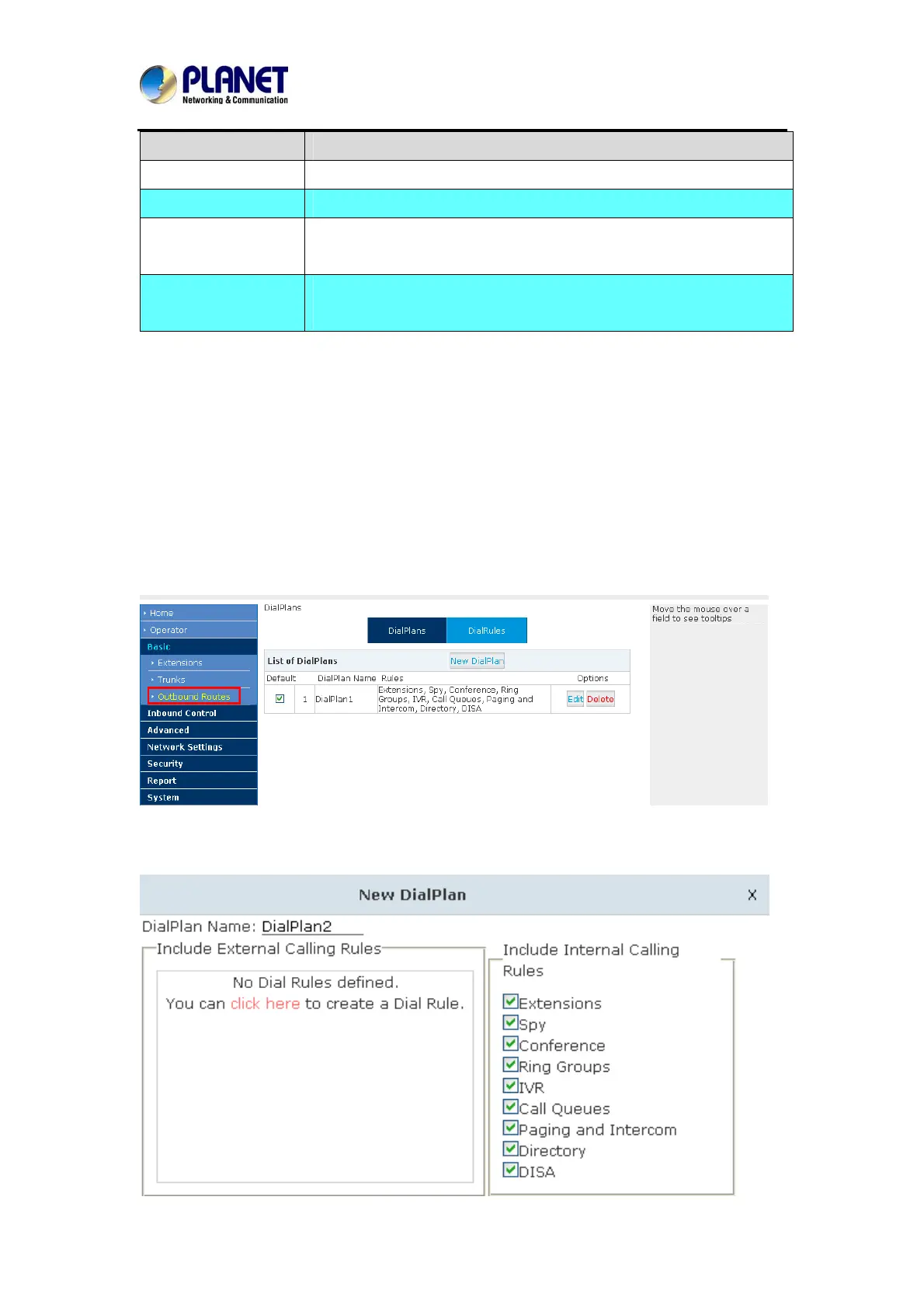
Please configure on this page: 【Basic】->【Outbound Routes】
On this page, user can configure the basic match pattern of the outbound routes and create
different dial plans. Please configure by clicking【Add a Dial Rule】
30



 To Next Page