Internet Telephony PBX System
IPX-2500
96
Step2: IPX-2500 Configuration
Configure the trunk and dial plan on IPX-2500-B, and register IPX-2500-B IP to IPX-2500-A.
The configuration is the same as the above, but you have to replace the public IP address with
the internal IP:192.168.1.21.
Step3: Configure port mapping rule of IPX-2500-B on the router
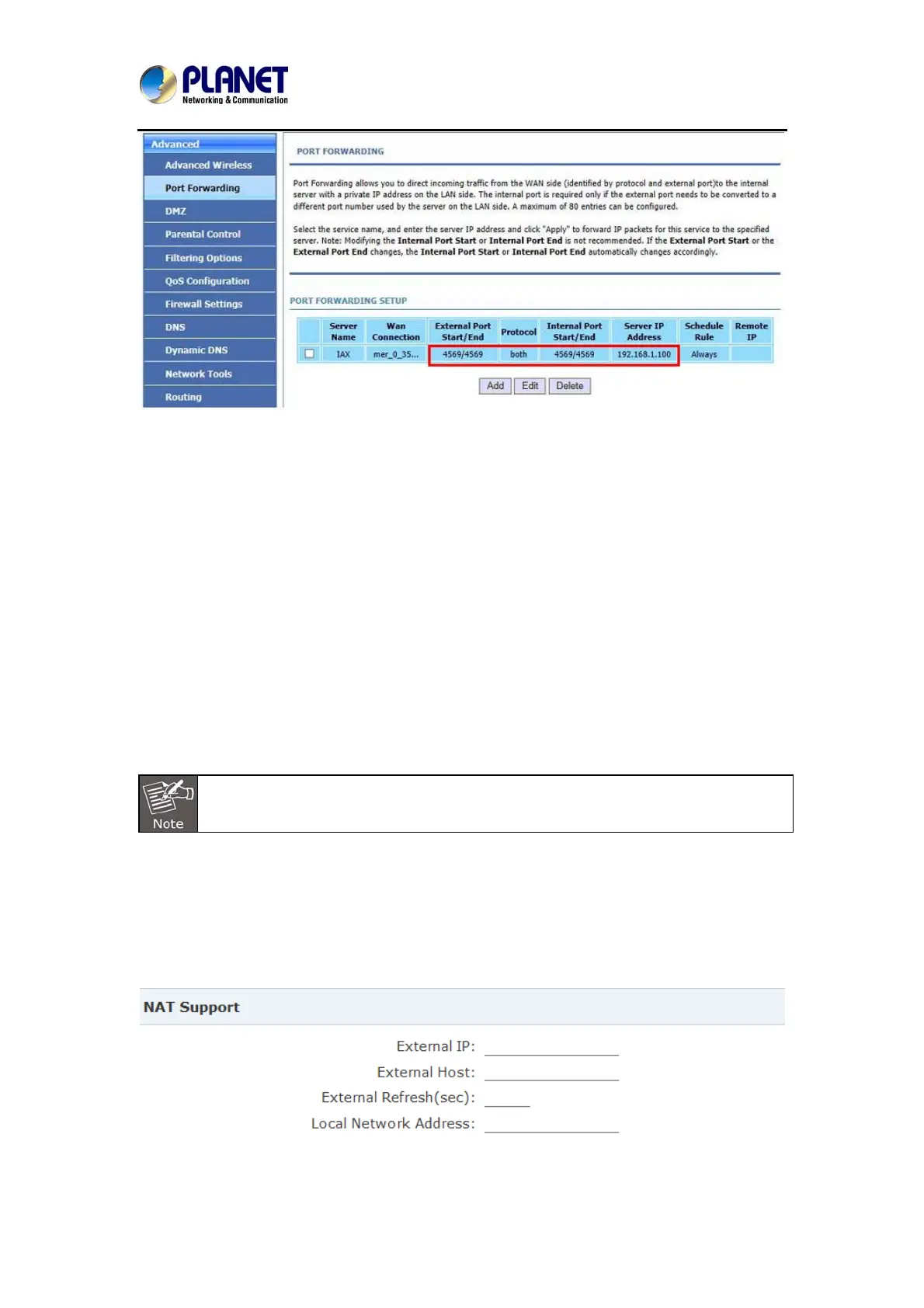
Configure port mapping of IPX-2500-B on the router according to Step1.
Step4: Connect two sets of the IPX-2500 and make the call
Create extension 601 on IPX-2500-A, extension 801 on IPX-2500-B, and create the correct
outbound rule.
Public IP must be provided by network provider. It could be dynamic IP address, and
easy to change; you can resolve this problem by using DDNS.
8.3 How to resolve the problem about hearing one side only
If the IPX-2500 is behind router, to resolve the problem, please set up IP address as shown
below:
Click【Advanced】->【Option】->【Global SIP Settings】:



 To Next Page