Internet Telephony PBX System
IPX-2500
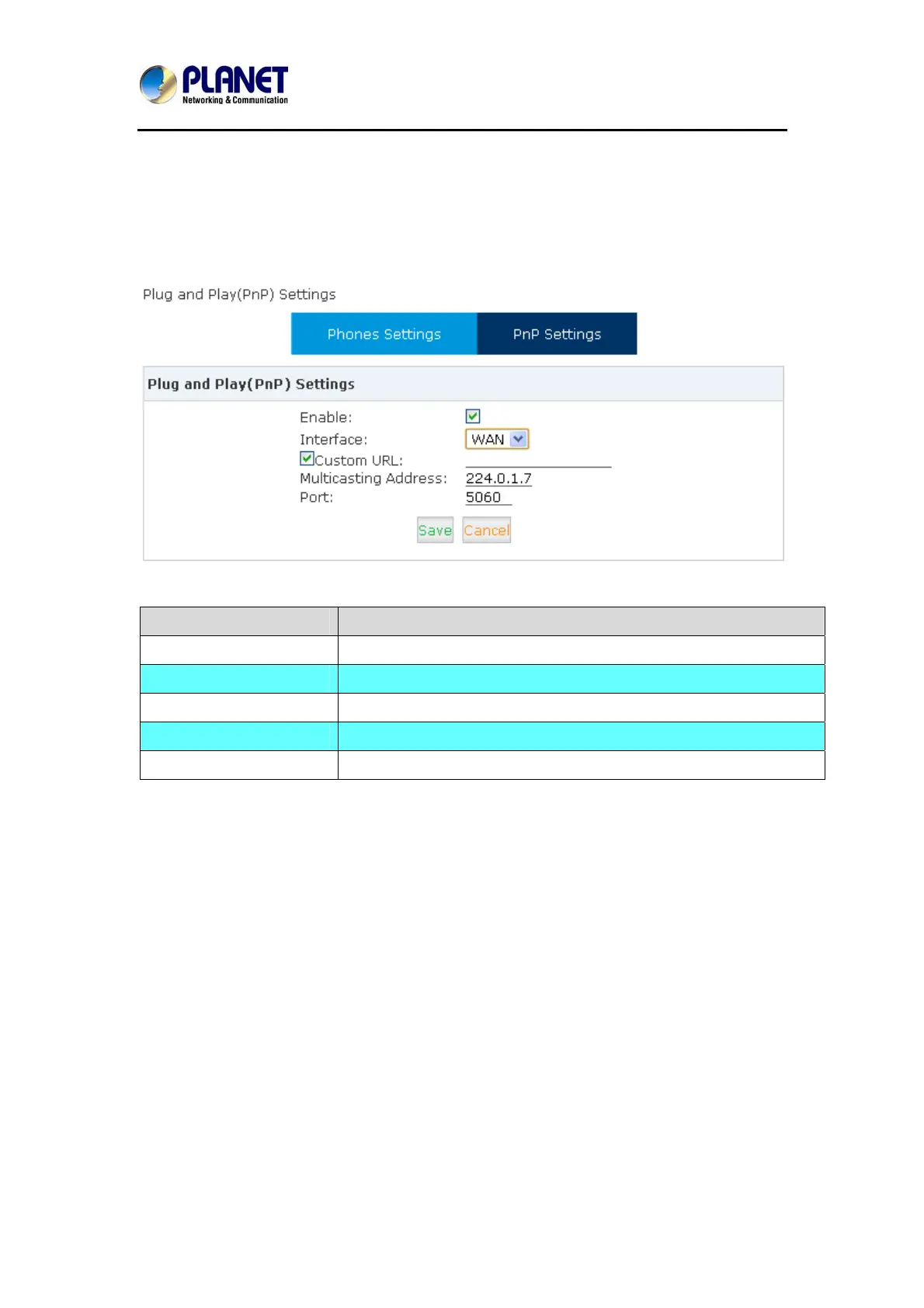
4.16 PnP Settings
Plug and Play function (PnP) is used as Auto-Provisioning for IP Phones. Once it’s enabled,
the system will make configuration on the specified phone (as long the phone supports PnP)
according to the settings in Phone Provisioning page
Item Explanation
Enable Enable / Disable PnP function
Interface Choose a port that PnP works on
Custom URL:
Specify a URL if you need one. Default is download from local PC
Multicasting Address: Multicasting address that PnP uses, default is 224.0.1.75
Port Port that PnP uses, default is 5060
72



 To Next Page