Internet Telephony PBX System
IPX-2500
88
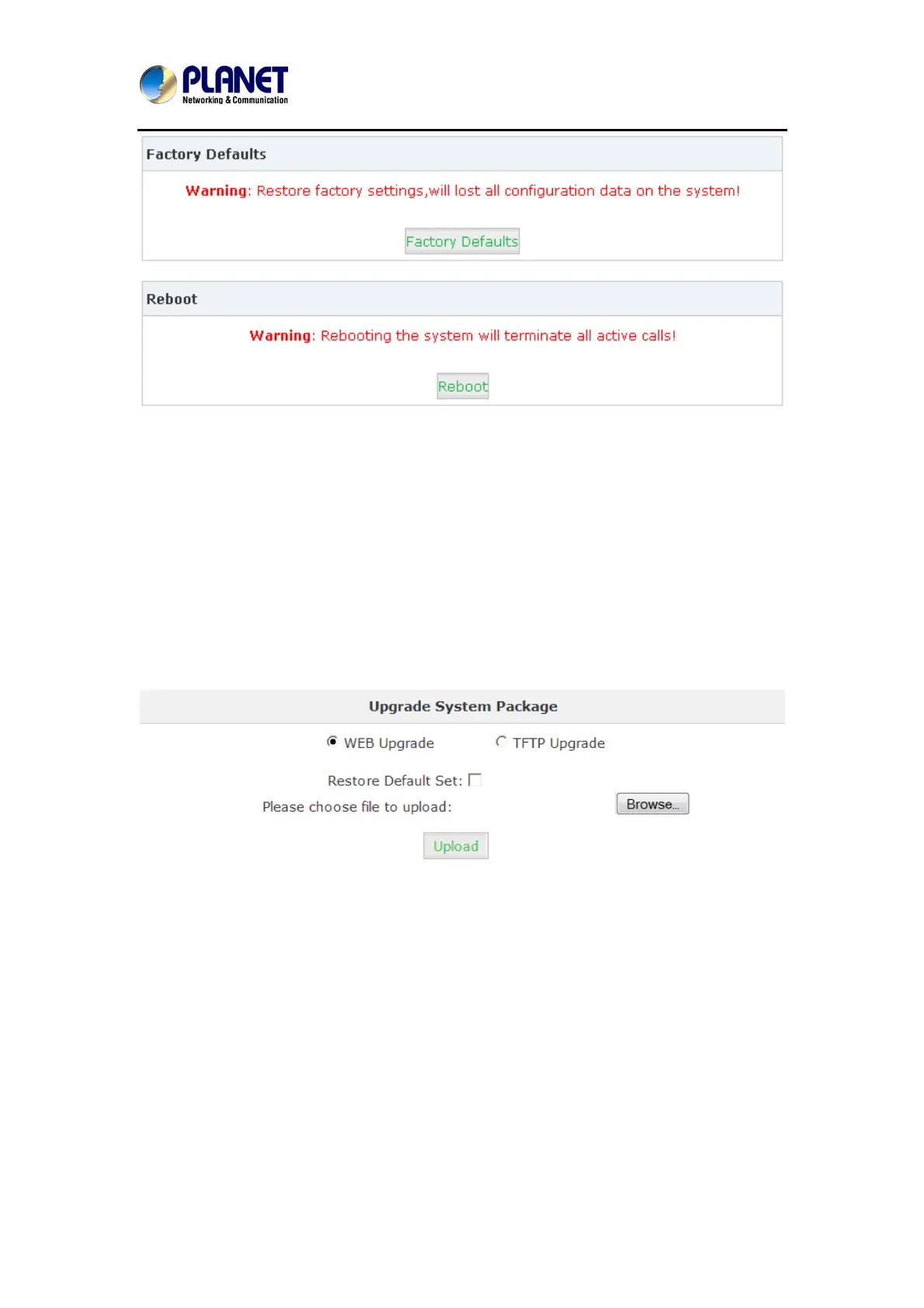
Click【Factory Default】to reset the system to factory default.
Click【Reboot】to reboot the system.
7.8 Upgrade
7.8.1 WEB Upgrade
Click【System】->【Upgrade】->【WEB Upgrade】:
Click【Browse】to select the firmware file, and then click【Upload】to upload the selected
firmware to system and finish the upgrading automatically.
If check【Restore Default Set】, the system will clear all the configuration and reset to factory
default.



 To Next Page