Internet Telephony PBX System
IPX-2500
85
Reference
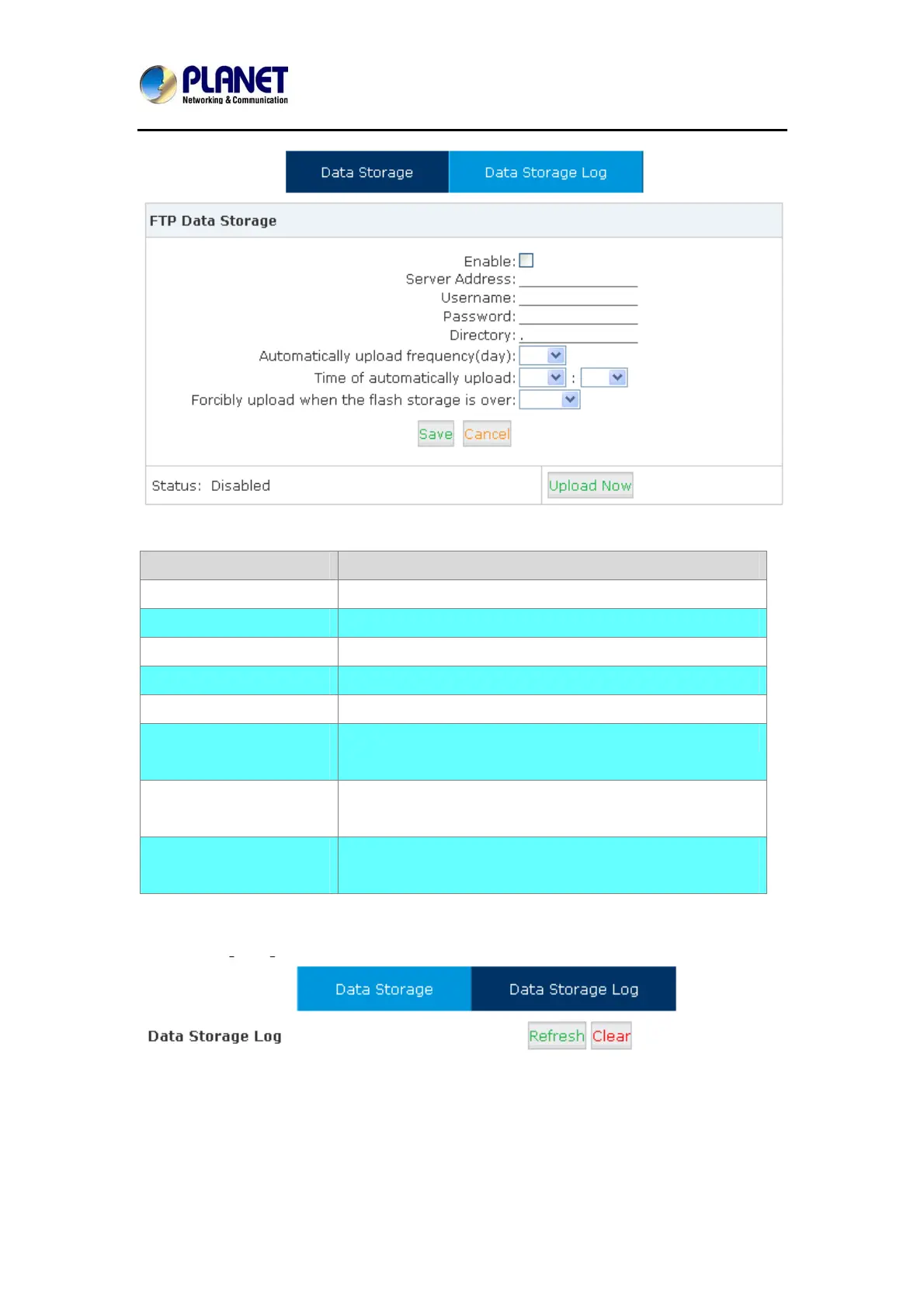
Item Explanation
Enable Enable FTP Data Storage.
Server Address Set FTP server address (IP address or domain).
User Name User name for login FTP.
Password Password for login FTP.
Directory Define a directory used for storage on FTP server.
Automatically upload
frequency ( by the day)
Define frequency (by the day) to upload the data.
Time of automatically
upload
Define the time to upload the data.
Forcibly upload when the
flash storage is over
Forcibly upload data when flash storage is over the
percentage value.
Check from【Data Storage Log】:
Click【Refresh】to refresh data storage log.
Click【clear】to clear data storage log.



 To Next Page