14 SETTINGS
76 Planmeca ProOne User’s Manual
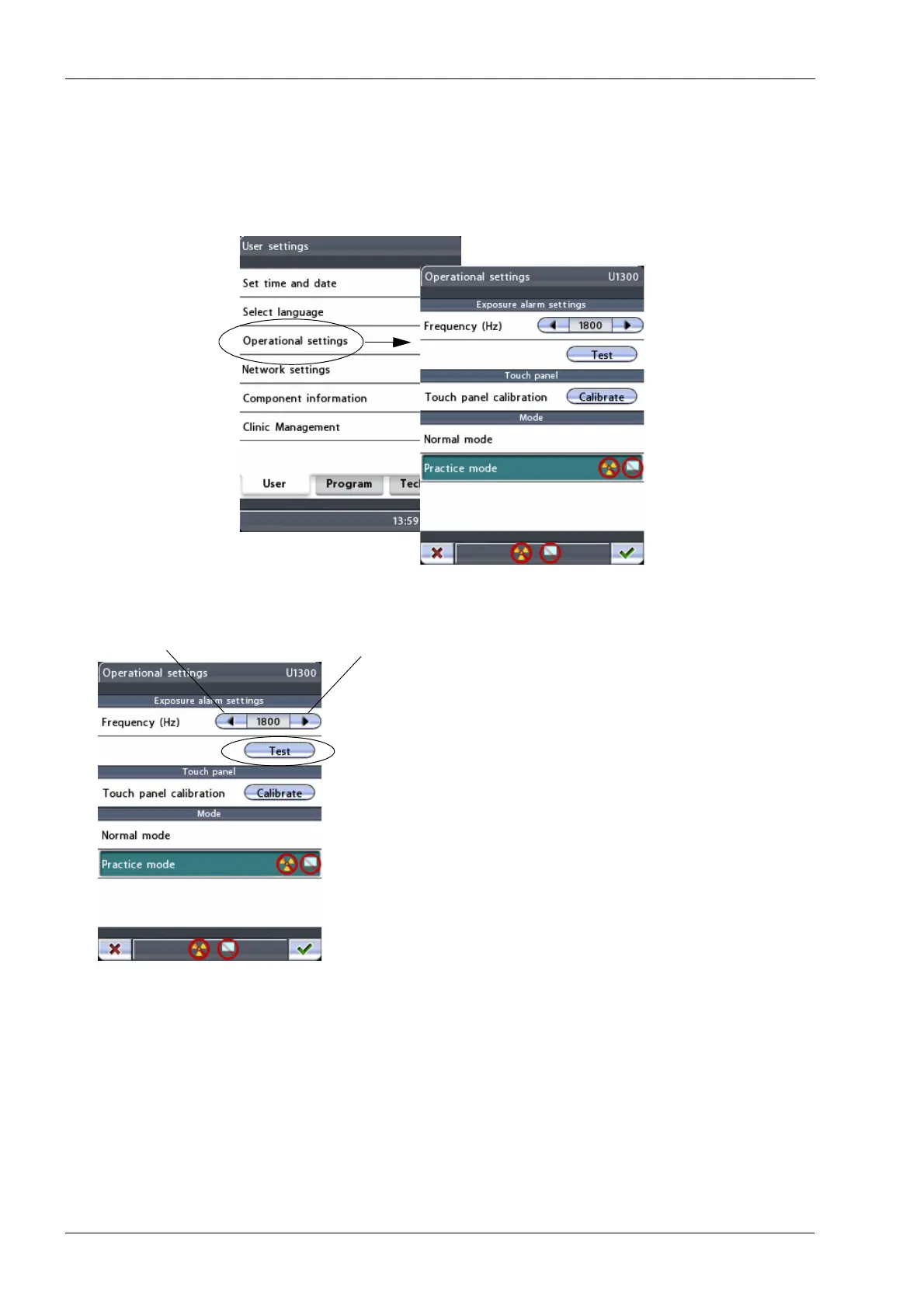
14.1.3 Operational settings (U1300)
To adjust the exposure warning signal, to calibrate the
touch panel or to enter the practice mode, first select
Operational settings (U1300)
on the
User settings
display.
The
Operational settings (U1300)
display will appear.
• Exposure alarm settings
First touch and hold the
Test
button to hear the current
frequency of the radiation warning tone. Then use the
arrow buttons to adjust the frequency between 500 Hz
(low pitch tone) and 2000 Hz (high pitch tone) and test the
frequency again.














 To Next Page