14 SETTINGS
User’s Manual Planmeca ProOne 87
• Actual DAP
Touch the
Actual DAP
field to set the X-ray unit so that the
actual Dose Area Product (DAP) value will be shown after
each exposure. The actual DAP value indicates the actual
radiation dose the patient was exposed to during the
exposure. The value is calculated on the basis of the
actual exposure settings.
The
Actual DAP
field is highlighted when the function is
switched on. To switch off the function, touch the
Actual
DAP
field again.
The DAP value will be displayed as shown. To return back
to the main display, touch the green check mark in the
bottom right corner of the display.
On the
Functions after exposure (P2300)
display, accept
your selection by touching the green check mark button in
the bottom right corner of the display. To exit the display
without saving the changes, touch the red cross button in
the bottom left corner of the display.
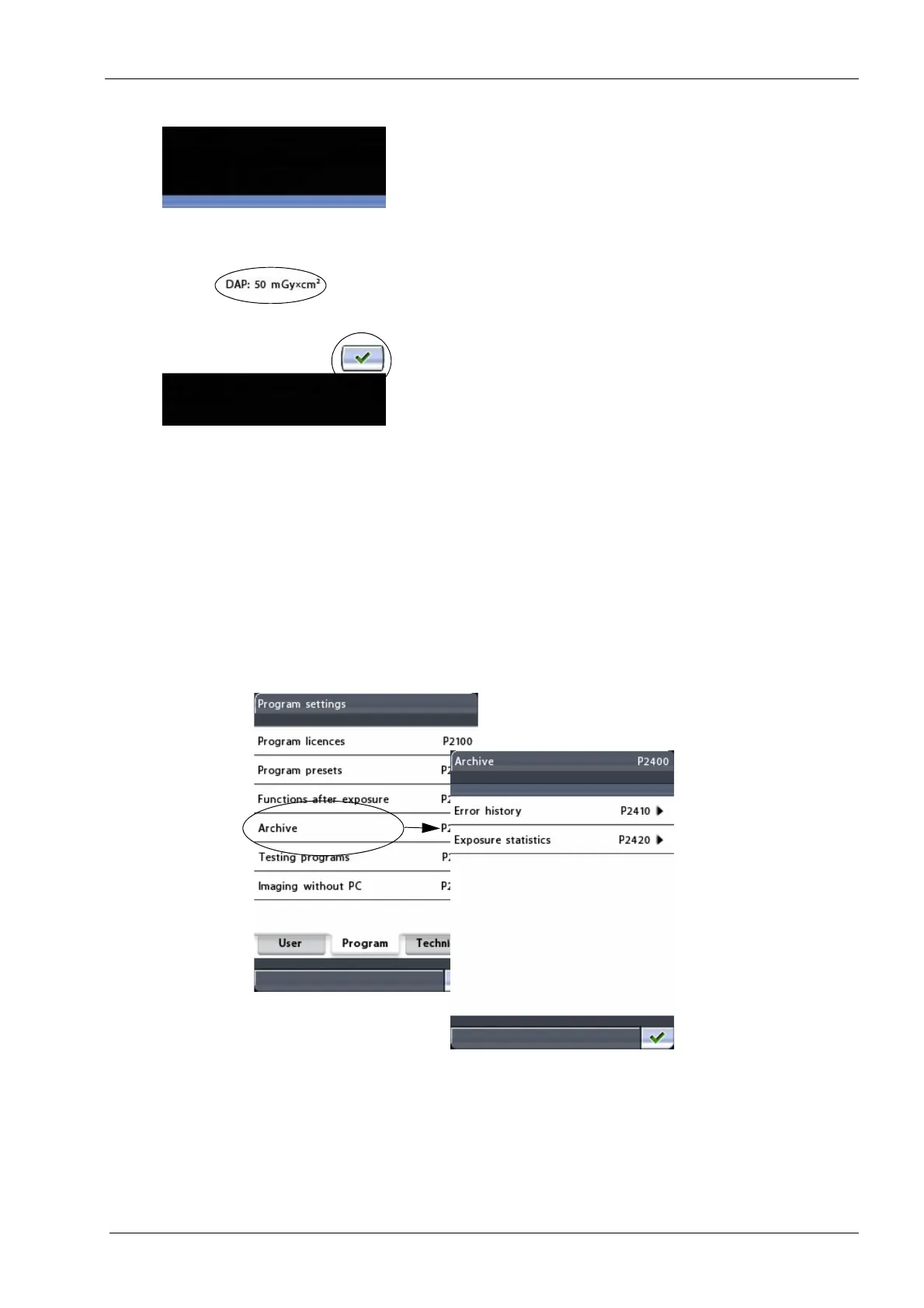
14.2.4 Archive (P2400)
On the
Program settings
display, select the option
Archive
(P2400)
. The
Archive (P2400)
display will appear. Here
you can view the error history and exposure statistics.














 To Next Page