14 SETTINGS
User’s Manual Planmeca ProOne 89
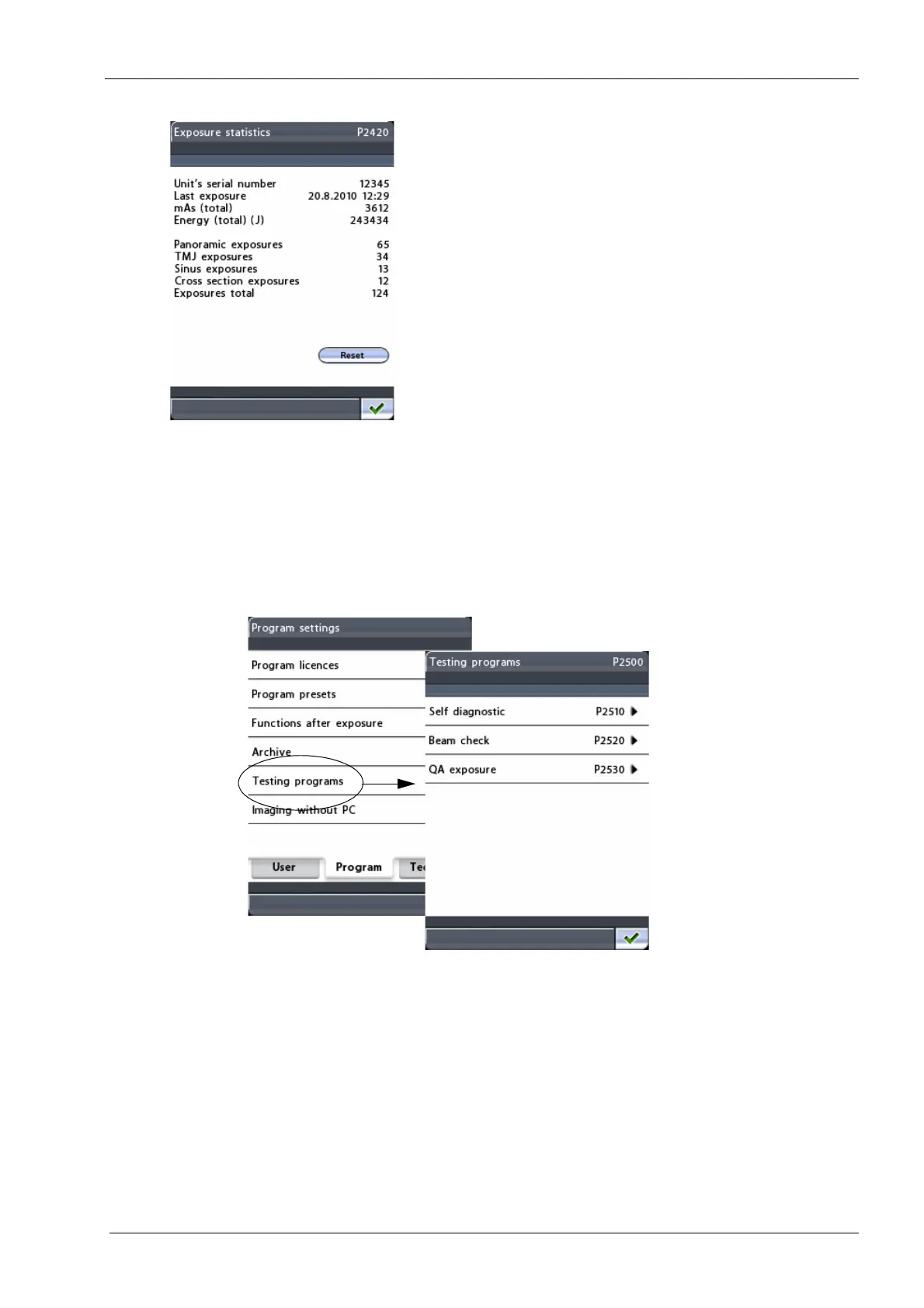
• Exposure statistics (P2420)
Touch the
Exposure statistics
field to view the following
information: Unit’s serial number / Last exposure (date
and time) / mAs (total) / Energy (total) (J); number of
panoramic exposures / TMJ exposures / Sinus exposures
/ Cross-sectional exposures / Exposures total.
You can reset the exposure data by touching the
Reset
field in the bottom right corner of the display.
14.2.5 Testing programs (P2500)
To perform self diagnostics or to take a beam check or
QA exposure, first select the option
Testing programs
(P2500)
on the
Program settings
display. The
Testing
programs (P2500)
display will appear.













 To Next Page