14 SETTINGS
94 Planmeca ProOne User’s Manual
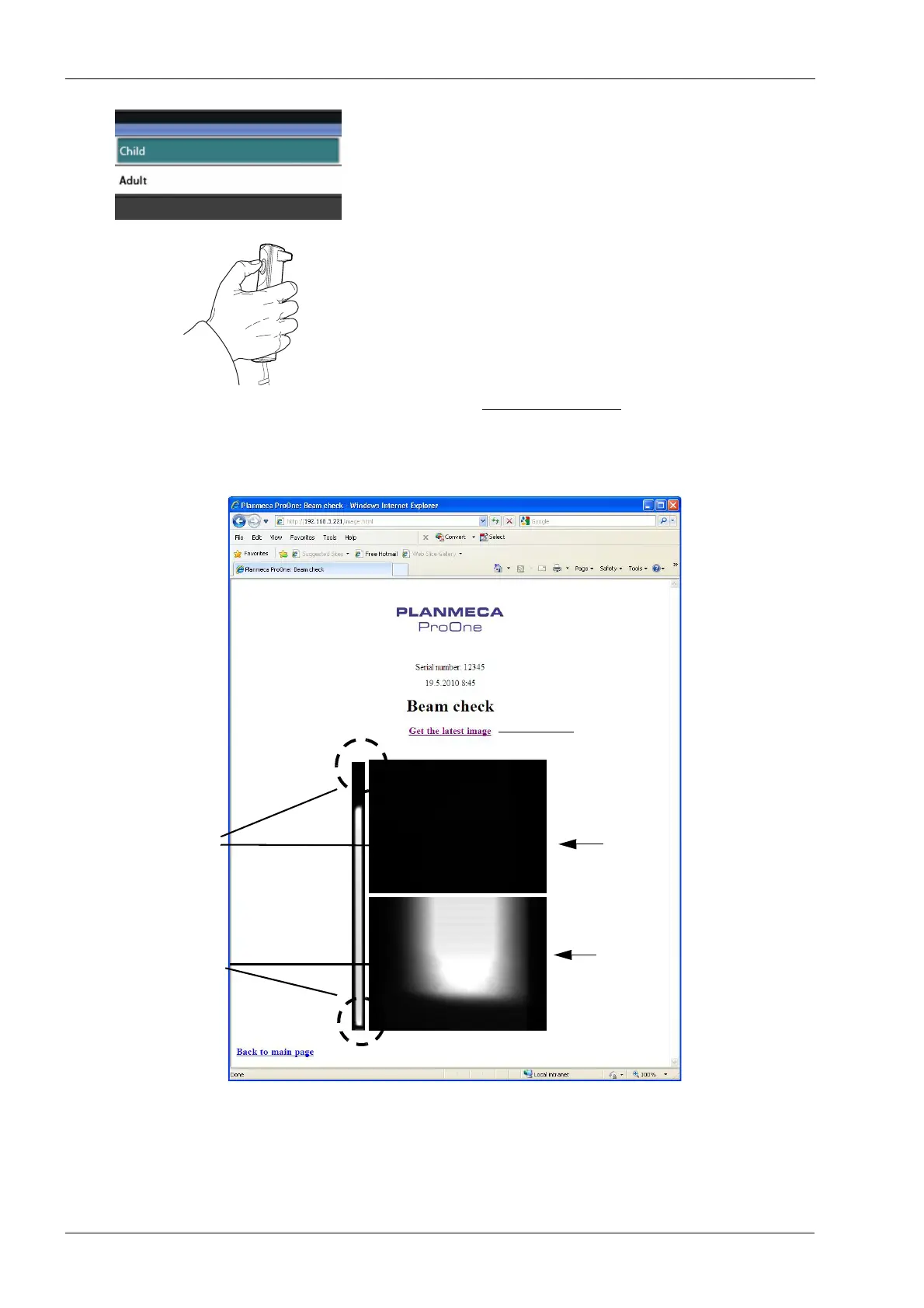
Now take a beam check image with child collimation. On
the
Beam check (P2520)
display, touch the button in the
Collimation
field and select
Child
on the display that
appears.
Take an exposure. Press and hold down the exposure
button for the duration of the exposure.
Radiation is generated when the exposure button is
pressed. Protect yourself from radiation.
Click the
Get the latest image
link on the screen to view
the beam check image.
The beam check image for child collimation will be shown
on the web browser screen.
Detailed view of
Detailed view
Click here to view image
Lower image
Upper image
the top end of the image
of the bottom end
of the image














 To Next Page