14 SETTINGS
User’s Manual Planmeca ProOne 95
The bottom end of the radiation beam (white area in the
lower image) must be positioned inside the active area of
the sensor (black area in the lower image). The upper
image must be black (no radiation). In the narrow image
on the left, the white radiation beam must be surrounded
by black borders on all four sides.
If any part of the radiation beam extends outside the active
sensor area or if the upper image is not black, the X-ray
beam must be readjusted and the sensor must be
recalibrated by a qualified service technician. Contact your
service technician for help.
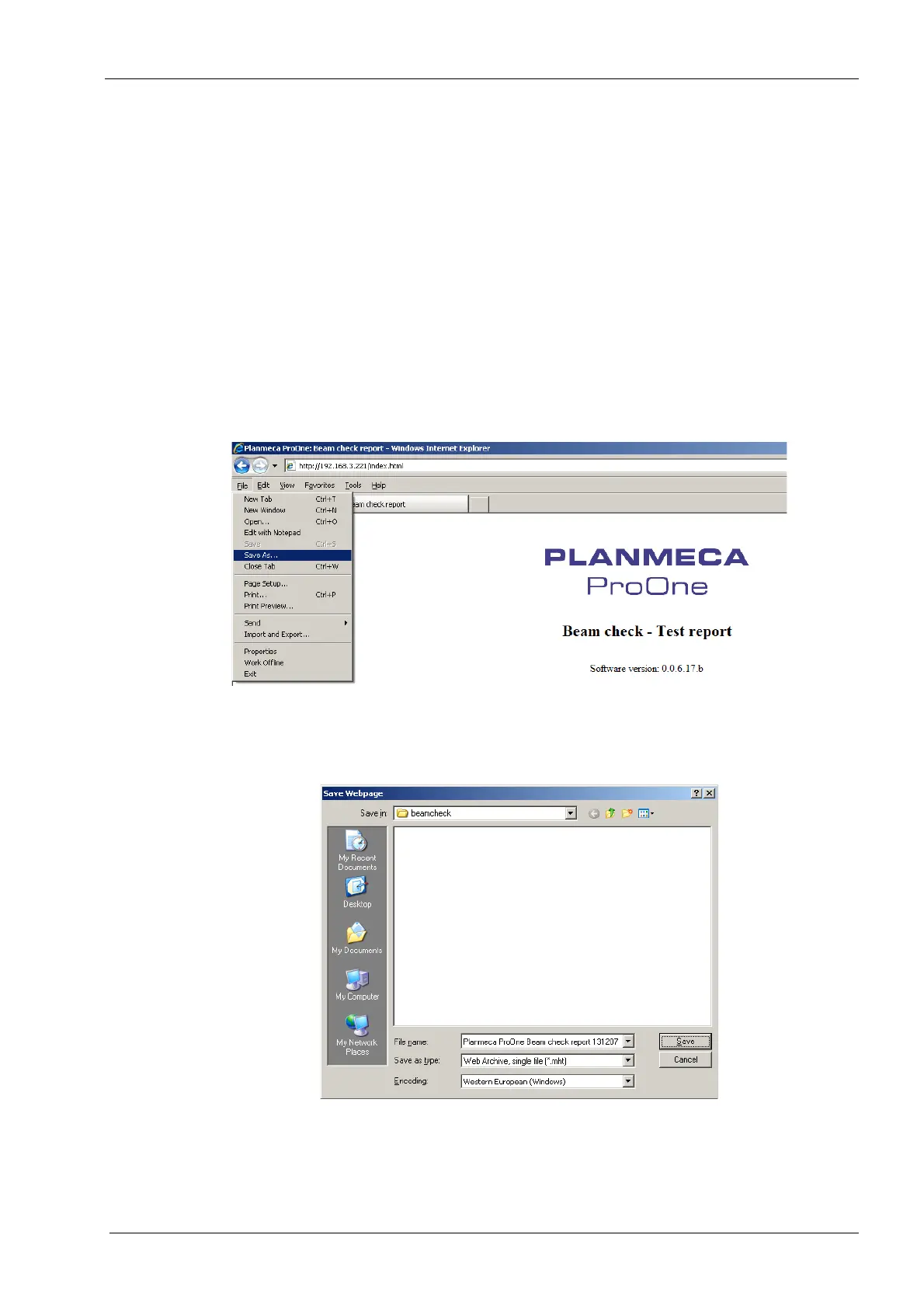
The beam check images can be saved (or printed) using
the
Save As
(or
Print
) command of the web browser.
The beam check images can be saved in any folder on
the computer or network as a single file web page (.mht
file).
Exit the
Beam check (P2520)
display by touching the
green check mark button in the bottom right corner.














 To Next Page