7 Switching X-ray system on
NOTE
To prolong the lifetime of your X-ray system, always switch the X-ray system
off when it is not in active use.
7.1 Switching X-ray unit on
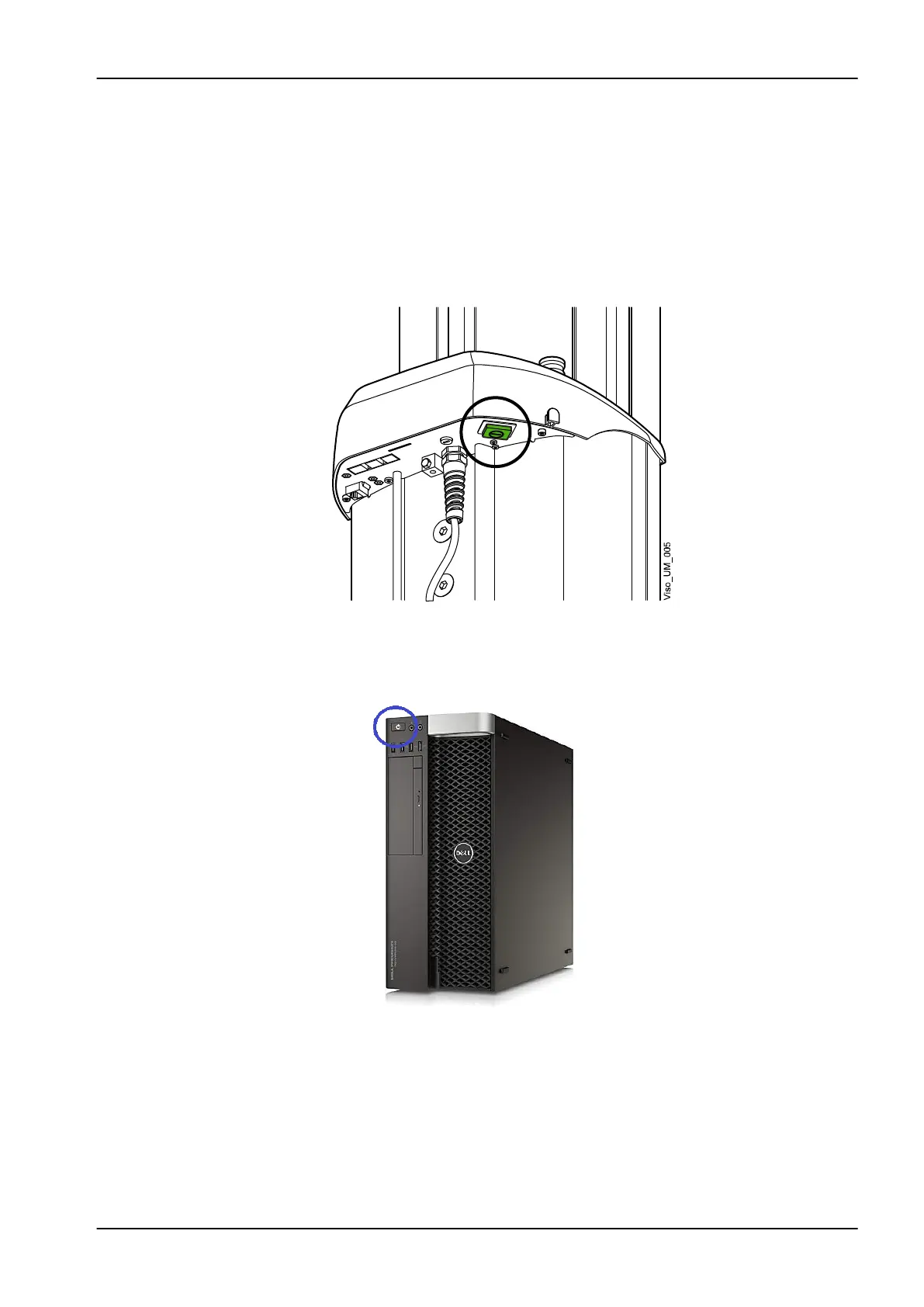
The on / off switch is located on the underside of the column top.
7.2 Switching 3D reconstruction PC on
The on / off switch is located at the top of the computer.
7 Switching X-ray system on
User's manual Planmeca Viso 15












 To Next Page