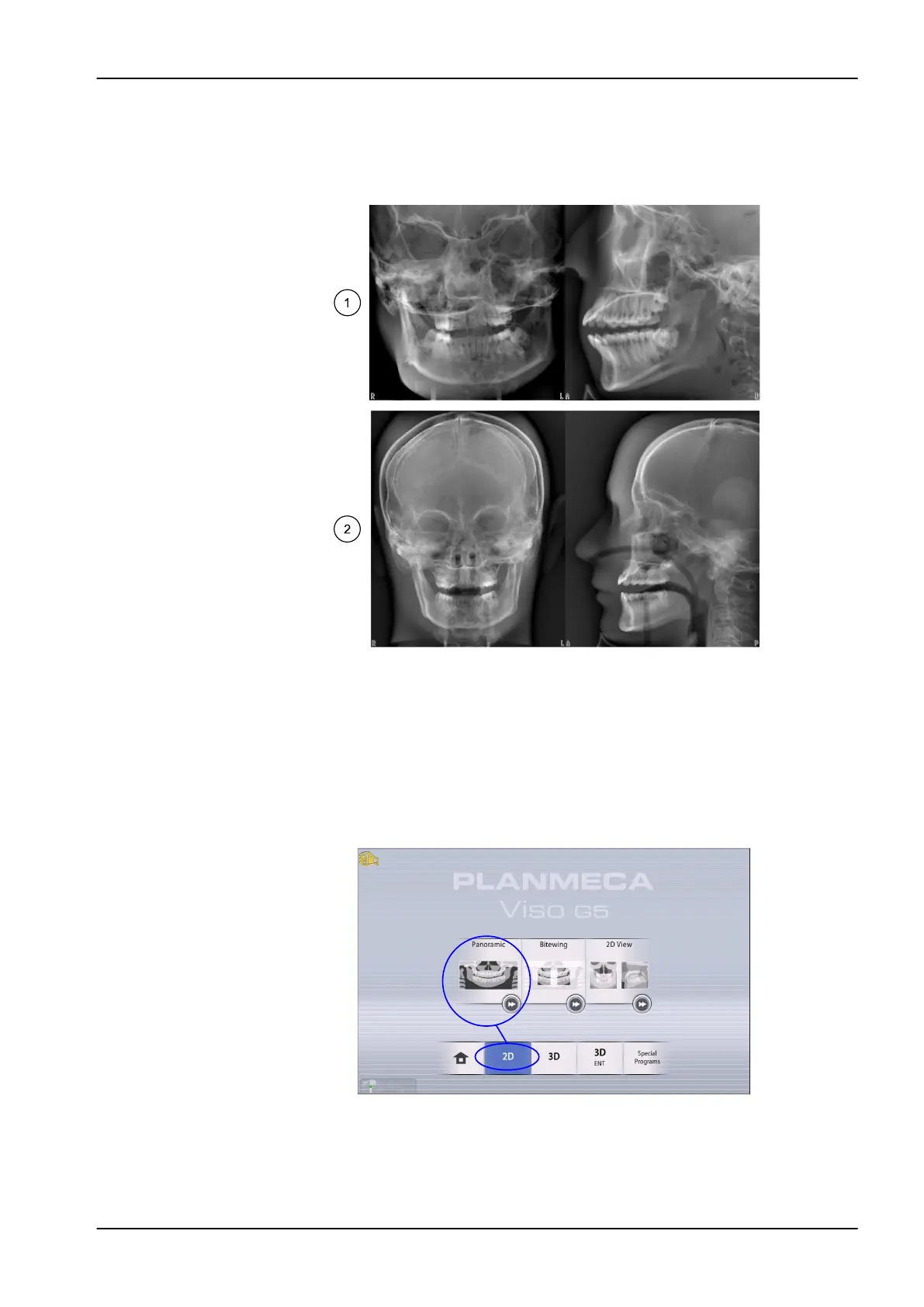
2D View
The 2D View program enables a large single-shot 2D exposure taken with
the imaging arm, generating clear 2D projections of the maxillofacial region
as shown in the example below.
1 Planmeca Viso G5 projection example results
2 Planmeca Viso G7 projection example results
10.2 Selecting imaging program
Steps
1. Select the 2D imaging program you want to use, for example 2D >
Panoramic.
10 2D exposure
User's manual Planmeca Viso 35












 To Next Page