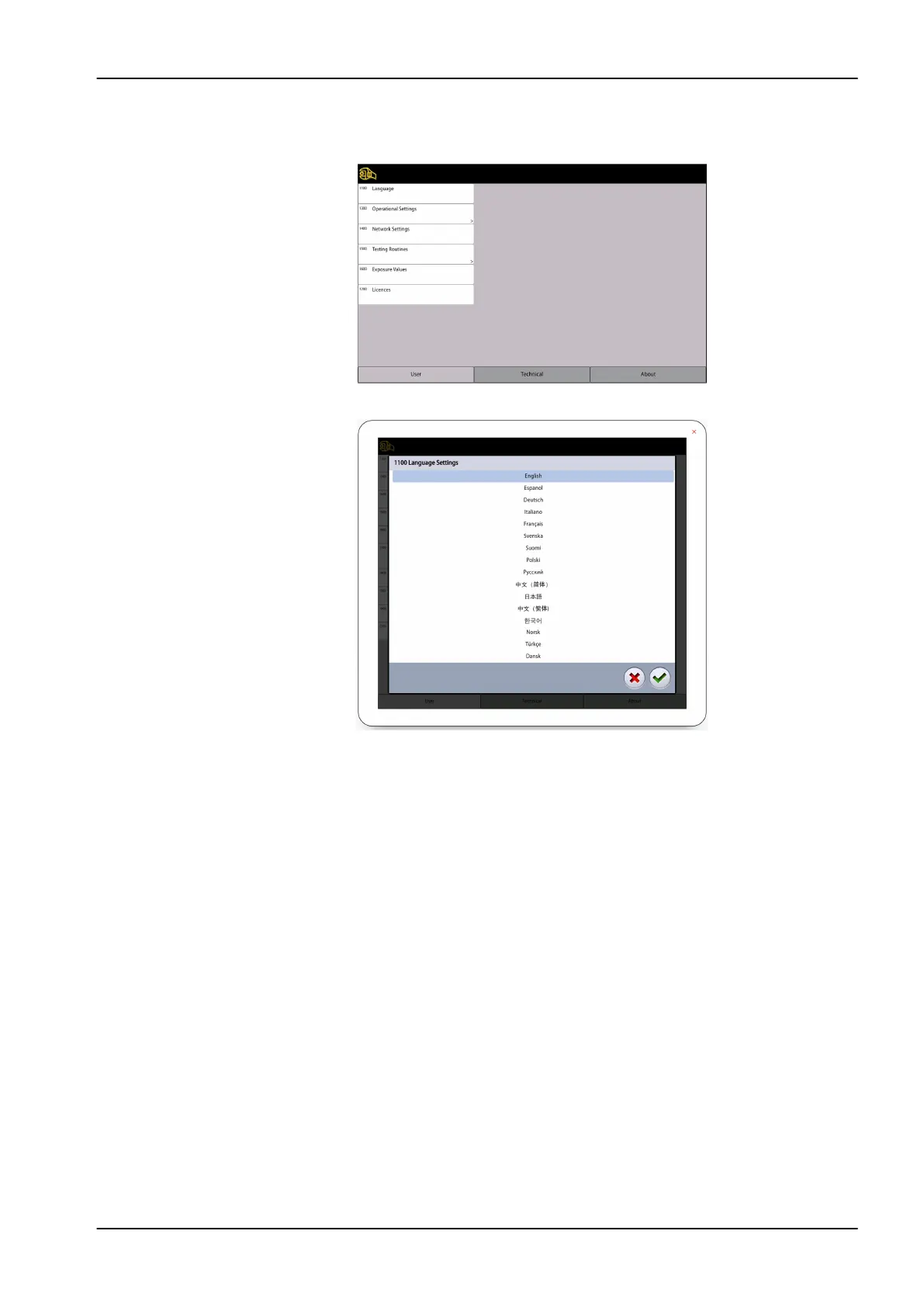
Steps
1. Select User > 1100 Language.
2. Select the language you wish to use.
3. Select the green check mark button.
13.1.2 Operational Settings (1300)
13.1.2.1 Mode (1310)
Steps
1. Select User > 1300 Operational Settings > 1310 Mode.
2. Select the mode you wish to use:
• 1311 Demo Mode
13 Settings
User's manual Planmeca Viso 83












 To Next Page