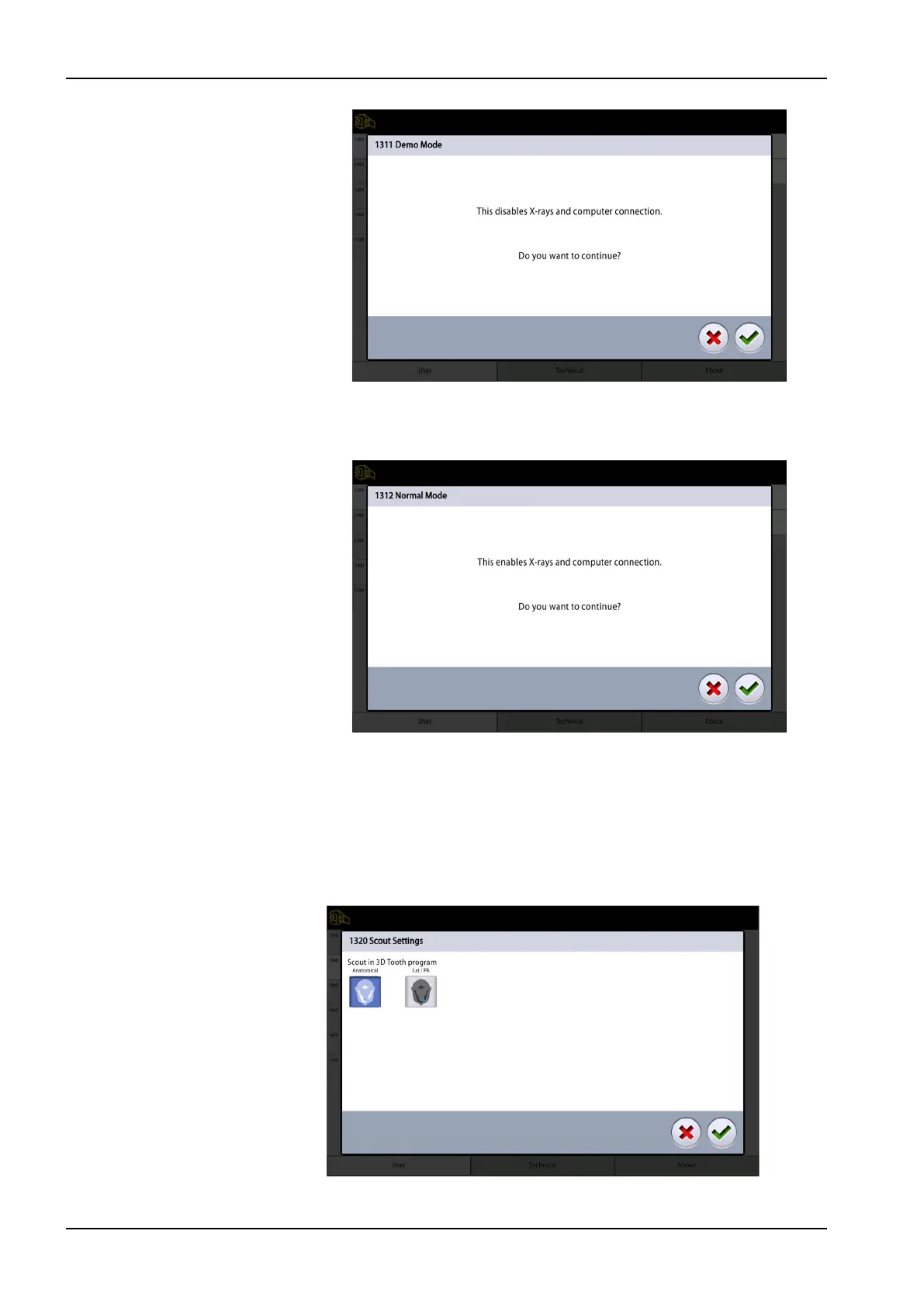
In demo mode you can practice or demonstrate the functions of the
X-ray unit without radiation and PC connection.
• 1312 Normal Mode
3. Select the green check mark button.
13.1.2.2 Scout Settings (1320)
Steps
1. Select User > 1300 Operational Settings > 1320 Scout Settings.
2. Select the default scout setting in the 3D Tooth program.
• Anatomical
13 Settings
84 Planmeca Viso User's manual












 To Next Page