Program Preset volume
size
Volume range Note
Airways Ø90 × 100 mm Ø90 × 80 mm – Ø110 × 100 mm
10 mm steps
Vertebrae Ø90 × 100 mm Ø90 × 80 mm – Ø110 × 100 mm
10 mm steps
11.2 Selecting imaging program
Steps
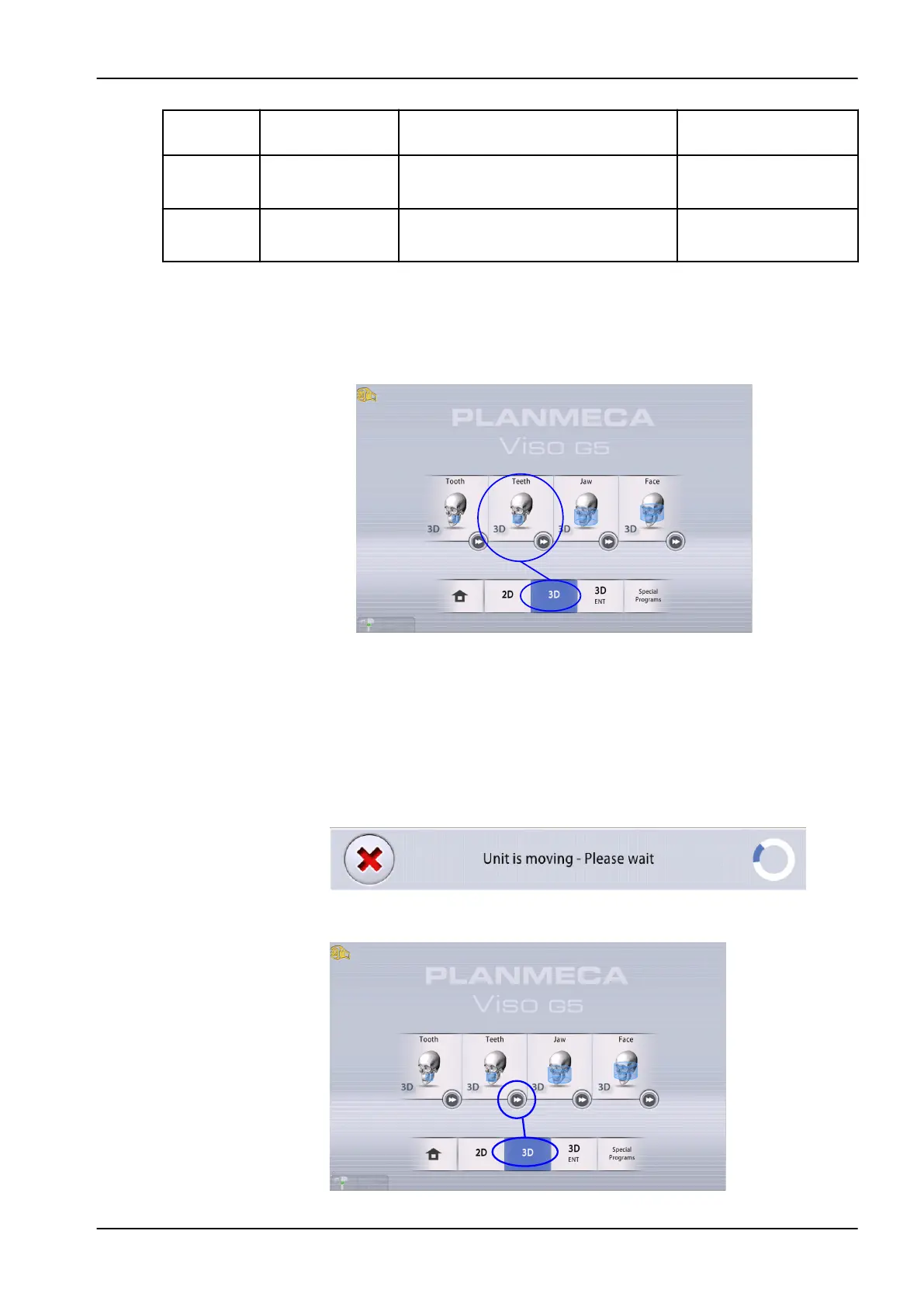
1. Select the 3D program you want to use, for example 3D > 3D Teeth.
NOTE
When taking a 3D image for jaw tracking with the Planmeca 4D Jaw
Motion system, select the Face program. See
Planmeca Viso 4D Jaw
Motion user's manual
for more information.
Results
The sensor moves to the entry position if not already there. You see this
message.
If you want to proceed directly to patient positioning, select the fast forward
button in the lower right corner of the imaging program option.
11 3D exposure
User's manual Planmeca Viso 53












 To Next Page