3 Product registration
About this task
Follow these steps to register your X-ray unit on Planmeca's website.
Steps
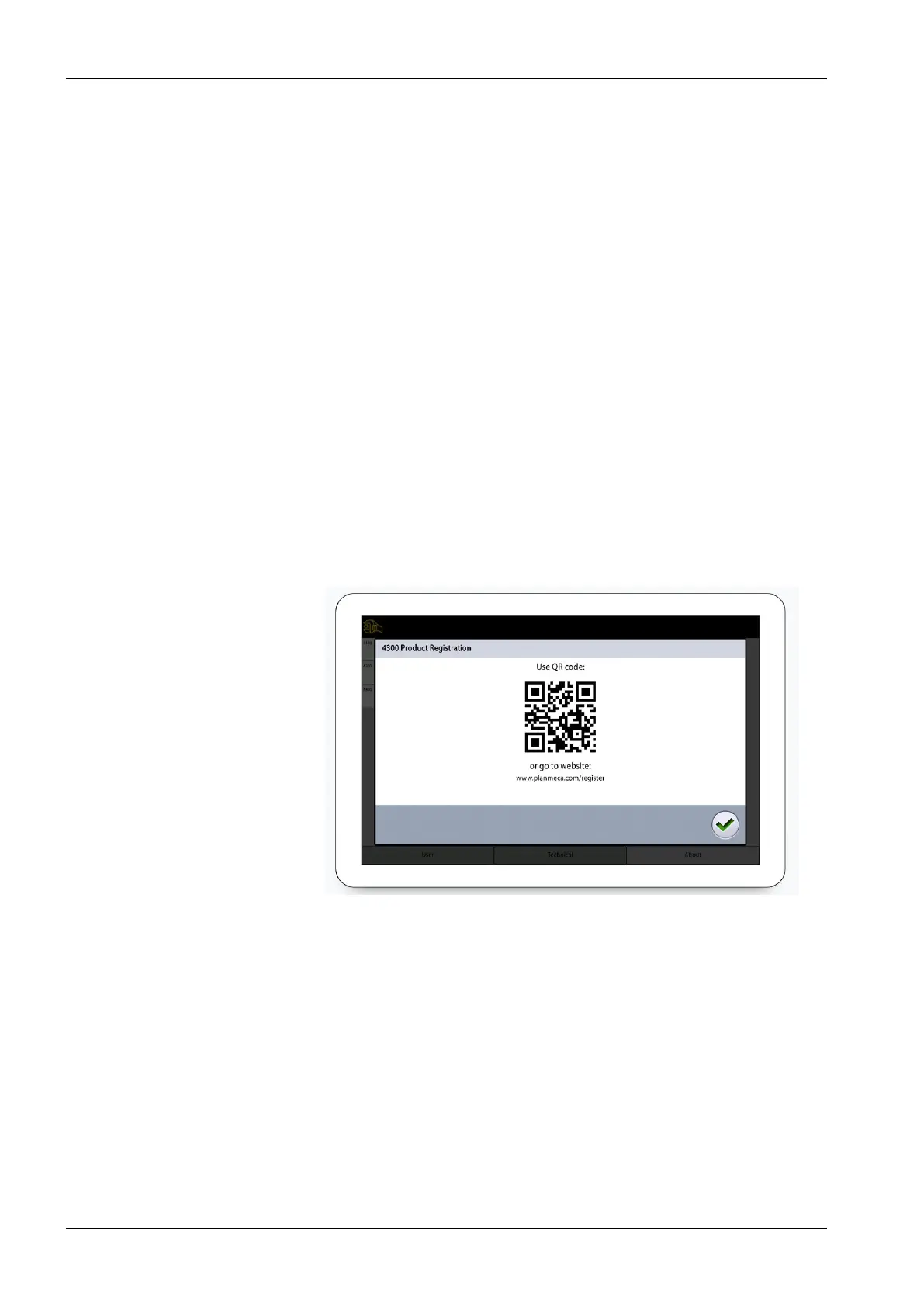
1. Select Settings > About > 4300 Product Registration.
2. Do one of the following:
• If you have a QR (Quick Response) code reader installed on your
mobile device (e.g. smartphone), hold the device steady over the QR
code shown on the screen.
You are directed to Planmeca’s product registration page.
• Go to Planmeca’s product registration page at https://
www.planmeca.com/register.
3. Select the green check mark button.
4. Follow the instructions on the registration page.
NOTE
When you enter the X-ray unit serial number, you have to include any
letters shown at the beginning of the number.
3 Product registration
4 Planmeca Viso User's manual












 To Next Page