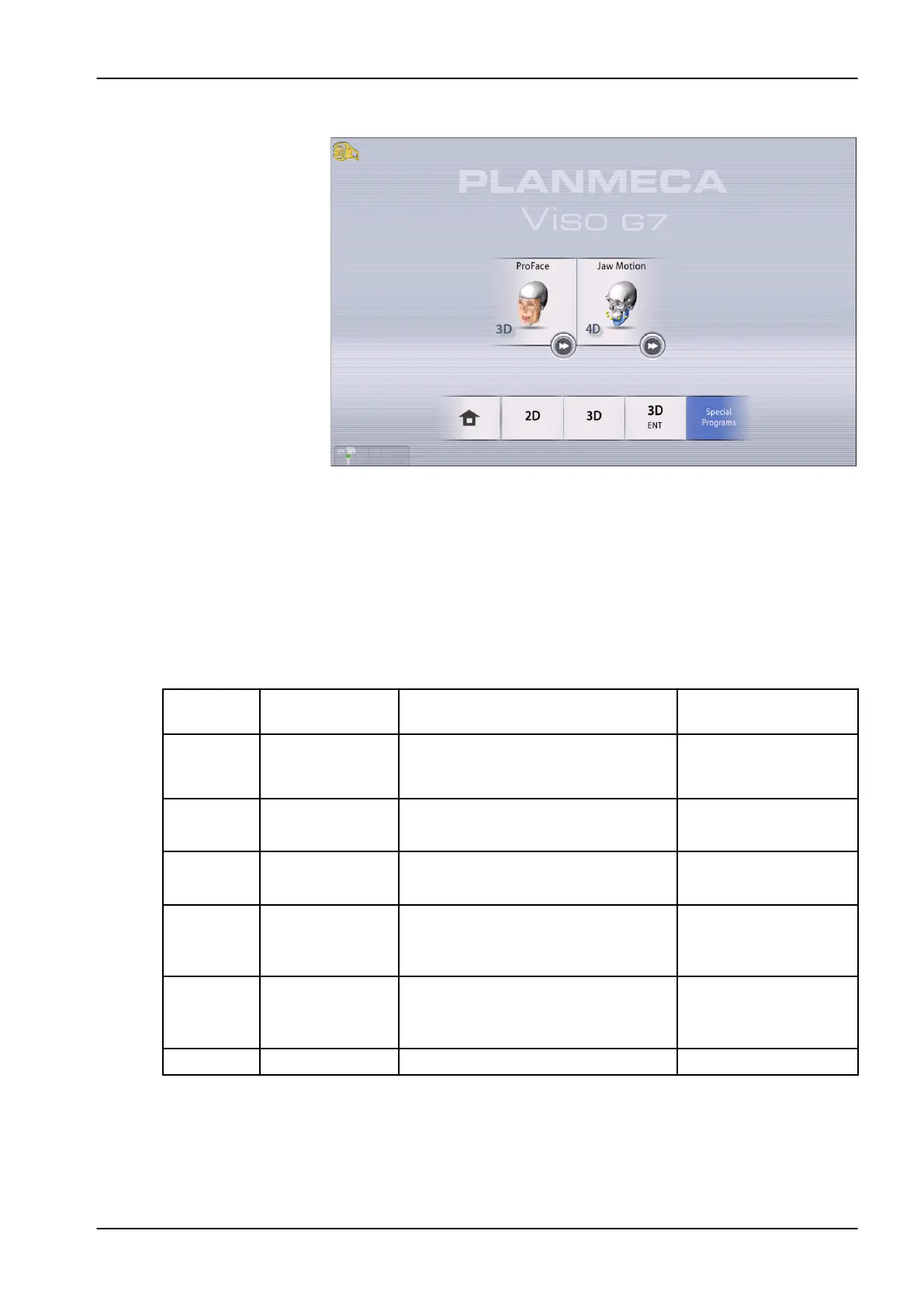
Special programs
11.1.1 Preset volume sizes
When a program is selected, the device selects the following settings for the
volume.
NOTE
If the volume size has been adjusted (is different than default), patient size
change (adult > XS, child) does not change the volume size.
3D programs, Planmeca Viso G7
Program Preset volume
size
Volume range Note
Tooth Ø50 × 50 mm Ø30 × 30 mm – Ø60 × 60 mm
5 mm steps
75 µm voxel possible
only with volumes
smaller than 70 x 70 mm
TMJ Ø50 × 50 mm Ø30 × 30 mm – Ø60 × 60 mm
5 mm steps
Teeth Ø100 × 100 mm Ø70 × 30 mm – Ø120 × 100 mm
10 mm steps
Jaw Ø140 × 100 mm Ø130 × 30 mm – Ø170 × 170 mm
10 mm steps
Center line only
150 µm possible up to
size 160 x 160 mm
Face Ø160 × 160 mm Ø140 × 120 – Ø300 × 200 mm
10 - 20 mm steps
Center line only
200 µm possible up to
size 200 x 170 mm
Skull Ø260 × 300 mm Ø260 × 300 mm – Ø300 × 300 mm
11 3D exposure
User's manual Planmeca Viso 51












 To Next Page