Steps
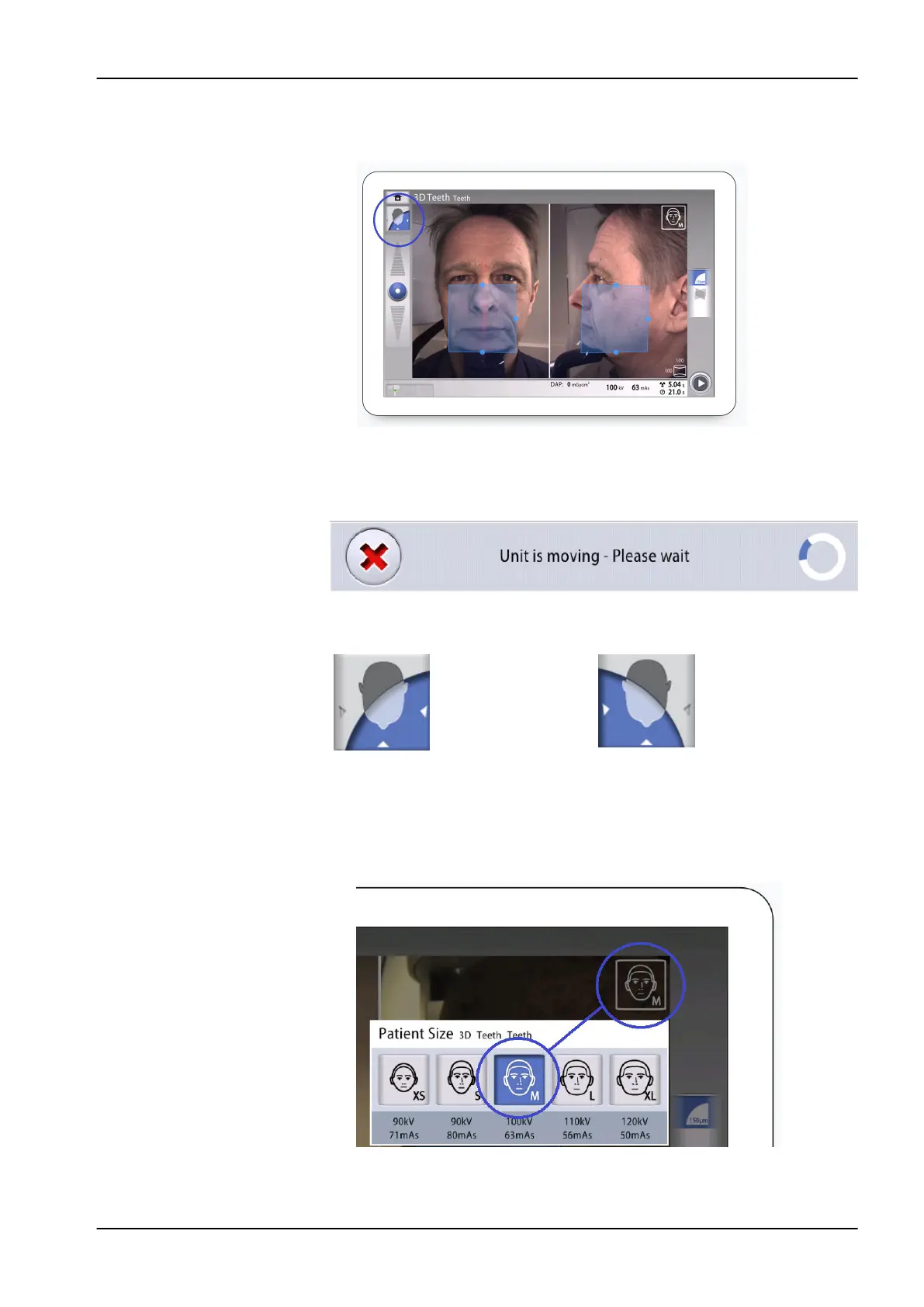
1. Use the button shown to select the side that you wish to expose.
Results
The sensor moves to the selected side and an image of that side is shown
on the screen. You see this message.
Patient's left side selected Patient's right side selected
11.5 Selecting patient size
Steps
1. Use the button shown below to select the patient size.
• XS = Child
11 3D exposure
User's manual Planmeca Viso 57












 To Next Page