Results
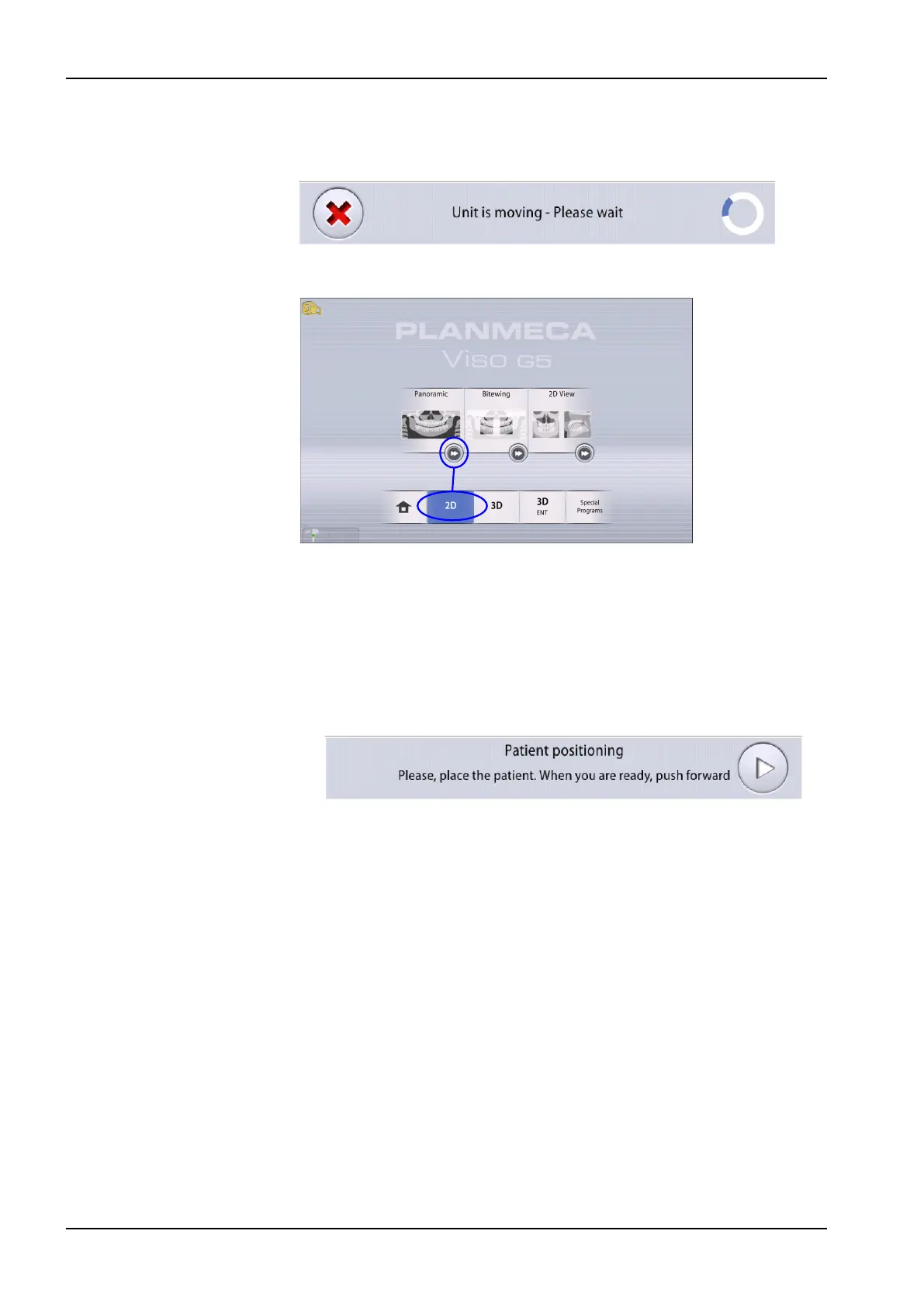
The sensor moves to entry position if not already there. You see this
message.
If you want to proceed directly to patient positioning, select the fast forward
button in the lower right corner of the imaging program option.
10.3 Patient positioning
Steps
1. Guide the patient to the X-ray unit when you see this message.
NOTE
The message does not display if the fast forward option is selected.
The patient can sit or stand during the exposure.
NOTE
We recommend that you image patients with poor health in a sitting
position.
10 2D exposure
36 Planmeca Viso User's manual












 To Next Page