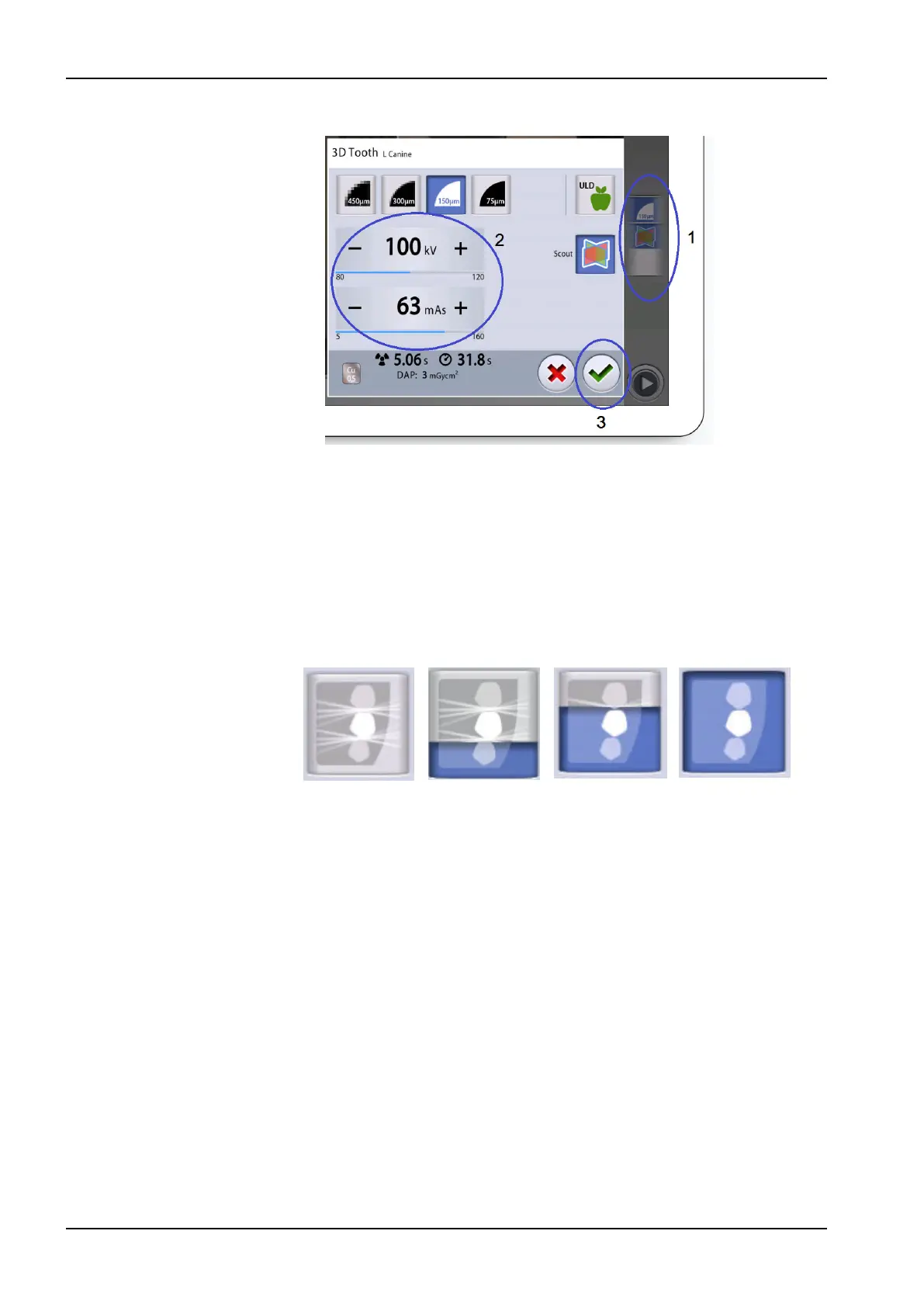
3. Select the green check mark button (3).
11.9 Selecting Artefact Removal Algorithm (ARA) and patient movement
correction (CALM)
Steps
1. Select this field (1) to open a pop-up window.
2. Select this button (2) to open another pop-up window.
3. Toggle the ARA (Artefact Removal Algorithm) button (3) to select the
setting you wish to use:
No artefact
removal
Low Medium High
4. Select the CALM (patient movement correction) button (4) if you wish to
minimise the effects of movements on the image.
The Planmeca CALM function is an algorithm that detects patient
movement during exposure and then compensates for the effects of
the movement during image reconstruction. We recommend that you
use this setting when taking exposures of children (patient size XS) or
restless patients.
NOTE
The Planmeca CALM algorithm is for use only on live patients and is
not recommended for use, for example, in imaging involving an inorganic
sample or QA phantom attachment.
11 3D exposure
62 Planmeca Viso User's manual












 To Next Page