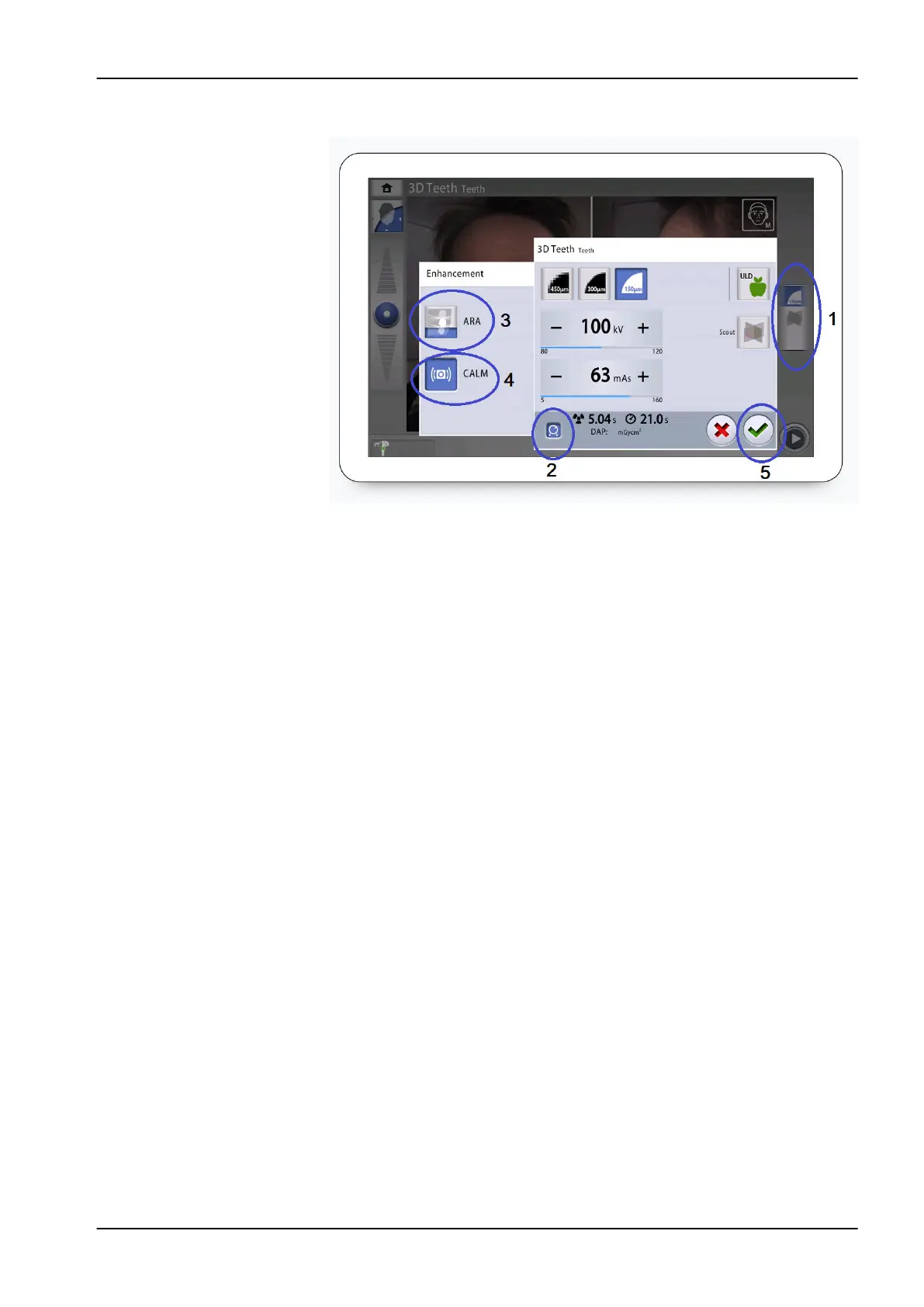
5. Select the green check mark button (5).
11.10 Taking scout views
About this task
You can take scout views of the selected image volume before you take the
actual 3D image. This allows you to check that the image volume is in the
correct place.
The scout views are automatically saved in the Planmeca Romexis program
under 2D images (CBCT tab).
Make sure that you have selected the correct patient in the Planmeca
Romexis program.
NOTE
The scout view function can yield results for Teeth, Tooth and Jaw programs
that look different to the scouts for Face and Sinus programs.
Steps
1. Select field (1) to open a pop-up window.
2. Select the Scout (2) button.
3. Select the green check mark button (3).
11 3D exposure
User's manual Planmeca Viso 63












 To Next Page