• Lat/PA
3. Select the green check mark button.
13.1.2.3 Default kV / mA settings
For more information on setting the default kV / mA values, see section
"Exposure Values (1600)" on page 88.
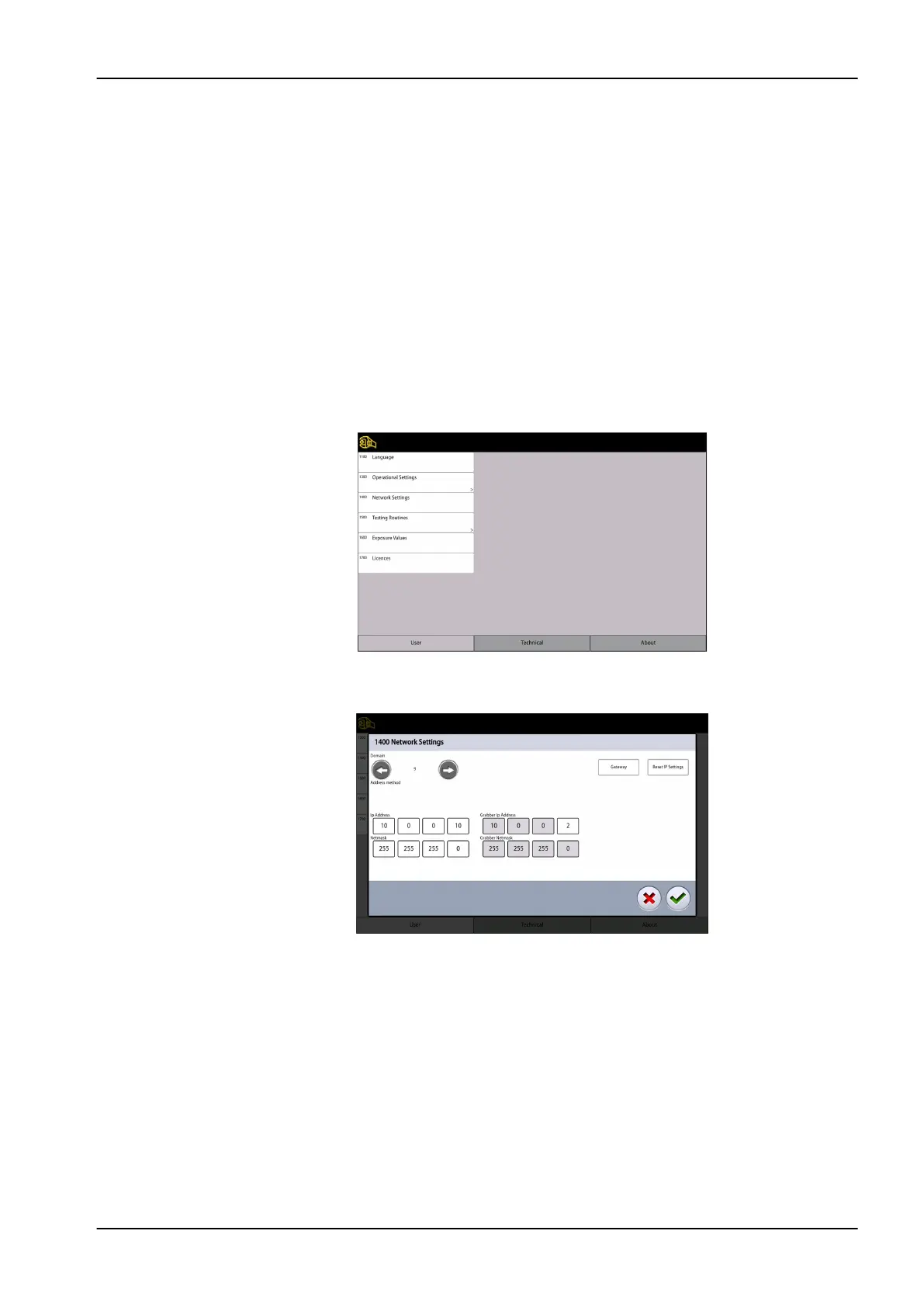
13.1.3 Network Settings (1400)
About this task
Follow these steps to view network settings.
Steps
1. Select User > 1400 Network Settings.
2. Select the network settings you wish to view.
3. Select the green check mark button.
NOTE
Only a service technician or local administrator may change the network
settings.
13 Settings
User's manual Planmeca Viso 85












 To Next Page