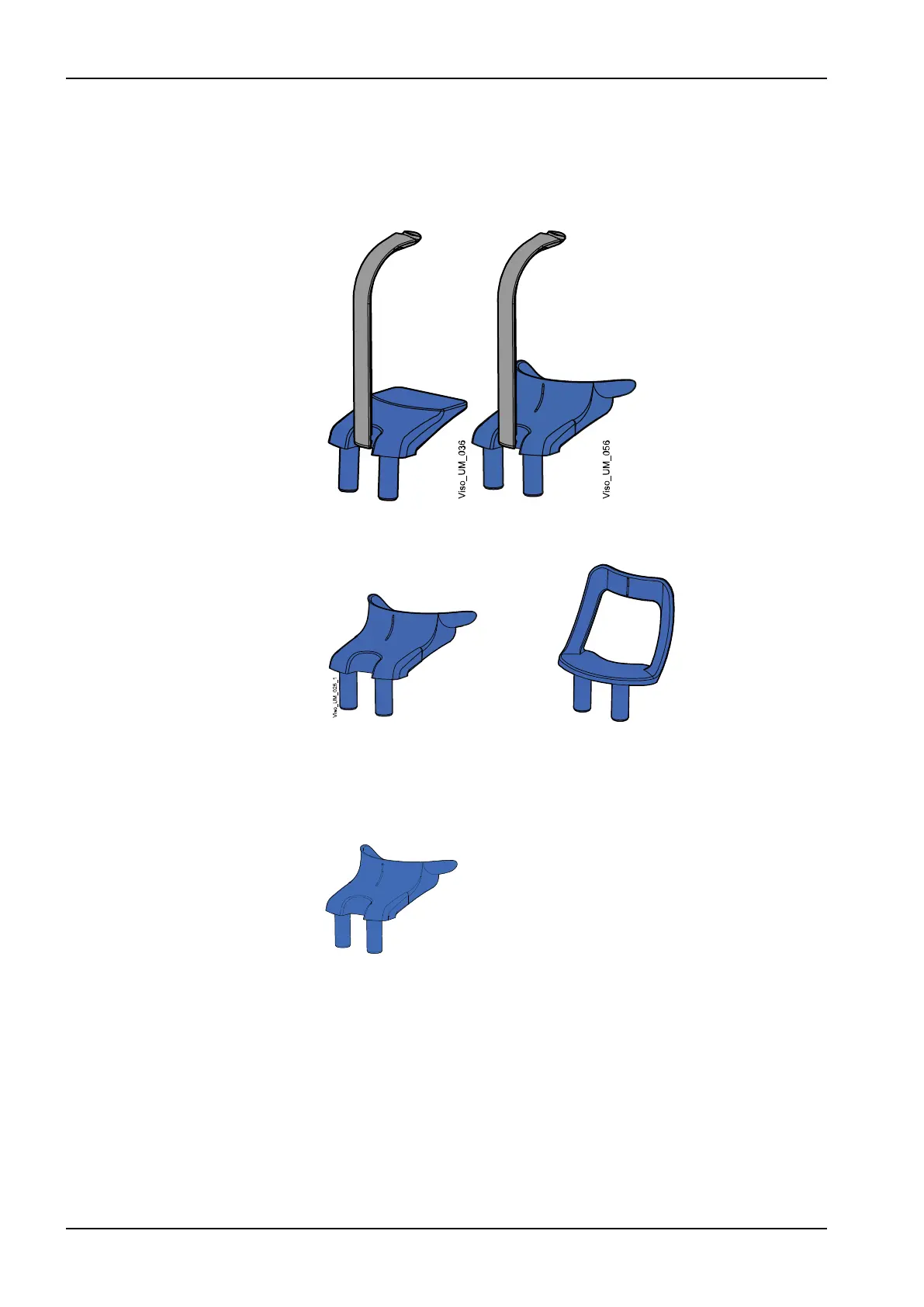
9.1.1.3 Attaching chin supports for 2D panoramic exposures
Steps
1. Attach either of the chin supports together with the bite piece to the
adapter.
You can use the supports below for edentulous patients or for patients
who are unable to bite.
9.1.1.4 Attaching chin supports for 3D exposures
Steps
1. Attach the support shown below to the adapter.
9.1.1.5 Attaching rear head support
Steps
1. Attach the rear head support to the connector on the patient support
base.
9 Before exposure
28 Planmeca Viso User's manual












 To Next Page