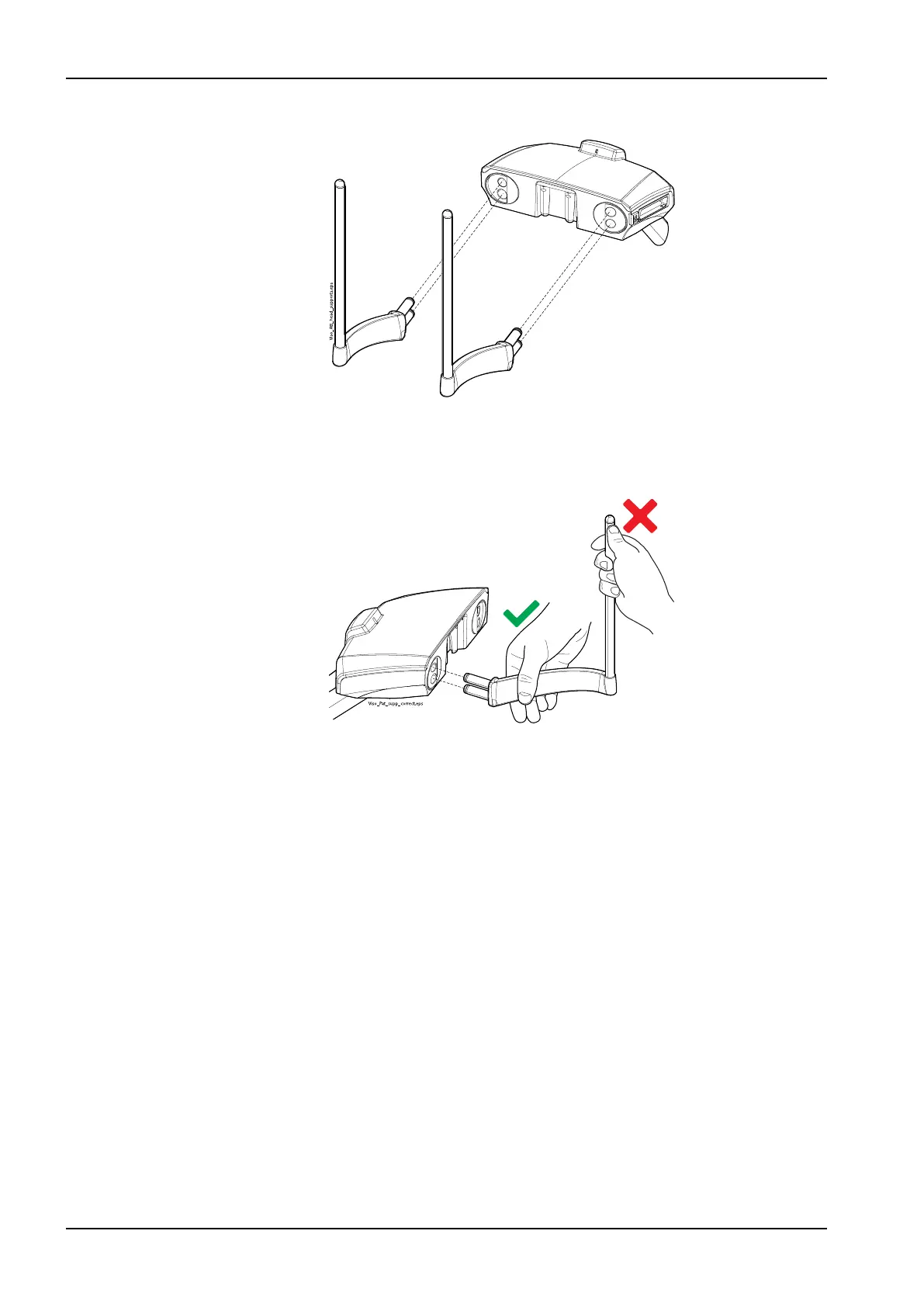
2. Insert the support bars into the connectors in the patient support base.
NOTE
Hold the support bar close to the connecting pins when inserting it into
the patient support base to keep it steady.
Results
The support bar is locked into place when you hear a clicking sound.
9.1.1.8 Removing support bars
Steps
1. Pull the support bar out.
2. Cover the connectors with the silicone plugs.
9 Before exposure
30 Planmeca Viso User's manual












 To Next Page