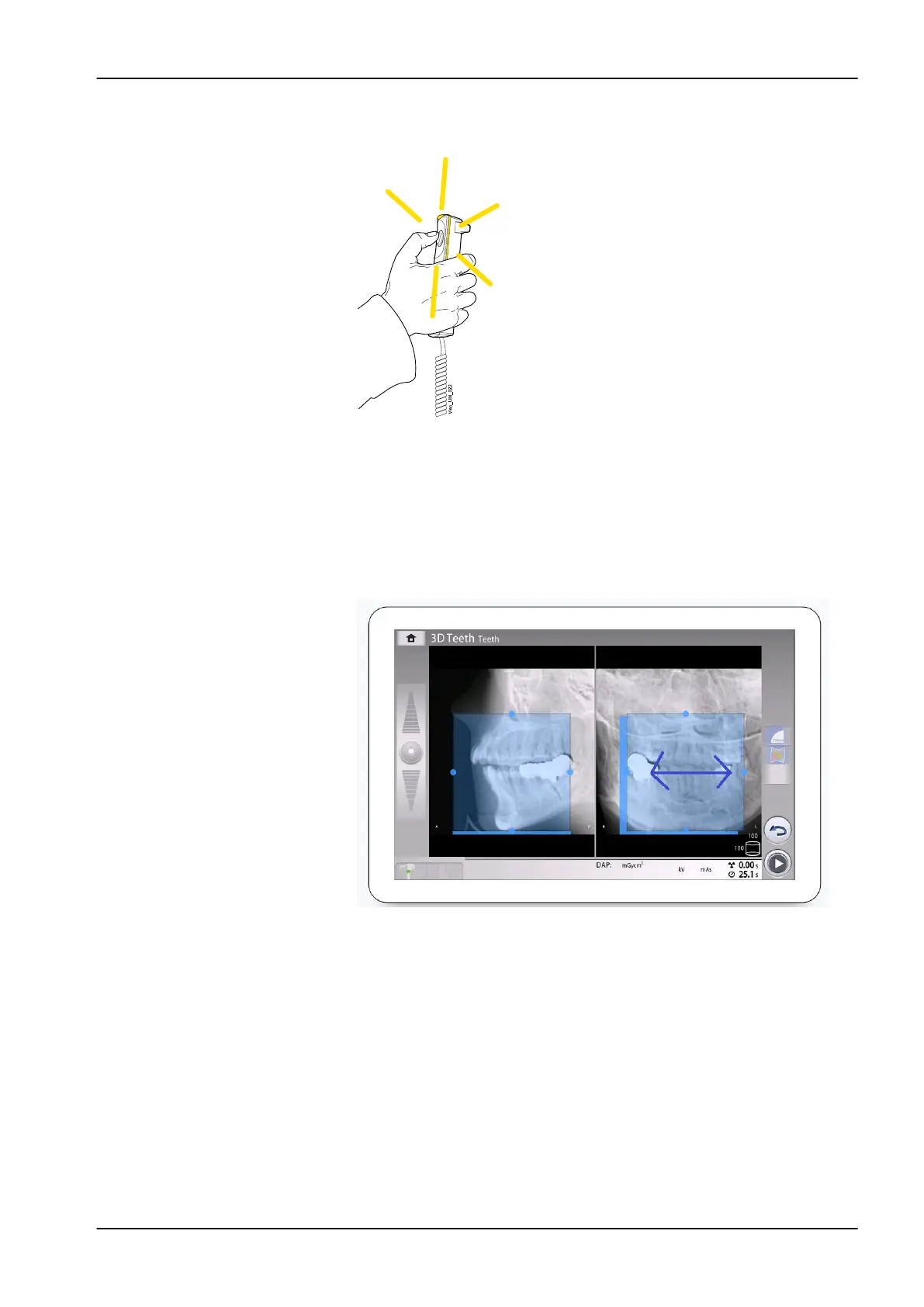
6. Press and hold down the exposure button for the duration of the
exposure.
During exposure yellow radiation warning lights illuminate on the
exposure switch and on the control panel. Additionally, you hear a
radiation warning tone and see a radiation warning symbol on the control
panel.
7. If needed, you can now fine-adjust the volume position and size.
• To fine-adjust the volume position, use your mouse cursor (virtual
control panel) or finger (touch screen) to move the blue area. The
blue area can be moved in any direction.
11 3D exposure
User's manual Planmeca Viso 65












 To Next Page