6. Remove the fastening straps (if used). Release the patient from the head
support.
7. Guide the patient away from the X-ray unit.
Results
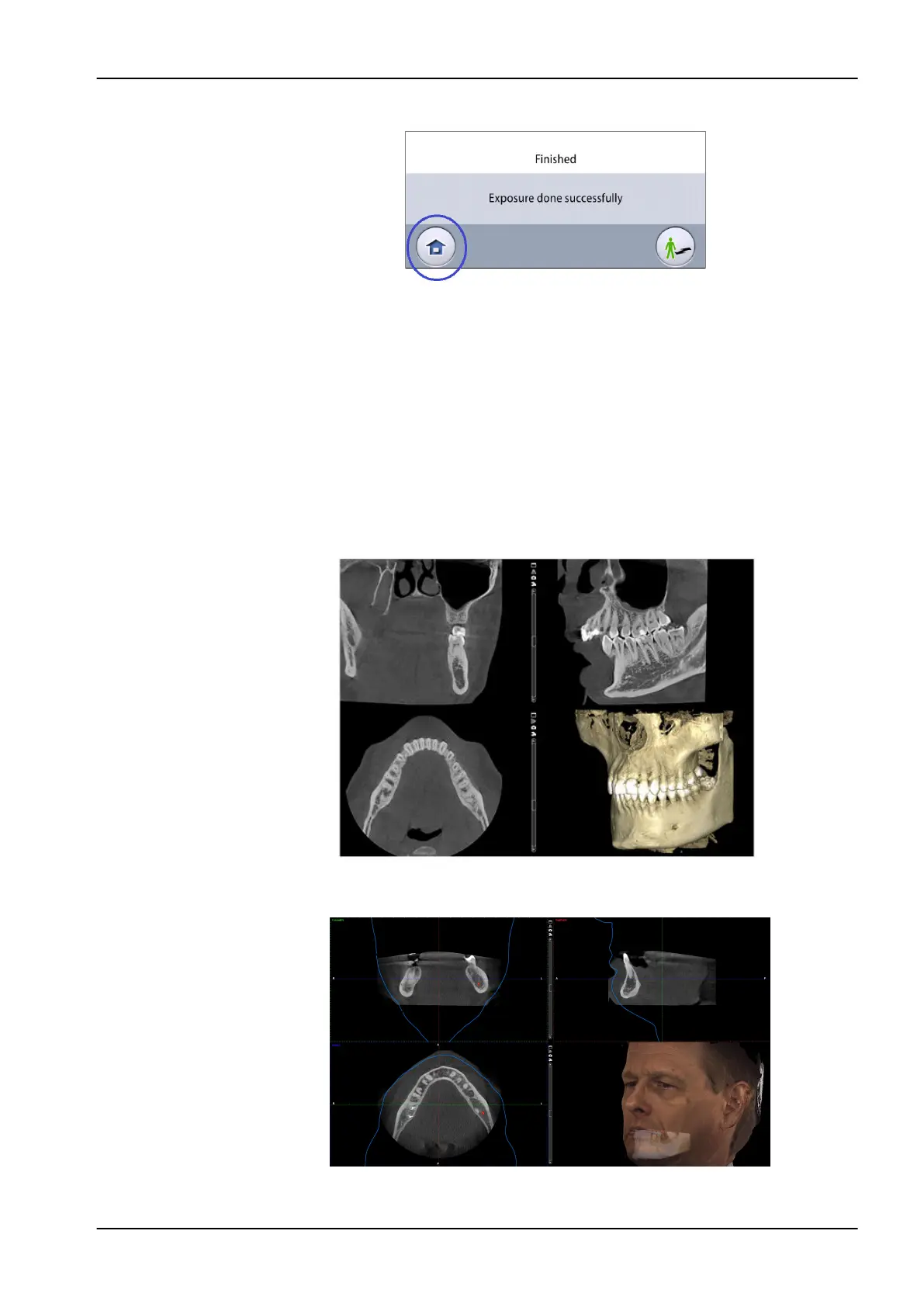
The image is shown on the computer screen.
The image processing time depends on the selected settings. For example,
if you selected the ULD (Ultra Low Dose) button, you have to wait longer
before the image appears.
If you took a skull exposure with two image volumes, you must accept the
image stitching function in the Planmeca Romexis program.
If the ProFace option was selected, the image processing takes some extra
time.
11 3D exposure
User's manual Planmeca Viso 71












 To Next Page