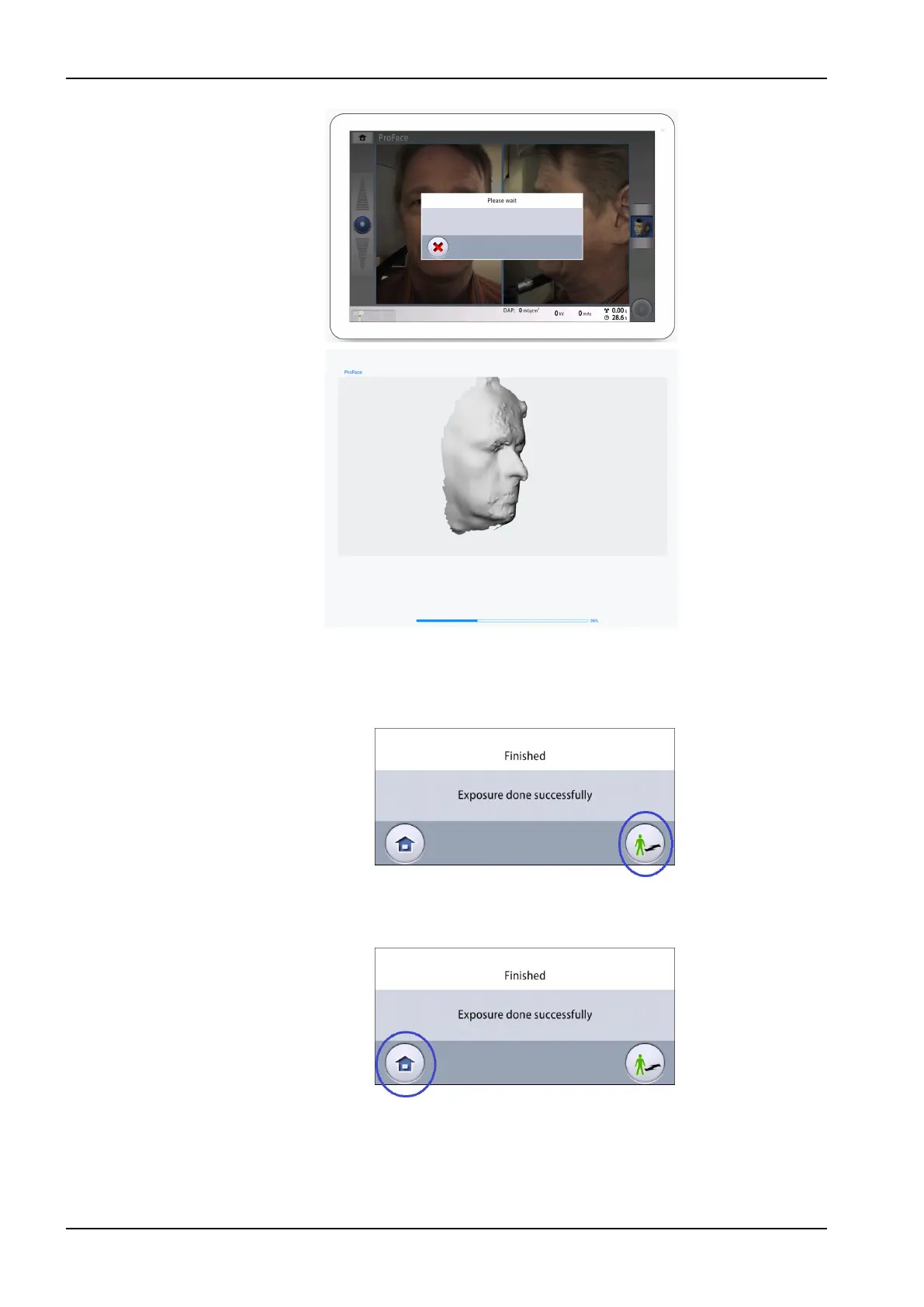
6. You see this message on the touch screen.
• Select this button if you want to retake the exposure with the same
settings.
• Select this button if you want to go to the home screen.
7. Remove the fastening straps (if used). Release the patient from the head
support.
8. Guide the patient away from the X-ray unit.
11 3D exposure
74 Planmeca Viso User's manual












 To Next Page