9. Press the exposure button to take the exposure.
CAUTION
Protect yourself from radiation.
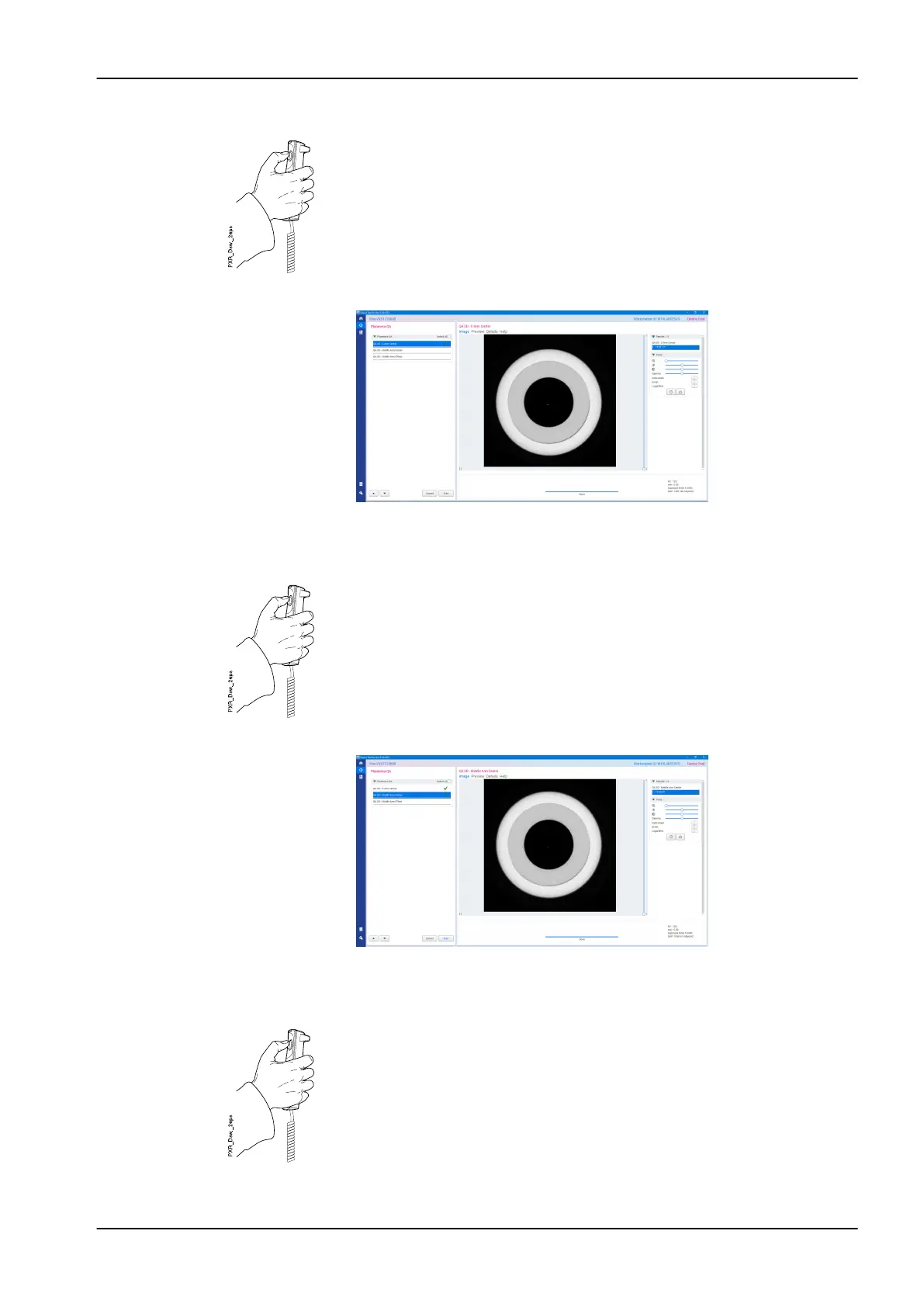
The following image view appears.
10. Select the QA 3D - Middle Arm Center from the calibration task list and
click the Start button.
11. Press the exposure button to take the exposure.
CAUTION
Protect yourself from radiation.
The following image view appears.
12. Select the QA 3D - Middle Arm Offset from the calibration task list and
click the Start button.
13. Press the exposure button to take the exposure.
CAUTION
Protect yourself from radiation.
12 3D quality control
User's manual Planmeca Viso 79












 To Next Page