103
ACTIVE EMULATION
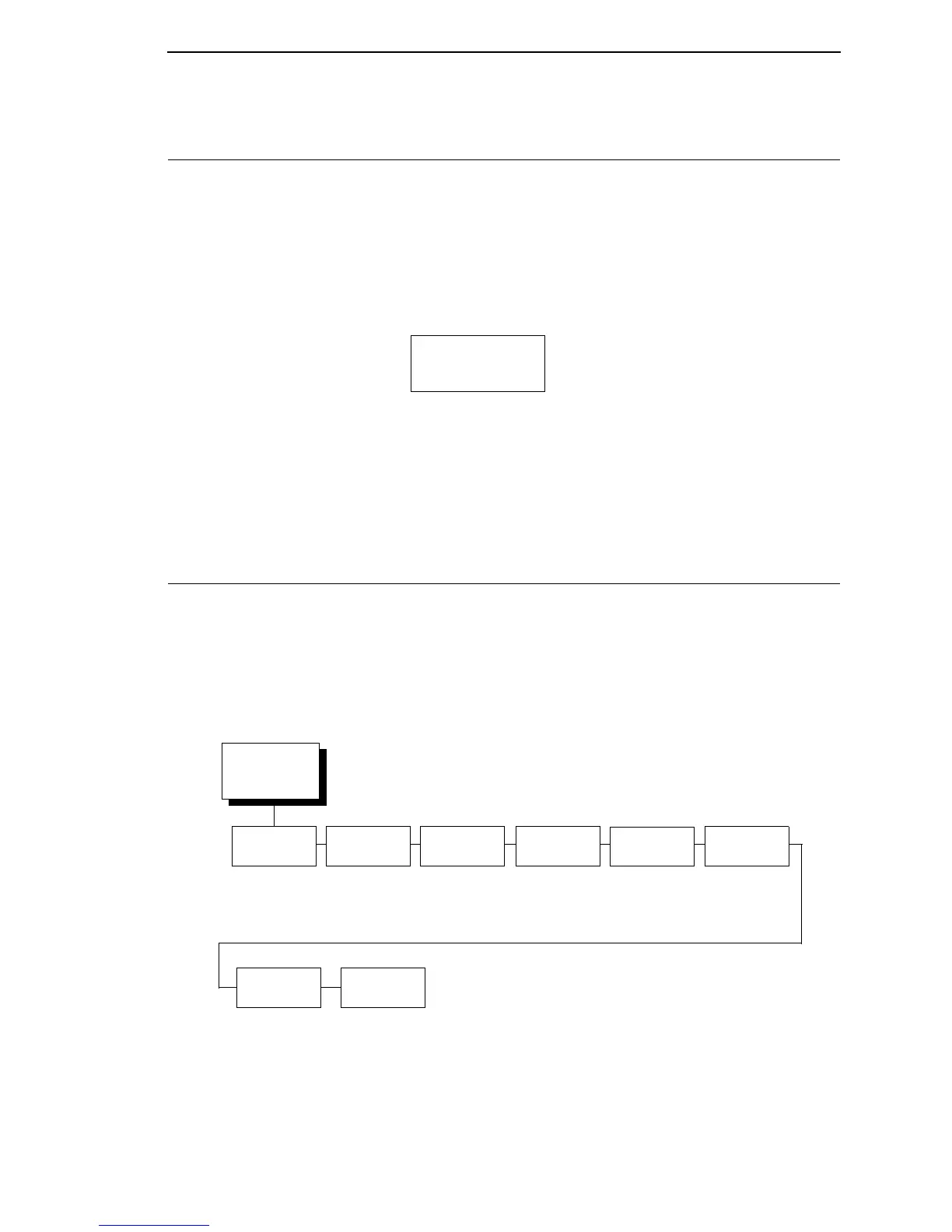
The ACTIVE EMULATION menu allows you to activate the desired emulation
to be used with your printer.
EMULATION
The EMULATION menu allows you to select the emulation to be used with
your printer. The Proprinter XL, Epson FX, P-Series, P-Series XQ, and Serial
Matrix emulations are all part of LinePrinter +. You can configure options for
the active emulation via the EMULATION menu. Emulation options are further
described in their corresponding Programmer's Reference Manual.
ACTIVE
EMULULATION
2, 3, 4
(from page 60)
44/48XX-ANSI
1
PCL-II
1
LG
1
IGP/PGL + LP+
IGP/VGL + LP+
1
If installed
2
If ANSI is installed
3
If LG is installed
4
If PCL-II is installed
EMULATION
(from page 60)
CTHI
1
LinePrinter+ 44/48XX-
ANSI
1
IGP/PGL
1
IGP/VGL
1
IPDS
1
page 104
page 137 page 168 page 177 page 190 page 205
* = Factory Default
1
Optional Emulation
PCL-II
1
page 209
LG
1
page 213













 To Next Page