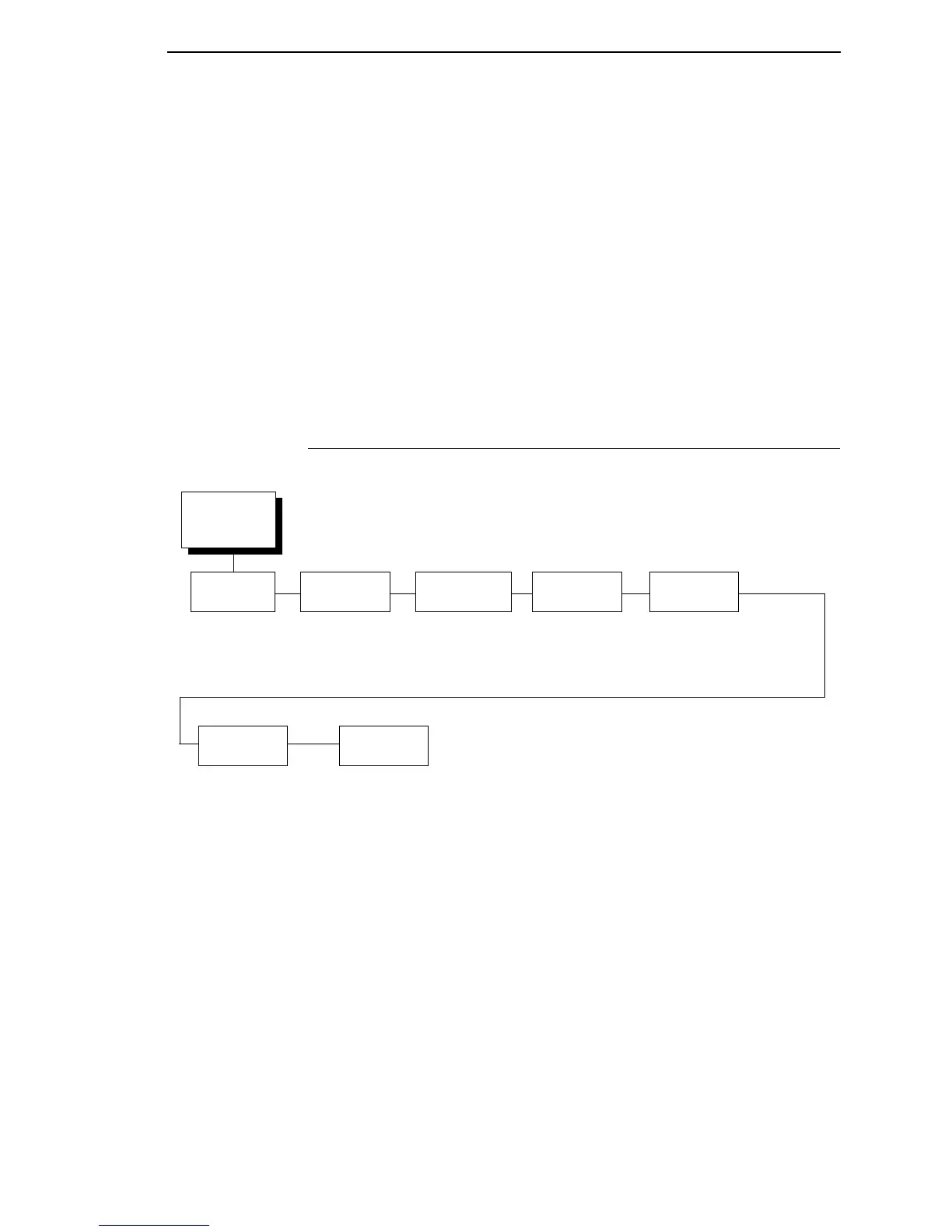
WLAN KERBEROS
99
WPA Cipher
Selects the WPA wireless security cipher setting. Options include:
• TKIP (default)
• AES
• TKIP+AES
WPA P-Phs
Allows you to set the individual bytes of the WPA passphrase.
Reset WPA P-Phs
Allows you to reset all 32 bytes of the WPA passphrase at once.
WLAN KERBEROS
Kerberos Enable
• Disable (default). Disables Kerberos authentication in the wireless
network interface.
• Enable. Enables Kerberos authentication in the wireless network
interface.
WLAN
Kerberos
1
(from page 87)
Kerb.
Passwd
Kerb Pwd(01-15)
Kerb Pwd (16-30)
Kerb Pwd (31-40)
Reset
Kerb. Pwd
Ticket
Lifetime
Tckt Lifetime Units
Seconds*
Minutes
Hours
Days
Tckt Lifetime (SEC)
43200*
* = Factory Default
1
Only if a Symbol radio card is installed.
KDC Port
Number
88*
0-65535
Clock
Skew
Clock Skew Units
Seconds*
Minutes
Clock Skew (Sec)
300*
Renew
Lifetime
Renew Life Units
Seconds*
Minutes
Hours
Days
Renew Life (SEC)
0*
Kerberos
Enable
Disable*
Enable













 To Next Page