220
Chapter 4 PRINTER CONTROL
Display Language
This parameter chooses the language that will appear on the LCD: English,
German, French, Italian, Spanish, or Portuguese.
The factory default is English.
Accented Char
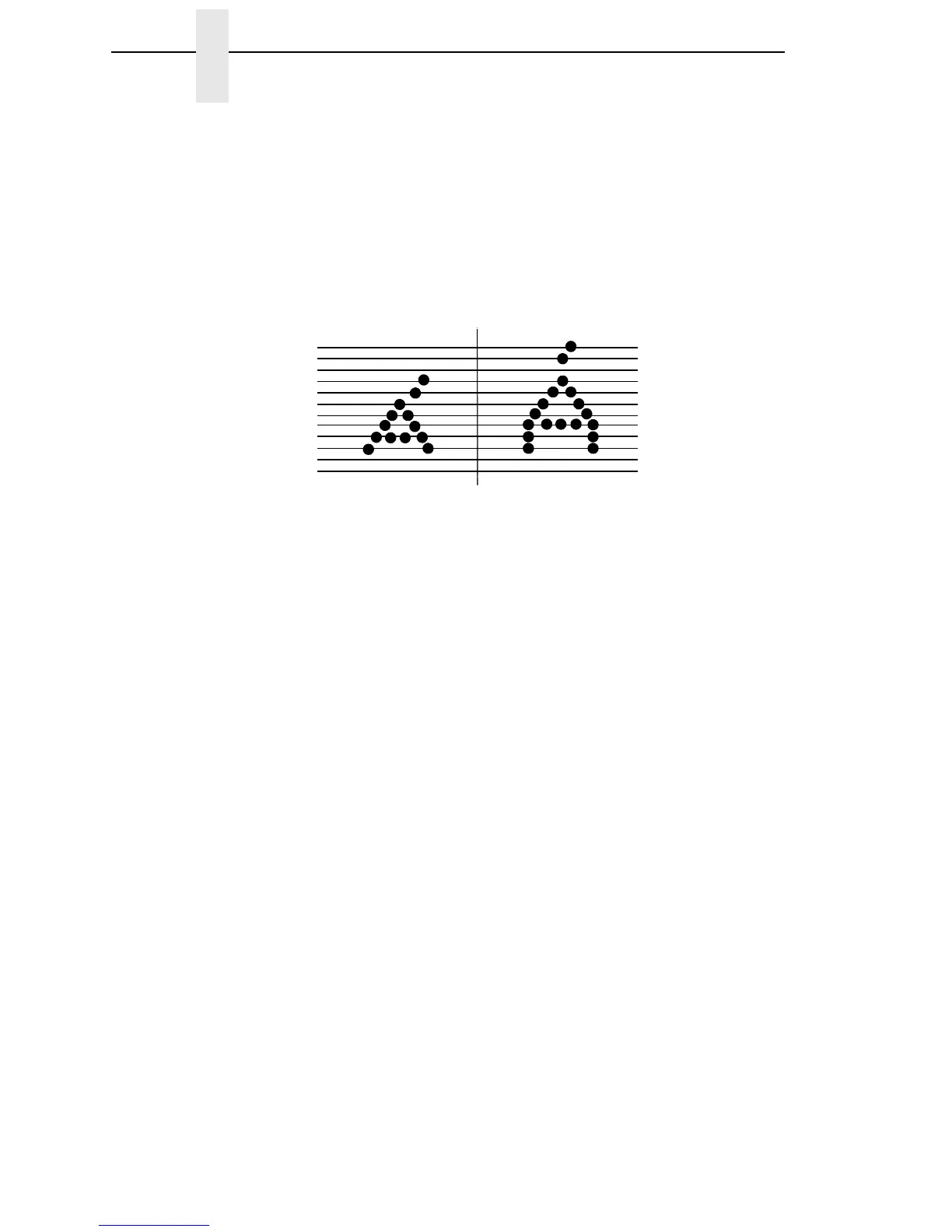
Selects whether the accented characters are standard or tall. See Figure 23
for an example. Selecting tall will slow print speed and may cause the printer
to back up during printing.
Figure 23. Accented Characters
Standard
Tall













 To Next Page